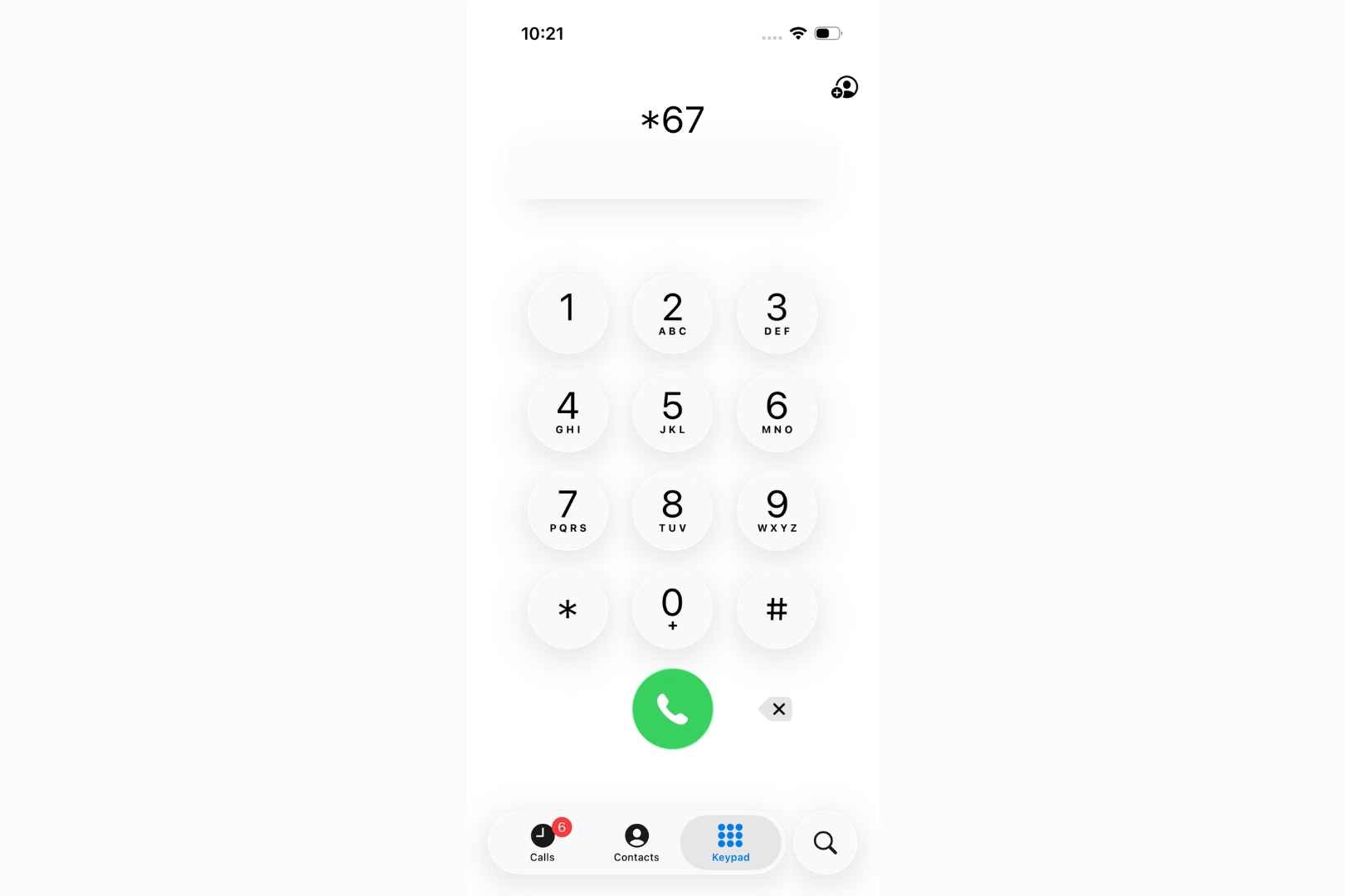
*67 is a vertical service code (phone feature) that blocks your caller ID when making outgoing calls. The recipient sees “Private,” “Blocked,” or “Unknown” instead of your actual phone number. It’s one of the oldest privacy features in telecommunications, dating back to the 1980s.
How to Use It
- Dial *67
- Enter the phone number (include area code)
- Press call
Example: *67-555-1234
Supported devices: Cell phones, iPhones, Android devices, landlines
Cost: Completely free
When *67 Works
- Calling friends, family, or acquaintances
- Contacting businesses or service providers
- Making initial calls to strangers (online sellers, potential dates)
- Calls where you want temporary privacy
- Professional calls where you prefer anonymity
When *67 Does NOT Work
| Situation | Reason |
|---|---|
| Toll-free numbers (800, 888, 877, 866) | These systems require caller ID to function |
| Emergency services (911) | Always shows your number for safety |
| Text messages | SMS doesn’t recognize the *67 code |
| International calls | Outside US/Canada, the feature may fail |
| If recipient blocks anonymous calls | Call gets automatically rejected |
| Some advanced business systems | Modern PBX systems can bypass blocking |
Important Facts You Should Know
- Free to use – No charges from any carrier
- Works on every call – Must dial *67 each time (not permanent)
- Not truly anonymous – Your carrier keeps records; law enforcement can trace calls with a warrant
- Perfectly legal – When used for legitimate purposes (calling strangers, protecting privacy)
- Not legal for – Harassment, threats, fraud, or scams
- Widely supported – Works with Verizon, AT&T, T-Mobile, and most carriers in US/Canada
Other Phone Codes You Should Know
Here’s a reference table of similar codes and what they do:
| Code | Name | Function | Cost |
|---|---|---|---|
| *67 | Per-Call Blocking | Hides your caller ID for a single call | Free |
| *82 | Unblock Caller ID | Temporarily shows your number on one call (if you have permanent blocking enabled) | Free |
| *69 | Last Call Return | Dials back the last number that called you | Free |
| *70 | Call Waiting Disable | Disables call waiting for your current call | Free |
| *71 | Call Waiting Enable | Re-enables call waiting if disabled | Free |
| *60 | Call Block | Blocks calls from specific numbers | Free |
| *77 | Anonymous Call Rejection | Rejects calls from blocked/private numbers | Free |
| *57 | Call Trace | Traces an unwanted call for law enforcement | Usually free |
| *72 | Call Forwarding | Forwards incoming calls to another number | Free (some carriers charge) |
| #31# | International Alternative | Blocks caller ID on some international networks | Free |
Privacy Options Beyond *67
Permanent Caller ID Blocking:
- iPhone: Settings → Phone → Show My Caller ID (toggle OFF)
- Android: Phone app → Settings → Calls → Additional Settings → Caller ID (select Hide Number)
- Landline: Contact your carrier to request permanent line blocking
Temporary Number Apps:
- Burner
- Google Voice
- Temp Phone Numbers
- Allows you to make calls from temporary numbers rather than blocking your real one
VoIP Services:
- More control over what your caller ID displays
- Can mask your number or use business numbers
- Better for business use
Real-World Usage Examples
When to use *67:
- Calling a buyer from an online marketplace before meeting
- Contacting a potential landlord or property
- Making an initial call to a business for price quotes
- Reaching out to someone you just met
- Calling services where you prefer privacy initially
When NOT to use *67:
- Calling friends or family (they likely won’t answer unknown numbers)
- Important business calls (companies prefer identified callers)
- Job interviews or professional inquiries (shows professionalism)
- Emergency situations (always identify yourself)
Limitations You Need to Know
1. Low Answer Rates: Many people don’t answer calls from private numbers, assuming they’re scams or spam.
2. Not True Anonymity: While the recipient won’t see your number, phone carriers maintain detailed records. Law enforcement can subpoena this information.
3. Regional Differences: Some carriers may charge fees for certain features or have different rules.
4. Single-Use: You must dial *67 before every call. It doesn’t stay active.
5. Advanced Systems: Large corporations and government agencies sometimes use advanced caller ID systems that can bypass *67.
Bottom Line
*67 is a simple, free tool for hiding your phone number on individual calls. It works well for legitimate privacy needs—calling strangers, making initial contact, or protecting your information. However, it’s not true anonymity, and it won’t work in all situations.
For permanent blocking or more robust privacy, adjust your phone settings or use third-party apps. Remember: many people ignore calls from blocked numbers, so use *67 strategically rather than for every call.
Also read:

Trust Post Desk
A journalist and editor at TrustPost.org covering world and national news, technology updates and human-interest stories. They check every fact, interview sources in person or online, and aim to deliver clear, accurate reporting. Their work ranges from breaking news to in-depth features and daily newsletters. Outside the newsroom, they follow emerging trends and engage with readers on social media.