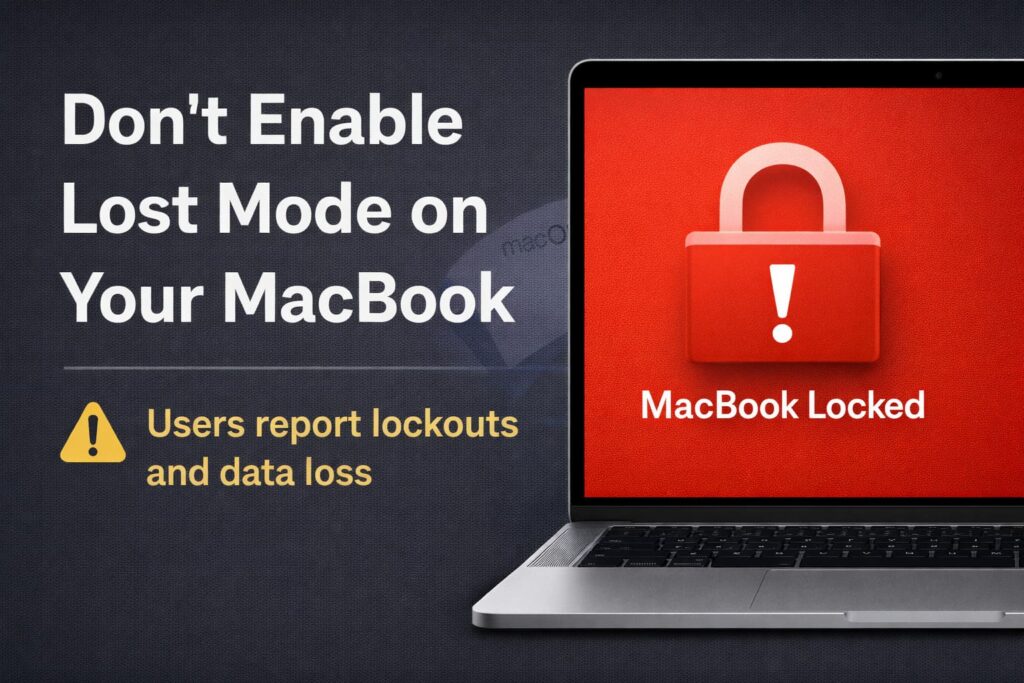
A growing number of Mac users are sharing the same warning: activating Lost Mode for your MacBook can cause serious issues. This isn’t about losing your device — it’s about how Lost Mode behaves in ways many owners aren’t prepared for.
What is Lost Mode?
Lost Mode is a feature in Apple’s Find My system that’s supposed to help you locate and secure a missing device. When enabled, it locks the screen and can display a custom message, making it easier to recover your device.
So What’s the Problem?
According to several users discussing the issue, turning on Lost Mode for a MacBook can lock the device so securely that even the owner can’t get back in without wiping the machine. The result can be:
- A device that won’t accept the password you used before.
- An inability to log in after Lost Mode is triggered.
- Forced erasing of the MacBook to regain access.
One user reported that once Lost Mode was activated, the MacBook wouldn’t let them log in with their usual credentials, even when the device was physically in their possession. The only way to start using the hardware again was to reset it completely — meaning potential data loss if there isn’t a backup.
Why This Happens
Unlike iPhones and iPads, where Lost Mode behavior is more predictable, Macs have different handling for system security and login processes. When Lost Mode is triggered on a MacBook:
- The device enforces a stricter lock state.
- It may override normal login flows.
- It can require verification steps that aren’t clearly communicated.
Some users believe this is because Apple’s security model for laptops is more tied to firmware and system integrity protections. On mobile devices, Lost Mode is built around more standard authentication flows. On Macs, it interacts with deeper system layers, which can result in confusing lock states.
What Users Are Advising
After running into this problem themselves, many Mac owners are passing along these tips:
- Avoid activating Lost Mode on a MacBook unless absolutely necessary.
- If you need to secure a missing Mac, consider other Find My features first, like playing a sound, locking screen with FileVault on, or remotely signing out of accounts.
- Always keep recent backups, especially before using remote lock features.
Bottom Line
Lost Mode sounds like a good idea on paper, but on a MacBook it can lead to a device that won’t let you back in without a reset. Because of how Apple implements Mac security, Lost Mode might behave differently than expected, trapping even the rightful owner outside their own system.
Consider your options before enabling it and make sure you understand the potential consequences.
Also read:
- Spotify Removed the Liquid Glass Effect From Its iPhone App Icon
- What Does the Yellow Exclamation Mark on iPhone FaceTime Mean?
- Longest FaceTime Call Ever: Who Holds the Record and How It Happened
- iPhone Satellite Messaging Can Hold Messages While Offline, Here’s How It Works
- MacBook Pro M5 Pro & M5 Max: Complete Technical Analysis