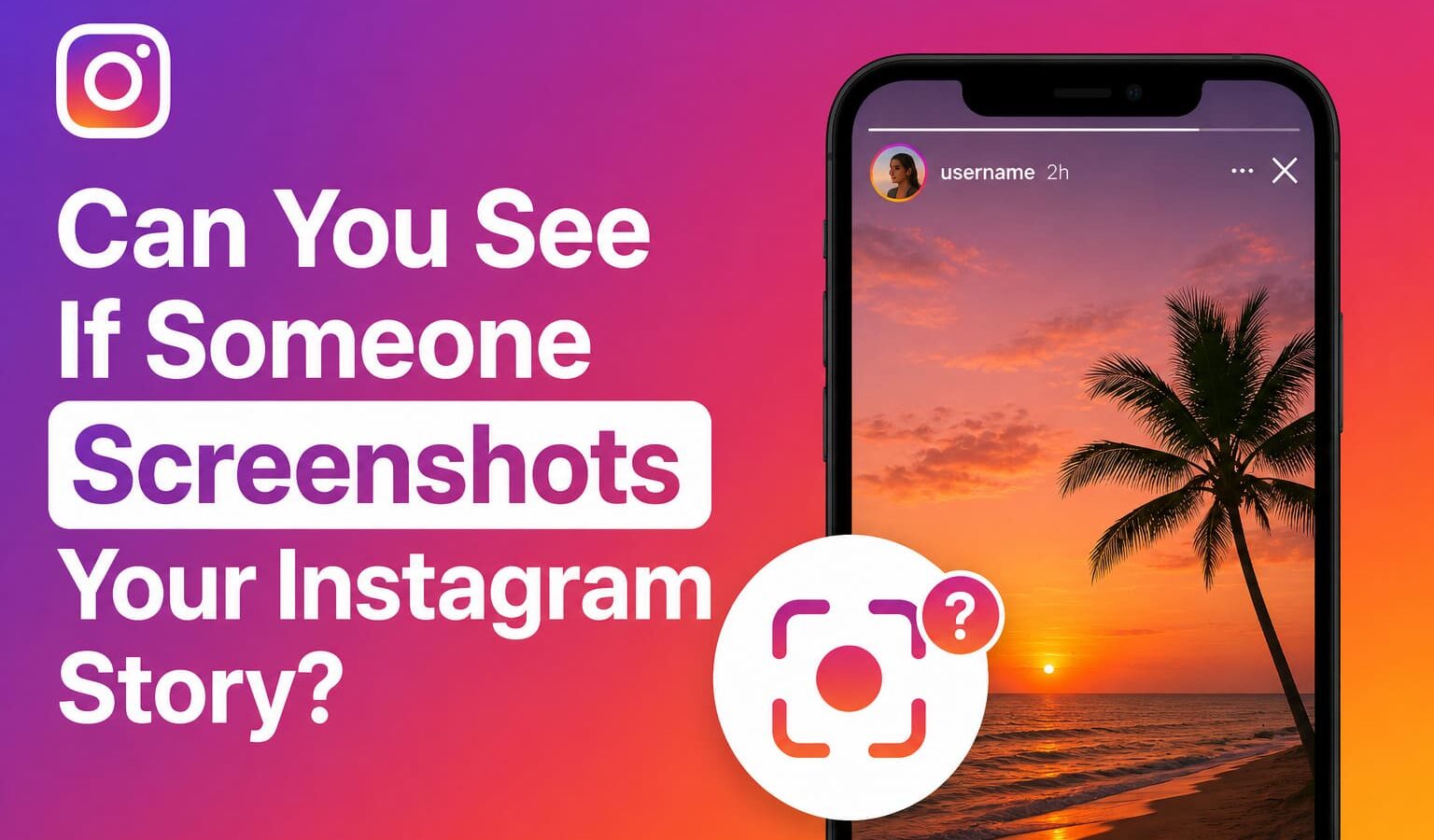
You posted a story, someone saved it, and now you are wondering if Instagram said anything about it. Short answer: no.
Instagram does not notify you when someone screenshots your story. Your viewer list shows who watched, not who saved.
For more context, see our coverage of Social Media Trends 2026.
But that is not the full picture. The answer changes depending on what type of content was saved and how it was sent.
Getting this wrong is what sends most people down the wrong path.
Here is exactly how it works across every scenario.
For more context, see our coverage of Quantum Computing 2026 Where We Are.
Key Takeaways
Instagram removed story screenshot notifications back in 2018 after a brief test period. Since then, there has been no built-in way to know if
someone saved your story. The viewer list shows you who watched. It does not show you who took a screenshot, screen recorded, or saved
the content to their camera roll.
For more context, see our coverage of Meta 6500 Person AI Unit.
This applies to everything on the main feed as well. Posts, reels, profile photos, and highlights are all in the same category. Screenshot freely, no one finds out.
The exception sits inside Instagram Direct.
The Direct Answer
This is where most guides either get vague or skip the details entirely.
The pattern is simple. If the content is designed to disappear after being viewed once, Instagram notifies the sender when someone screenshots it. Everything else gets no notification at all.
When Instagram does send a notification, it shows up as a small camera icon or a text alert inside the DM thread. The sender sees it immediately.
When Instagram Does Notify: The Full Breakdown
Same rules apply. Screen recording a story, post, or regular DM triggers nothing. Screen recording a disappearing photo or video in DMs does trigger
a notification, same as a screenshot would.
The only difference is that screen recording captures audio too, which matters if the content has a voice note or video with sound.
No, and this is worth being direct about.
What About Screen Recording?
There are apps and websites that claim to notify you whenever someone screenshots your story. They do not work.
Instagram’s API does not expose screenshot data to third parties. Any app making that claim is either collecting your login credentials, showing you fake
notifications, or both.
Some of them go further and ask you to hand over your Instagram username and password to “activate” the feature.
That is a straightforward credential phishing attempt. Do not install or sign up for any service making this promise.
The only screenshot notification you will ever get from Instagram is the one Instagram itself sends, and that only happens for disappearing DMs.
Do Third-Party Apps Actually Work for This?
You cannot stop someone from screenshotting your story. But you can control who sees it in the first place.
Close Friends list
Close Friends list is the most practical option. You can add specific people to a Close Friends group and post certain stories only to
that list. The green ring distinguishes Close Friends stories from regular ones. It does not prevent screenshots but it significantly reduces your exposure by
limiting the audience.
What You Can Actually Do About It
Hide your story from specific people
Hide your story from specific people without blocking them. Go to their profile, tap the three dots, and select “Hide your story.” They will
not see future stories at all. This is useful for people you want to keep following but do not want viewing your content.
Private account
Why Instagram Removed Screenshot Notifications
Private account limits your stories to approved followers only. Anyone who does not follow you cannot see your content.
For creators or public-facing accounts this is not practical, but for personal accounts it meaningfully reduces who can screenshot your stories.
Do not post content you would be uncomfortable with someone saving
This sounds obvious but it is the only guarantee. Once something is posted, even for 24 hours, it can be saved, screenshotted, or screen
recorded by anyone who can see it, and Instagram will not tell you about it.
FAQs
Instagram tested story screenshot notifications briefly in 2018. The backlash was immediate. Users felt it created anxiety around normal, casual behavior, since screenshotting a
story to share with a friend or save a recipe is a completely routine action that suddenly carried social weight.
Instagram pulled the feature without ever making it permanent. The platform has not brought it back since, and based on the direction Instagram has
taken toward creator analytics and engagement metrics, there is no sign it is coming back in the near future.
Snapchat still sends screenshot notifications because its entire identity is built around ephemeral content. Instagram was never that product.
No. Instagram does not send any notification when someone screenshots a story. The only time Instagram notifies about screenshots is when someone captures a
disappearing photo or video sent through Instagram Direct.
No. There is nothing in the viewer list, analytics, or notifications that reveals a screenshot was taken. They can see who watched but not who saved.
No. Screen recordings of stories, posts, and regular DMs do not trigger any notification. Screen recordings of disappearing DMs do, just like screenshots of disappearing content.
The sender receives an immediate notification inside the DM thread. It appears as a small alert letting them know their disappearing content was captured.
No legitimate app can do this. Instagram does not share screenshot data with third parties. Any app claiming this feature is either fake, a
scam, or attempting to steal your login credentials.
Also read:
Sources and Further Reading
Learn more at TechCrunch.
Learn more at The Verge.
Learn more at Wired.
Related Articles
- Social Media Trends 2026
- Quantum Computing 2026 Where We Are
- Meta 6500 Person AI Unit

Trust Post Desk
A journalist and editor at TrustPost.org covering world and national news, technology updates and human-interest stories. They check every fact, interview sources in person or online, and aim to deliver clear, accurate reporting. Their work ranges from breaking news to in-depth features and daily newsletters. Outside the newsroom, they follow emerging trends and engage with readers on social media.