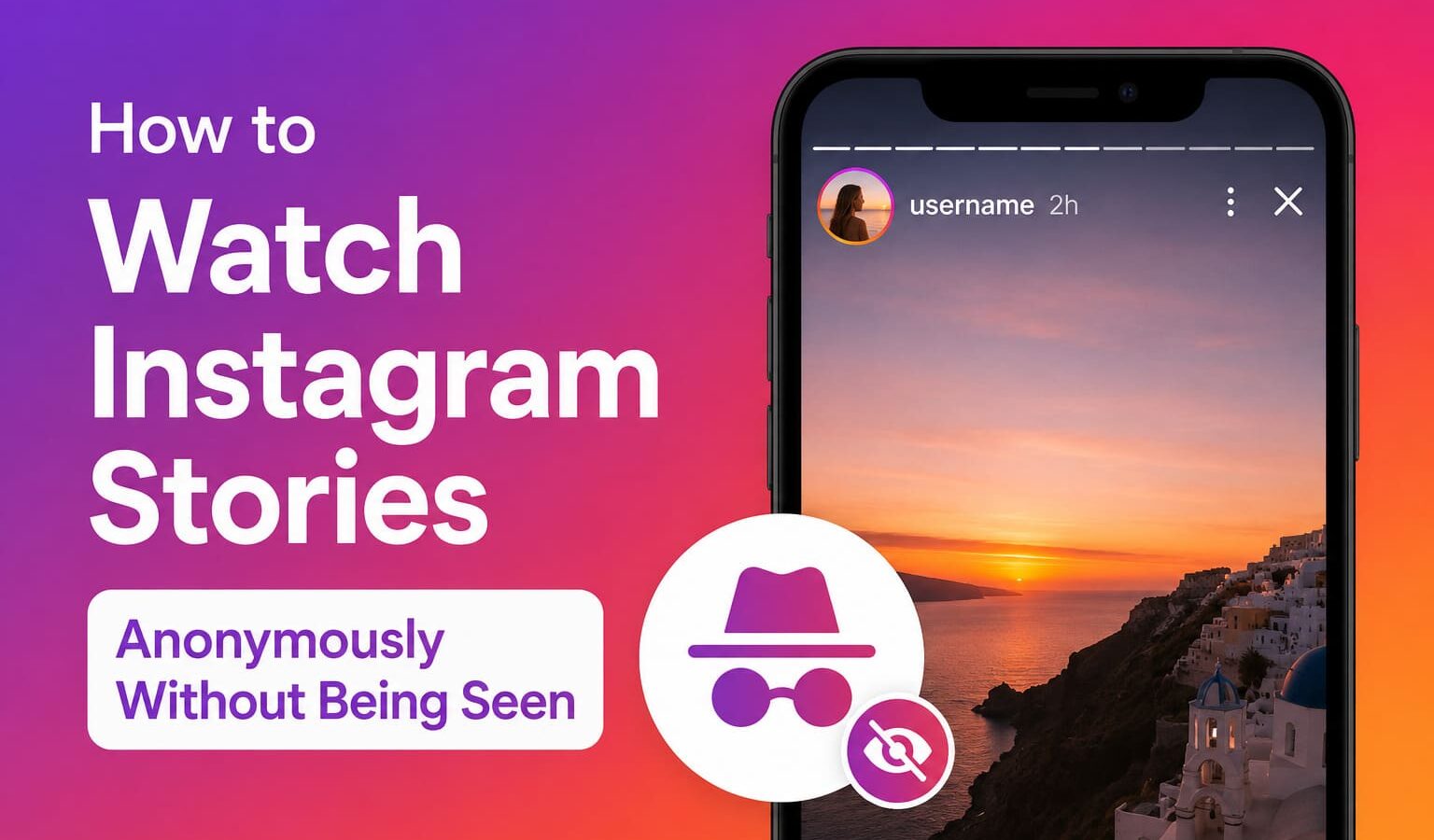
The moment you tap on someone’s Instagram story, your name lands on their viewer list. No delay, no warning.
They can open that list anytime in the next 24 hours and see exactly who watched, in what order, and how many times.
For more context, see our coverage of US-India Trade Deal Latest Updates.
Instagram built that feature on purpose. There is no in-app option to turn it off.
But there are ways around it, some reliable, some not, and some that quietly create new privacy problems while pretending to solve the original
one. This guide walks through every method that actually works, who it works for, and what you are giving up to use it.
For more context, see our coverage of Social Media Trends 2026.
Key Takeaways
The reasons are more varied than most guides acknowledge.
Competitor research is one of the most common ones. Brands and freelancers track what competitors are posting without wanting to signal that they are
watching. A viewer notification is essentially a heads-up that you are paying attention.
For more context, see our coverage of Cryptocurrency Market Update 2026.
Then there are the personal situations. Checking an ex’s story, monitoring a family member, or watching someone you have a complicated history with, where
a simple view would carry more weight than you want it to.
Why People Want to Watch Stories Without Being Seen
There is also a broader category of people who simply prefer to browse without leaving a trail.
Social media platforms log engagement patterns over time, and some users are cautious about what that data says about them.
All of these are valid reasons. The method you need depends on which one applies to you.
This is the most reliable and widely used approach for public profiles. These are websites where you enter any public Instagram username and browse
their active stories without logging into Instagram at all. Since the request comes from the tool’s servers and not your account, your name never
appears in the viewer list.
Method 1: Third-Party Story Viewer Tools (Best for Public Accounts)
Several of these tools are free and require no sign-up:
InstaNavigation pulls stories and highlights cleanly. It works on both desktop and mobile browsers and does not ask for any login.
IGAnony is fast and minimal. You enter the username, it returns the stories. No clutter, no forced redirects.
Method 2: Airplane Mode (Unreliable but Sometimes Useful)
InstaStoriesViewer is a more feature-heavy option used by marketers. It covers stories, reels, and post content from public profiles, though some features sit behind a paid tier.
What they all share in common
They only work for public accounts. Instagram does not expose private account content through any third-party access, and no tool can work around that.
If a site claims it can show you private stories, that is a red flag.
Method 3: The Half-Swipe Peek
The hidden risk
These tools are not neutral. When you use them, you are anonymous to Instagram but not to the tool itself.
The site can see your IP address, device details, and browsing patterns. Some tools run aggressive ads or redirect you to sketchy download pages.
Never enter your Instagram credentials on any of these sites. A legitimate anonymous viewer has no reason to ask for your password.
Stick to HTTPS sites, avoid anything that triggers download pop-ups, and treat each tool as a third party with its own data practices.
Method 4: A Secondary Instagram Account
This trick has been around since 2016 and still comes up in every guide because it occasionally works.
When you open Instagram, the app pre-loads stories in the background before you tap them. That content sits on your device temporarily.
If you disconnect from the internet before opening the story, your phone has nothing to sync back to Instagram.
No sync means no view recorded.
The steps: open Instagram, give it a minute to load, switch on Airplane Mode, watch the story, then force-close the app before reconnecting to
the internet. The force-close step is critical. If the app is still running when your connection returns, it will sync immediately and the view
goes through.
What Does Not Work (And Why)
Where it breaks: if the story has not pre-loaded yet, you will see a loading screen instead of content.
It also does not work on profiles you do not follow, since Instagram does not cache content from accounts you have no relationship with.
And Instagram updates its systems regularly, meaning this workaround can stop working without any notice.
Use it when you are in a pinch and the story has had time to load. Do not build a strategy around it.
This one requires no tools and no tricks, just a steady hand and the right timing.
Which Method Should You Use
When you are watching a story from one account and slowly drag sideways, the next story in the queue begins to peek into frame.
Instagram only registers a view when a story fully opens. If you stop before it loads completely, your name does not appear.
The limitations are significant. You can only peek at whoever happens to be queued next to the story you are already watching.
You cannot target a specific person this way unless they are already next in line. It also requires a very controlled swipe because going
slightly too far opens the story fully.
This is a last resort, not a go-to method.
FAQs
For private accounts, this is the only option that actually works.
Create a new Instagram account using a different email address. Keep the profile generic, no real name, no photo that gives anything away, no
connections to your main account. Follow the person from that account. If their profile is public, you can watch immediately.
If it is private, you send a follow request and wait.
The trade-off is that Instagram can link accounts through device data, IP addresses, and login behavior. It is not perfect anonymity.
If the platform suspects the account is fake or suspicious, it may flag or restrict it. And if the person you are following is
attentive, an obviously blank account following them might still raise questions.
For reliability across both public and private accounts over time, this is the most consistent approach. Just keep the account neutral.
Muting someone removes their stories from your feed but does nothing to your visibility. If you visit their profile and tap their story, your name still shows up.
Restricting an account changes comment and message visibility between you and that person. Story views are completely unaffected.
Turning off your activity status controls whether people can see when you are online. It has nothing to do with the story viewer list.
Using a VPN changes your IP address and encrypts your connection, which is useful for general privacy.
But Instagram ties story views to your account login, not your network location. Watching through a VPN while logged into your account records the
view exactly the same as watching from your couch.
If the account is public and you want the simplest solution, go to IGAnony or InstaNavigation, type in the username, and watch. No setup required.
If the account is public but you want something more consistent for regular monitoring, Inflact or StoriesIG are better suited for repeated use.
If the account is private and you already follow them, the airplane mode trick is worth trying if their stories have had time to
pre-load. It will not always work, but it is the quickest option when it does.
If the account is private and you do not follow them, a secondary account is the only path forward.
Instagram does not send a direct notification, but your username appears in the story viewer list. The account owner can open that list anytime
within 24 hours of posting and see exactly who watched.
Yes, but only for public profiles and only through third-party tools like IGAnony or InstaNavigation. These work without requiring you to log in anywhere.
Private accounts cannot be accessed this way.
Yes, for public accounts. They retrieve publicly available content through their own servers, so your username never touches the viewer list.
Instagram periodically restricts these tools on the backend, so some may go down or slow down, but several reliable ones are consistently available.
For you as a viewer, the risk is minimal. Instagram’s terms technically restrict third-party access to its data, which means the tools themselves operate
in a gray area. You are not at risk of legal trouble for using them, but your account is not involved in the process
anyway since these tools work without your login.
Potentially, yes. Instagram uses device data, IP addresses, and behavioral patterns to detect linked accounts. It does not always act on this, but it
is worth knowing. Using a different device or network for your secondary account reduces that risk.
Also read:
Sources and Further Reading
Learn more at TechCrunch.
Learn more at The Verge.
Learn more at Wired.
Related Articles
- US-India Trade Deal Latest Updates
- Social Media Trends 2026
- Cryptocurrency Market Update 2026

Trust Post Desk
A journalist and editor at TrustPost.org covering world and national news, technology updates and human-interest stories. They check every fact, interview sources in person or online, and aim to deliver clear, accurate reporting. Their work ranges from breaking news to in-depth features and daily newsletters. Outside the newsroom, they follow emerging trends and engage with readers on social media.