
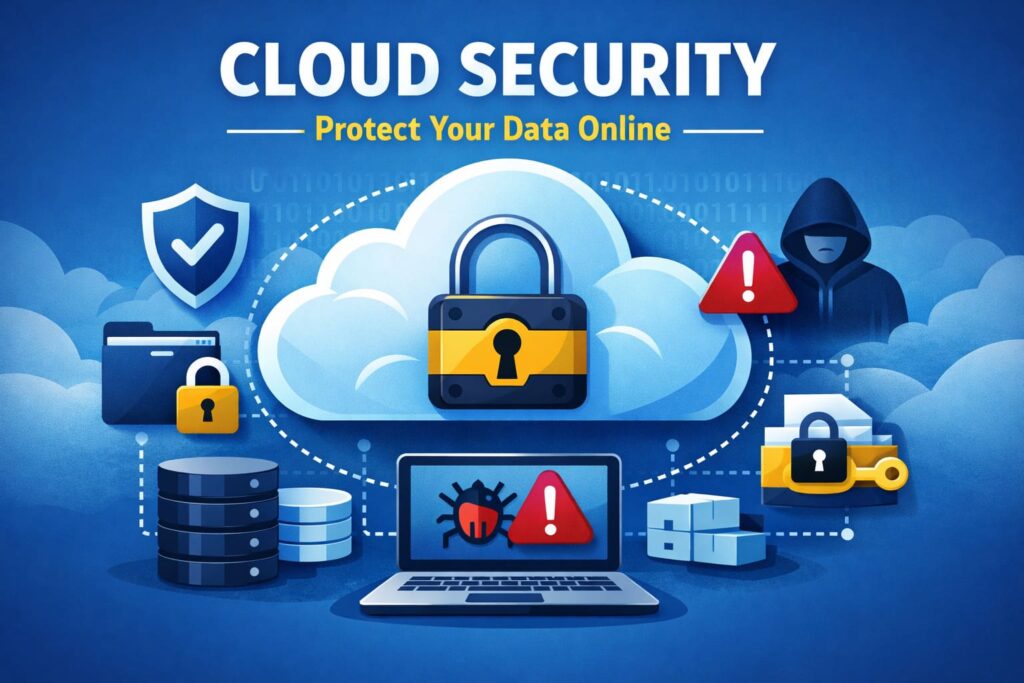
Cloud computing has made work faster, cheaper, and more flexible. From storing files to running apps and managing teams, everything now lives online. But with this convenience comes a big risk. If your cloud setup is not secure, your data, money, and reputation can be at stake.
Every day, companies lose sensitive information because of weak passwords, poor access control, and simple setup mistakes. The good news is that most cloud attacks are preventable.
In this guide, you’ll learn the best cloud security practices in a simple and practical way. No confusing tech talk. Just clear steps you can use to keep your cloud data safe and your business running without stress.
What Is Cloud Security
Cloud security simply means keeping your online data, apps, and systems safe from hackers, leaks, and misuse.
When you store files on Google Drive, run your website on a cloud server, or manage customer data in online software, all of that lives in the cloud. Cloud security is the set of rules, tools, and habits that protect this information.
For businesses and creators, cloud security is about trust. Your customers trust you with their emails, payments, and personal details. If that data leaks, the damage is real. You lose money, users, and your brand image takes a hit.
When cloud security is ignored, things go wrong fast. Files get exposed to the public. Hackers break into admin panels. Malware locks your systems. In many cases, companies only realize there is a problem after the damage is done.
In short, cloud security is not just a tech thing. It is a business survival thing.
Common Cloud Security Risks You Should Know
Most cloud attacks do not happen because of advanced hackers. They happen because of small mistakes. Simple gaps. Lazy habits. One wrong setting.
Here are the biggest risks you should watch out for.
Weak Passwords and Poor Access Control
This is the number one reason accounts get hacked.
People reuse the same password for email, cloud storage, and work tools. One data leak and hackers try that password everywhere.
Example: A small agency used the same admin password for their cloud server and email. Their email got hacked first. Then their entire website was taken over within minutes.
Data Leaks and Misconfigured Storage
Many cloud leaks happen because storage is set to public by mistake. A folder meant for internal use becomes visible to anyone on the internet. Search engines can even index it.
Example: A startup stored customer invoices in a cloud bucket that was open to the public. Anyone with the link could download them.
Malware and Ransomware
Malware sneaks in through fake files, unsafe downloads, or infected apps. Ransomware locks your data and demands money.
Example: An employee downloaded a fake invoice file from email. Within hours, all company files were encrypted and the team lost access.
Insider Threats
This is when someone inside your team misuses access. Sometimes on purpose. Sometimes by accident.
Example: A former employee still had access to cloud storage. Months later, important files were deleted and never recovered.
Unsafe Third-Party Apps
Many cloud tools connect with other apps. If one of them is unsafe, your data is at risk.
Example: A marketing tool connected to a cloud CRM was hacked. Customer data was exposed because the app had full access.
Cloud Security Best Practices You Should Follow
Cloud security does not need to be complicated. Most attacks can be stopped with a few smart habits and the right setup. These best practices cover the basics every business, creator, and team should follow.
Use Strong Passwords and Multi-Factor Login
Your password is the first door to your cloud account. If it is weak, attackers walk right in.
Use long passwords with a mix of letters, numbers, and symbols. Never reuse the same password across tools.
Multi-factor login adds a second lock. After entering your password, you must confirm your login using a code sent to your phone or an app. Even if someone steals your password, they still cannot enter without that second code.
Think of it like a door plus a fingerprint scan.
Control Who Can Access What
Not everyone on your team needs full access.
Role-based access means giving people only what they need for their job. A writer does not need server access. A designer does not need billing access. An intern should not see customer data.
This limits damage if an account is hacked or misused.
Encrypt Your Data
Encryption means locking your files with a secret key.
Even if someone steals your data, they cannot read it without that key. Cloud providers offer encryption for stored data and data moving between systems.
It is like sending a locked box instead of an open envelope.
Keep Your Systems Updated
Updates fix known security holes.
Hackers look for outdated systems because they already know how to break into them. Once a weakness is public, attackers move fast.
Keeping everything updated shuts those doors before anyone can use them.
Monitor Activity and Set Alerts
Your cloud system should never be silent.
Set alerts for logins, file downloads, access changes, and unusual behavior. If someone logs in from another country or downloads a huge amount of data, you should know right away.
Early warnings stop small problems from becoming disasters.
Backup Your Data Regularly
Backups are your safety net.
If files get deleted, corrupted, or locked by ransomware, backups let you restore everything quickly.
Store backups in a separate location so they stay safe even if your main system is attacked.
Secure APIs and Third-Party Tools
APIs connect your cloud systems to other apps. They save time, but they are also a common entry point for hackers.
Only connect trusted tools. Remove apps you no longer use. Limit what each app can access.
Most large data leaks start through a weak third-party connection.
Shared Responsibility Model in Cloud Security
One of the biggest cloud security mistakes is thinking the cloud provider handles everything. They do not.
Cloud security works on a shared responsibility model. This means security is divided between your cloud provider and you.
What the Cloud Provider Secures
Your cloud provider is responsible for the core infrastructure. This includes:
- The physical data centers
- The servers and networking hardware
- Power, cooling, and physical access
- The main cloud platform itself
They make sure the cloud is running, stable, and protected from physical threats.
What You Must Secure
You are responsible for what you put inside the cloud. This includes:
- Your data
- Your user accounts and passwords
- Access permissions
- Your apps and websites
- Your storage settings
- Your backups
If a file is public by mistake or an account is hacked, that is on your side, not the provider’s.
Where People Get Confused
Many people think, “My cloud provider is big, so my data must be safe.” The provider secures the building. You secure the room.
If you leave the door open, anyone can walk in. This confusion is why so many data leaks happen. The cloud is safe. But only if you set it up the right way.
Once you understand this model, cloud security becomes much easier to manage and control.
Cloud Security Checklist
Short on time. Use this checklist to see if your cloud setup is safe.
If you can tick all these boxes, you are already ahead of most businesses.
- Strong passwords for all accounts
- Multi-factor login turned on
- Access limited by job role
- Data encrypted in storage and transfer
- Backups running on a schedule
- Backup copies stored separately
- Activity logs turned on
- Login and download alerts set
- Unused apps and users removed
- Storage set to private by default
This checklist takes five minutes to review and can save you from months of damage control.
Best Cloud Security Tools
You do not need dozens of tools to stay safe. You need the right ones in the right places. Cloud security tools work best when they cover access, monitoring, protection, and recovery.
Firewall Tools
Firewall tools act like security guards for your cloud systems. They block suspicious traffic and stop known attack patterns before they reach your apps and servers.
They protect against brute-force attacks, bot traffic, and common hacking attempts. Most cloud providers offer built-in firewall options, and many businesses also use web application firewalls for websites.
Monitoring Tools
Monitoring tools watch everything that happens in your cloud environment.
They track logins, file access, system changes, and unusual behavior. If something strange happens, they send alerts so you can act fast.
These tools help catch breaches early before real damage starts.
Identity Management Tools
Identity tools manage who can log in and what they can access. They handle user accounts, roles, permissions, and login rules. Many also support multi-factor login and single sign-on.
These tools are the backbone of access control.
Backup Tools
Backup tools create copies of your data on a schedule.
If files are deleted, corrupted, or locked by malware, backups let you restore everything quickly. The best tools store backups in a separate location for extra safety.
Good cloud security is about balance. Protection, visibility, access control, and recovery all working together. Pick tools that fit your setup and grow with your business.
Also read: How to Protect Your Privacy Online: A Practical Guide
Cloud Security Tips for Small Businesses and Startups
Small teams move fast. Budgets are tight. Security often gets pushed aside until something breaks. That is exactly when attacks happen.
The good news is you do not need a big security team to stay safe. You just need smart basics.
Budget-Friendly Advice
Use the built-in security tools from your cloud provider. Most of them already include firewalls, monitoring, encryption, and access control.
Use password managers instead of sticky notes and spreadsheets. They cost little and remove most login risks.
Turn on free alerts and logs. Many teams ignore them even though they cost nothing.
Easy Wins That Make a Big Difference
- Turn on multi-factor login for every account
- Limit access based on job role
- Remove old users and unused apps
- Schedule automatic backups
- Lock storage to private by default
These steps take minutes and block most attacks.
Mistakes to Avoid
- Using the same password everywhere
- Sharing admin accounts
- Leaving old employee access active
- Skipping backups
- Ignoring security alerts
Most cloud breaches in small teams come from these simple mistakes.
Start small. Fix the basics. Build security into daily work. That is how smart teams stay safe while growing fast.
Future of Cloud Security
Cloud security is moving fast, and the next wave is all about speed, intelligence, and automation.
AI-based threat detection is already changing how attacks are stopped. Instead of waiting for known threats, systems now learn normal behavior and flag anything strange in real time.
The zero trust model is becoming the new standard. No user or device is trusted by default. Every login, every request, every action must prove it is safe. This reduces damage even if an account is compromised.
Smarter automation is taking over daily security tasks. From blocking risky logins to fixing unsafe settings, cloud platforms are becoming more self-protecting.
Final Thoughts
Cloud gives businesses speed, scale, and freedom. But without security, all that power becomes a risk.
The good news is simple. Most cloud attacks are easy to stop when the basics are done right. Strong access control. Safe backups. Smart monitoring. Clean system habits.
Security is not about fear. It is about control.
Build good habits today and you avoid painful losses tomorrow. Your data stays safe. Your customers stay confident. Your business stays strong.

Get the TrustPost briefing
The stories that matter, in your inbox. No spam, unsubscribe anytime.
Newsletter signup will be available soon.
Related stories

Dropshipping Marketing: How to Get Your First Sales
Dropshipping marketing that works in 2026: the channels worth using, the profit numbers that matter, how to get first sales, and the mistakes that waste budget.

Amazon Dropshipping: How It Works and the Rules
Amazon dropshipping explained: how it works, Amazon's strict policy, the seller-of-record rule, the pros and cons, and mistakes that get accounts banned.

How to Start a Shopify Dropshipping Store
How to set up a Shopify dropshipping store step by step: account, supplier apps, product pages, fees, and the settings beginners get wrong before launch.