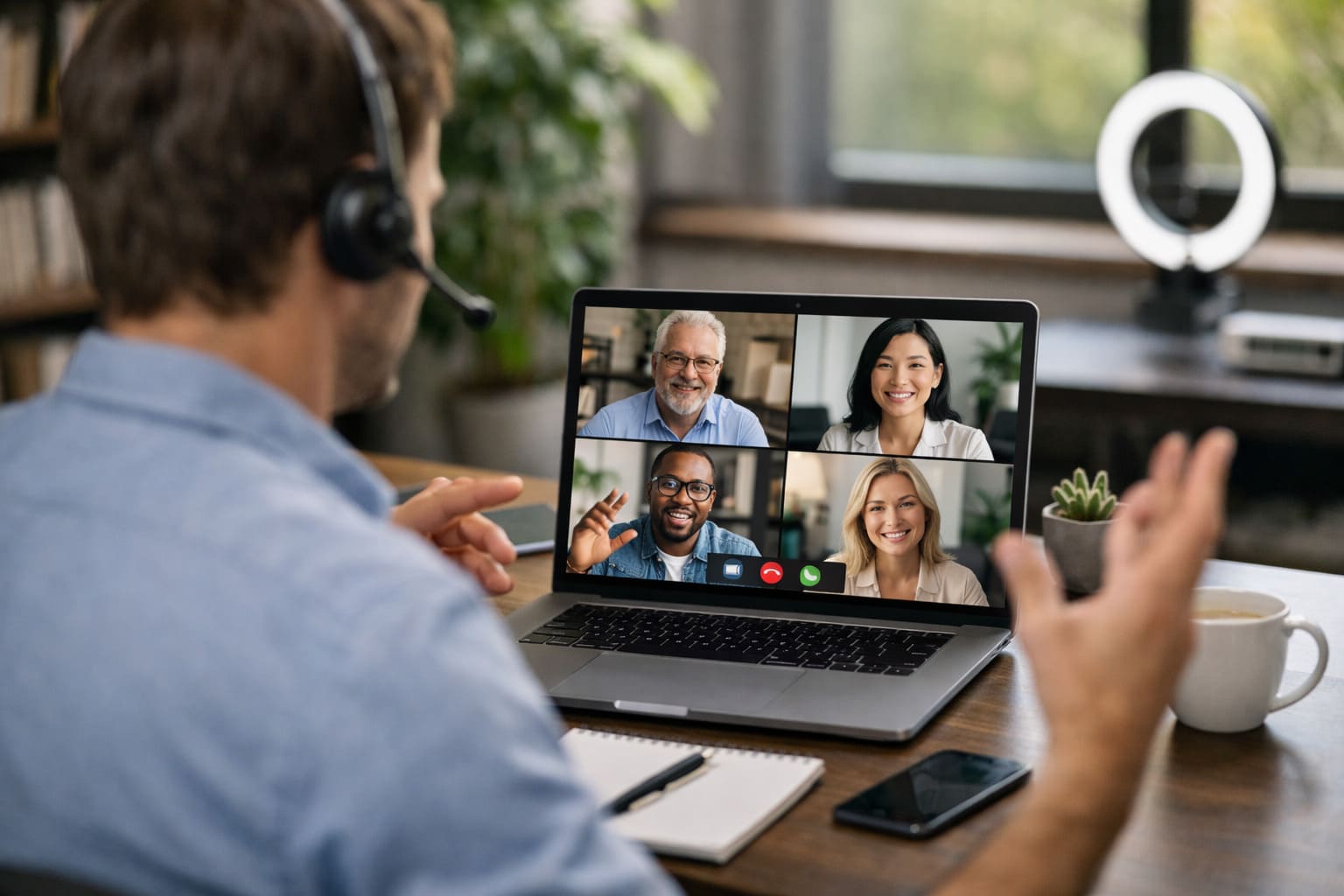
Virtual meeting etiquette is the collection of professional standards that govern how we interact during video conferences and digital collaborations.
As the workplace continues to shift toward hybrid and remote models, these rules serve as the foundation for clear communication and mutual respect.
For more context, see our coverage of Apple Becomes First $4 Trillion Company.
Following proper etiquette ensures that meetings remain productive and that participants avoid the common pitfalls of “digital fatigue.”
Whether you are a seasoned remote worker or new to the digital office, mastering these ten behaviors is critical for maintaining a professional reputation.
Without the physical cues of a traditional office, virtual meetings can easily become chaotic or unproductive. Etiquette provides the structure needed to bridge the gap between physical and digital spaces.
For more context, see our coverage of Space Exploration Milestones 2026.
Why is adhering to virtual meeting standards necessary?
To maintain a high standard of professionalism, incorporate these ten specific behaviors into every digital call.
Always join a meeting with your microphone muted. Background noise—such as a humming air conditioner, a clicking keyboard, or a distant siren—is significantly amplified
over conferencing software. Only unmute when you are actively contributing to the conversation, and return to mute immediately afterward.
For more context, see our coverage of Social Media Trends 2026.
Punctuality in a virtual meeting begins five minutes before the start time. Use this time to test your microphone, speakers, and internet stability.
Joining a call and spending the first three minutes saying, “Can you hear me now?” disrupts the flow and signals a lack of preparation.
10 Essential Virtual Meeting Etiquettes Every Professional Should Know
To create a sense of genuine connection, look directly into your camera lens when speaking, rather than at your own image or the faces
of others on the screen. This simulates the eye contact found in face-to-face meetings and makes your delivery feel more persuasive.
Your environment is a reflection of your professional space. Ensure your primary light source is in front of you (not behind you) to avoid
appearing as a silhouette. Use a professional, uncluttered background or a slight blur effect to keep the focus on you rather than your surroundings.
While working from home allows for comfort, your attire should match the tone of the meeting. Dressing professionally (typically business casual) shows respect for
the participants and helps you maintain a “work mode” mindset.
1. The “Mute by Default” Protocol
To avoid talking over colleagues, utilize the “Raise Hand” feature or the chat box for questions. These tools allow the host to manage the
conversation flow without the awkwardness of multiple people speaking at once.
It is tempting to check emails or finish a report during a meeting, but digital distraction is often visible to others.
Keep your eyes on the screen, avoid visible typing unless taking notes, and keep your phone out of reach to ensure you are fully
engaged.
On camera, small movements are magnified. Avoid excessive fidgeting, touching your face, or leaning too close to the lens.
Instead, use active listening cues like nodding to show you are following the discussion.
2. Test Your Technology in Advance
Respecting the scheduled end time is a major sign of professional courtesy. If a meeting is scheduled for 30 minutes, ensure all points are
covered within that window. If you are the host, announce when there are five minutes remaining to wrap up action items.
In meetings with many participants, always state your name briefly before making a point (e.g., “This is Sarah; I have a question about…”).
This helps others identify who is speaking without having to scan the gallery view.
If the meeting is a large presentation, it is often acceptable to turn your camera off to save bandwidth.
However, in small team meetings or one-on-ones, keeping your camera on is considered the standard for engagement.
3. Maintain Eye Contact with the Camera
Yes. In 2026, privacy standards require explicit consent from all participants before recording or using an AI transcription tool.
If your connection becomes unstable, turn off your video to prioritize audio. If the issue persists, post a quick note in the chat and try rejoining the call.
Virtual meeting etiquette is about more than just technology; it is about empathy and professional respect. By following these 10 essential rules, you create
an environment where ideas can be shared without friction. Treating every digital interaction with the same gravity as an in-person meeting ensures you remain
a valued and effective member of any team.
4. Optimize Your Lighting and Background
Also read:
Sources and Further Reading
Learn more at TechCrunch.
Learn more at The Verge.
Learn more at Wired.
Related Articles

Trust Post Desk
A journalist and editor at TrustPost.org covering world and national news, technology updates and human-interest stories. They check every fact, interview sources in person or online, and aim to deliver clear, accurate reporting. Their work ranges from breaking news to in-depth features and daily newsletters. Outside the newsroom, they follow emerging trends and engage with readers on social media.