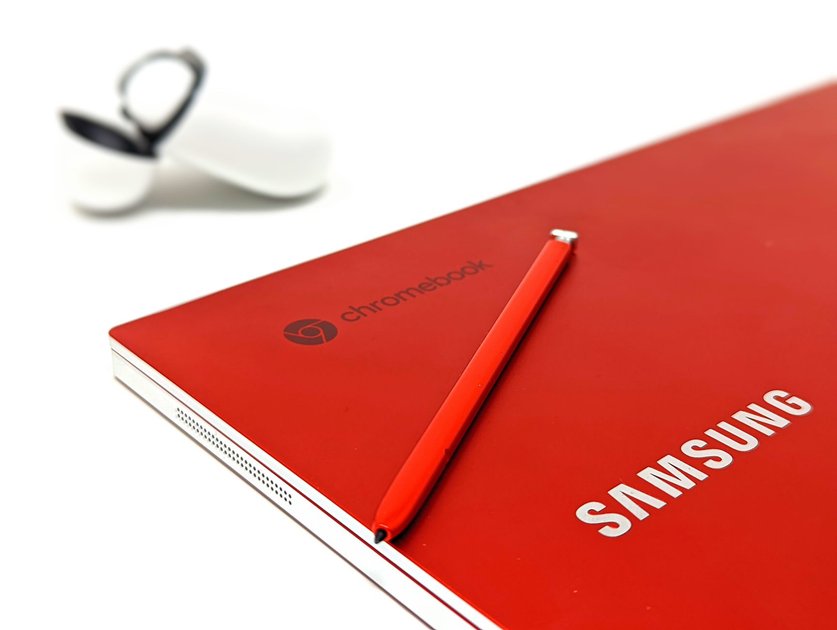
A Chromebook is a laptop that runs Chrome OS instead of Windows or macOS. It is built around the Chrome browser, Google’s web apps, and the Google Play Store. Chromebooks are generally cheaper, faster to boot, more secure by design, and simpler to maintain than traditional laptops. Whether one is right for you depends entirely on how you use a computer.
What Is Chrome OS?
Chrome OS is Google’s operating system designed around the web. The primary interface is the Chrome browser. Most tasks – email, documents, video calls, streaming, social media – happen in browser tabs. Chrome OS also supports Android apps from the Google Play Store and, on most modern Chromebooks, a Linux development environment for running desktop software.
What Chromebooks Are Good For
- Web browsing and streaming: Chrome on a Chromebook is fast, efficient, and excellent for Netflix, YouTube, and general browsing.
- Google Workspace: Docs, Sheets, Slides, Gmail, and Meet are deeply integrated and work better on Chromebook than on any other platform.
- Students: Chromebooks are the dominant device in US schools. They are durable, easy to manage, and affordable.
- Lightweight work: Email, web research, video calls, and cloud-based work applications run extremely well.
- Android apps: Most Android smartphone apps run on Chromebook through the Play Store, including Spotify, Netflix, games, and productivity tools.
What Chromebooks Are Not Good For
- Professional creative software: Adobe Premiere Pro, Final Cut Pro, and the full Adobe Creative Suite do not run on Chrome OS.
- PC gaming: Most Windows games are not available. Google Play offers casual gaming, and Steam on Chrome OS supports many Linux-compatible games, but AAA PC gaming is not a Chromebook strength.
- Specialised Windows software: CAD programs, accounting software, and industry-specific tools designed for Windows often have no Chrome OS equivalent.
- Large local storage needs: Most Chromebooks come with 64GB-128GB of internal storage. They are designed for cloud storage, not large local libraries.
Chromebook vs Windows Laptop vs MacBook
- Price: Chromebooks start around $200-300. Comparable Windows laptops and MacBooks cost $500-1200+.
- Security: Chrome OS is sandboxed and receives automatic updates. It has no history of widespread malware infections.
- Boot time: Chromebooks typically boot in 8-12 seconds. Windows laptops average 20-40 seconds.
- Battery life: Most Chromebooks get 10-12 hours of real-world use. This is comparable to MacBooks and better than most Windows laptops at the same price.
- Software compatibility: Windows and macOS support far more professional software than Chrome OS.
Who Should Buy a Chromebook in 2026?
A Chromebook makes sense if you do most of your computing in a browser, use Google Workspace, want a low-maintenance secondary laptop, or are buying for a student. It does not make sense if you rely on specific Windows applications, do professional video editing or 3D work, or need a powerful gaming machine.
Frequently Asked Questions
Can a Chromebook replace a Windows laptop?
For many users, yes. If your work happens in a browser and Google apps, a Chromebook handles everything a Windows laptop can at lower cost. For users who need specific Windows software, it cannot fully replace a Windows laptop without workarounds.
Can Chromebooks get viruses?
Chrome OS’s architecture makes it significantly more resistant to malware than Windows. Each app and browser tab runs in a sandbox, and the system verifies its own integrity at boot. Chromebooks can still be affected by malicious browser extensions and phishing attacks, but traditional viruses that affect Windows are not a concern.

Trust Post Desk
A journalist and editor at TrustPost.org covering world and national news, technology updates and human-interest stories. They check every fact, interview sources in person or online, and aim to deliver clear, accurate reporting. Their work ranges from breaking news to in-depth features and daily newsletters. Outside the newsroom, they follow emerging trends and engage with readers on social media.