A VPN, or virtual private network, has become one of the most popular tools for protecting your privacy and security online, yet many people use one without truly understanding what it does. Others avoid VPNs entirely because the technology sounds complicated. In reality, the core idea is simple, and knowing how a VPN works helps you decide whether you need one and how to use it effectively.
This guide explains exactly what a VPN is, how it protects your connection, the legitimate benefits and real limitations, and how to choose a trustworthy provider. Whether you want to secure your data on public Wi-Fi, protect your privacy from prying eyes, or simply understand a tool you keep hearing about, this guide gives you the clear, practical knowledge you need.
What a VPN Is
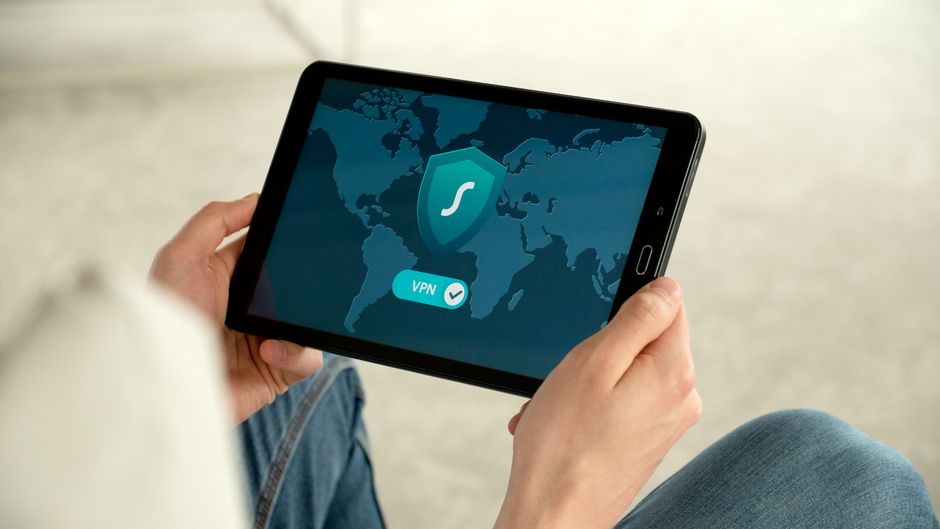
A VPN is a service that creates a private, encrypted connection between your device and the internet. Normally, when you browse online, your data travels directly between your device and the websites you visit, and your internet provider can see where you go. A VPN routes your traffic through a secure server first, hiding your activity and masking your real location.
Think of a VPN as a private tunnel for your internet traffic. Instead of your data traveling out in the open where others can observe it, it passes through an encrypted tunnel that scrambles the information. Anyone who intercepts it sees only unreadable data, and the websites you visit see the VPN server’s address rather than your own, adding a meaningful layer of privacy.
How a VPN Works
When you connect to a VPN, your device first establishes a secure link to a VPN server operated by your provider. All of your internet traffic is then encrypted and sent through this server before reaching its destination. The encryption scrambles your data so that no one along the way, including your internet provider or anyone snooping on a network, can read it.
The VPN server also acts as a middleman that hides your real IP address, the unique number that identifies your device and reveals your approximate location. Websites and services see the server’s IP address instead of yours. This combination of encryption and IP masking is what gives a VPN its two core benefits: privacy from observation and concealment of your location and identity online.
The Real Benefits of Using a VPN
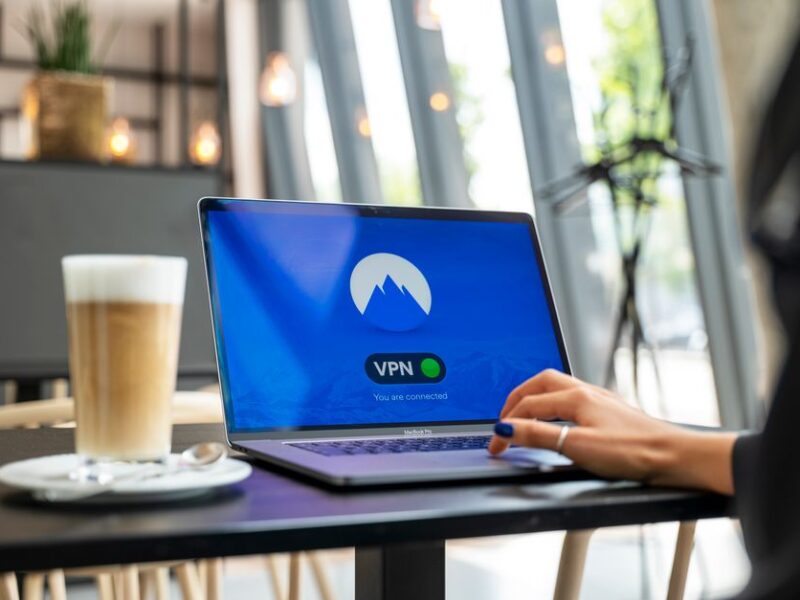
A VPN provides several genuine benefits. The most important is security on untrusted networks, such as public Wi-Fi in cafes, airports, and hotels, where others may be able to intercept your data. By encrypting your connection, a VPN protects sensitive information like passwords and banking details from being captured on these networks.
A VPN also enhances your privacy by preventing your internet provider from tracking and logging which websites you visit. As the FTC notes, protecting your online privacy is increasingly important, and a VPN is one useful tool for doing so. Some people also use VPNs to access content restricted to certain regions, though this depends on the service and may violate some platforms’ terms.
What a VPN Does Not Do
It is just as important to understand a VPN’s limitations, because many people overestimate its protection. A VPN does not make you completely anonymous online. While it hides your IP address and encrypts your traffic, you can still be tracked through browser cookies, your account logins, and other identifying information you provide to websites. A VPN is one layer of privacy, not a cloak of invisibility.
A VPN also does not protect you from malware, viruses, or phishing scams. If you download a malicious file or fall for a fraudulent email, a VPN offers no defense, which is why you still need good security habits and antivirus protection. Our guide to the best antivirus software covers tools that protect against threats a VPN cannot stop.
Free vs Paid VPNs
VPNs come in both free and paid versions, and the difference matters for your security. Free VPNs can be tempting, but they often come with serious trade-offs, including slower speeds, data limits, and questionable privacy practices. Some free providers make money by logging and selling your browsing data, which defeats the entire purpose of using a VPN for privacy.
Paid VPNs from reputable companies generally offer stronger security, faster speeds, no data caps, and a genuine commitment to not logging your activity. Because you are trusting a VPN provider with all of your internet traffic, choosing a trustworthy, transparent company is essential. For most people who want real privacy benefits, a reputable paid VPN is worth the modest monthly cost.
How to Choose a Trustworthy VPN
When selecting a VPN, focus on a few key factors. Look for a clear no-logs policy, ideally one that has been independently audited, so you can trust that the provider is not recording your activity. Strong encryption standards, a good reputation, and transparent ownership are also important signals of a trustworthy service that will actually protect your privacy.
Consider practical factors too, such as connection speed, the number of server locations, ease of use across your devices, and customer support. Reading independent reviews helps you separate genuine quality from marketing claims. As CISA emphasizes, the goal is to choose security tools you can rely on, since a VPN you cannot trust offers a false sense of security rather than real protection.
Do You Actually Need a VPN
Whether you need a VPN depends on your habits and concerns. If you frequently use public Wi-Fi, travel often, or simply want to keep your browsing private from your internet provider, a reputable VPN is a worthwhile tool. It adds a meaningful layer of security and privacy for these situations at a low cost and with minimal effort once set up.
If you rarely leave your secured home network and are not particularly concerned about your provider seeing your traffic, a VPN may be less essential, though it still offers privacy benefits. Either way, a VPN works best as one part of a broader security approach that includes strong passwords, antivirus protection, and careful online habits, not as a single solution to every threat.
VPN on Public Wi-Fi: Why It Matters Most
The situation where a VPN delivers the clearest benefit is using public Wi-Fi. Open networks at cafes, airports, hotels, and libraries are convenient but risky, because they are often unsecured and shared with strangers. On such networks, a bad actor on the same connection can potentially intercept the data you send, including login details and personal information, especially on sites that are not fully encrypted.
A VPN closes this gap by encrypting everything you send, turning your traffic into unreadable code even on an untrusted network. This means you can check your email, log in to accounts, or shop online from a coffee shop with far less risk of someone capturing your data. If you regularly connect to public Wi-Fi, this single benefit alone often justifies using a reputable VPN whenever you are away from home.
Setting Up and Using a VPN
Getting started with a VPN is straightforward. After choosing a reputable provider, you download its app to your phone, tablet, or computer, sign in, and connect with a single tap or click. The app handles all the technical work of encrypting your traffic and routing it through a secure server, so you do not need any technical expertise to benefit from the protection.
Most VPN apps let you choose which server location to connect through and can be set to launch automatically when you join an untrusted network. For the best experience, keep the app updated and leave it running whenever you are on public Wi-Fi or want extra privacy. Once configured, a VPN works quietly in the background, protecting your connection without getting in your way.
Frequently Asked Questions
What does a VPN actually do?
A VPN creates an encrypted connection between your device and the internet, routing your traffic through a secure server. This hides your activity from your internet provider and others, and masks your real IP address and location from the websites you visit.
Is a VPN worth it?
For people who use public Wi-Fi often, travel, or want to keep their browsing private from their internet provider, a reputable VPN is worthwhile. It adds a meaningful layer of privacy and security at a low cost, though it is only one part of staying safe online.
Does a VPN make me anonymous?
No. A VPN hides your IP address and encrypts your traffic, but you can still be tracked through cookies, account logins, and information you share with websites. A VPN is one layer of privacy, not complete anonymity.
Are free VPNs safe?
Free VPNs often come with trade-offs like slower speeds, data limits, and weak privacy. Some make money by logging and selling your browsing data, which undermines the purpose of a VPN. A reputable paid VPN is generally safer and more reliable.
Related Articles
Best Antivirus Software to Protect Your Devices

Trust Post Desk
A journalist and editor at TrustPost.org covering world and national news, technology updates and human-interest stories. They check every fact, interview sources in person or online, and aim to deliver clear, accurate reporting. Their work ranges from breaking news to in-depth features and daily newsletters. Outside the newsroom, they follow emerging trends and engage with readers on social media.