As of 2026, Receiptify no longer works directly with Apple Music because Apple changed the way third-party apps can access music listening data.
This article explains how the situation changed and shows all the methods you can still use to create a Receiptify-style “music receipt” with your
For more context, see our coverage of Social Media Trends 2026.
Apple Music data in 2026.
Receiptify is a free tool that generates a receipt-style visual of your most-played songs based on your listening history.
It began with Spotify support and later added limited support for Apple Music using external data sources.
For more context, see our coverage of Remote Work Trends 2026.
In 2023, Apple updated its APIs, removing the ability for third-party apps like Receiptify to directly access Apple Music listening history.
Because of this restriction, Receiptify no longer works directly with Apple Music accounts.
What Is Receiptify and Why Apple Music Support Changed
Receiptify originally used Apple’s MusicKit API to fetch track data. In the past this let the tool show your top songs from Apple Music
For more context, see our coverage of Nasdaq Surges on Iran Peace Deal and Apple Intel News.
similar to how it works with Spotify. Since Apple tightened its privacy and data access rules, Receiptify can’t fetch that data anymore.
For now, Receiptify still works perfectly with Spotify and Last.fm, but direct Apple Music integration is disabled.
Although Receiptify can’t fetch Apple Music data directly, you can use Last.fm to record your listening history (scrobbling) and then feed that history into
Receiptify. Receiptify can generate receipts from Last.fm play data.
Why Receiptify No Longer Works With Apple Music Directly
Apple Music Replay is Apple’s official tool that shows your most-played songs and total listening time over a year.
It doesn’t create a receipt automatically, but you can use the stats to make one manually.
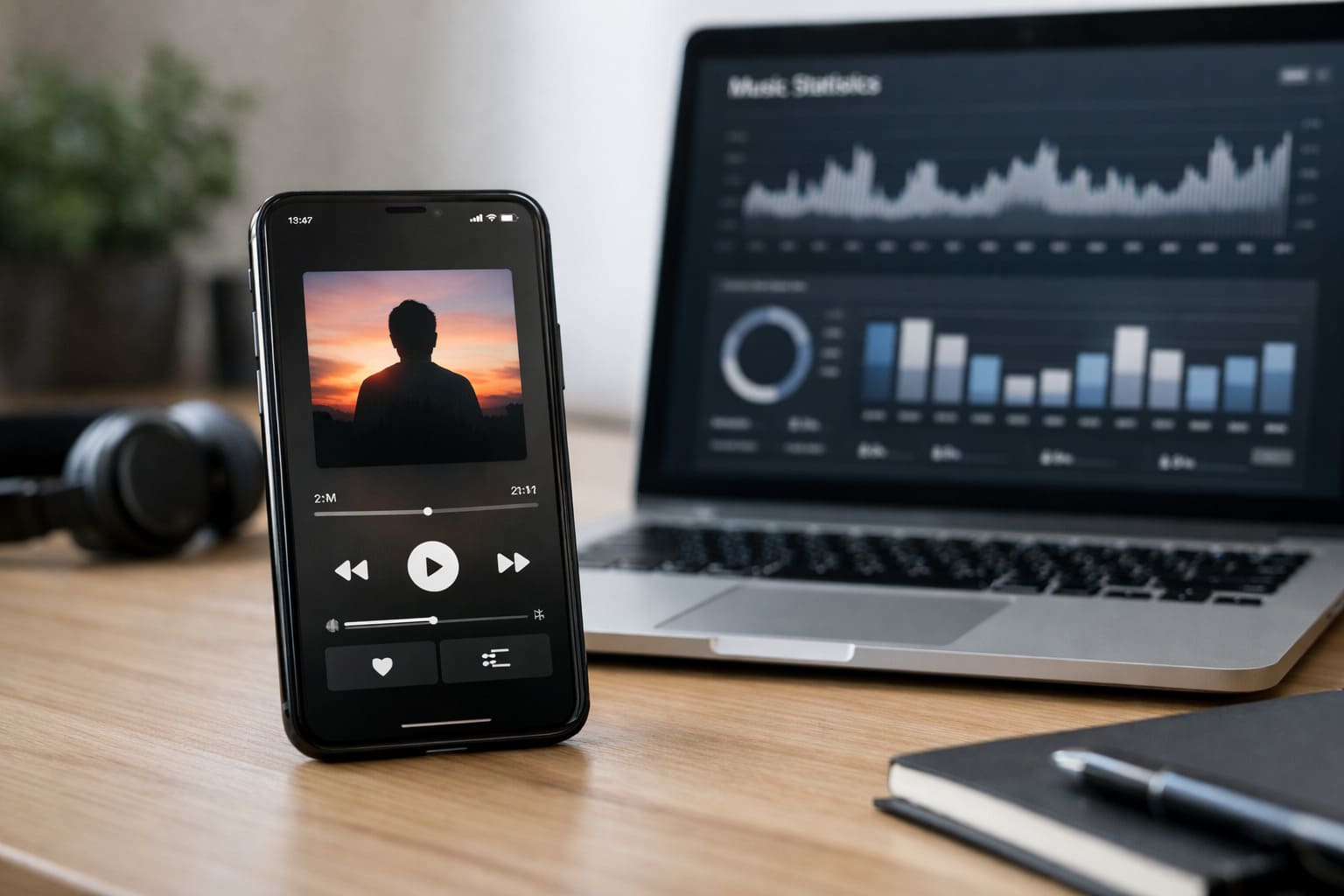
Stats.fm is an analytics platform that shows more detailed listening insights than Apple Music Replay, including top songs, artists, and trends over time.
It often works by linking to your Apple Music or Last.fm account.
Instafest doesn’t create a receipt but makes a visual lineup of your top artists and tracks based on listening history. After generating the poster, you can save and share it.
Method 1: Use Receiptify With Last.fm Scrobbling
No. Receiptify removed Apple Music integration because of API changes. It works with Spotify and Last.fm now.
Last.fm scrobbles your Apple Music plays, so Receiptify can use that logged history to create receipts.
Not exactly. Apple Music Replay gives stats, but you need to make a receipt style image manually.
Why This Works
No. Apple Music Replay, Last.fm, and Stats.fm offer free core features; graphic tools may have optional paid plans.
Receiptify no longer works directly with Apple Music due to changes in Apple’s API policies. To create a receipt-style list of your top Apple
Music tracks, you must either sync your listening history through Last.fm, use Apple Music Replay and make a manual design, or use third-party tools
like Stats.fm. These methods let you still visualize and share your music habits even without direct Apple Music access in Receiptify.
Also read:
How to Set It Up
Sources and Further Reading
Learn more at TechCrunch.
Learn more at The Verge.
Learn more at Wired.
Related Articles

Trust Post Desk
A journalist and editor at TrustPost.org covering world and national news, technology updates and human-interest stories. They check every fact, interview sources in person or online, and aim to deliver clear, accurate reporting. Their work ranges from breaking news to in-depth features and daily newsletters. Outside the newsroom, they follow emerging trends and engage with readers on social media.