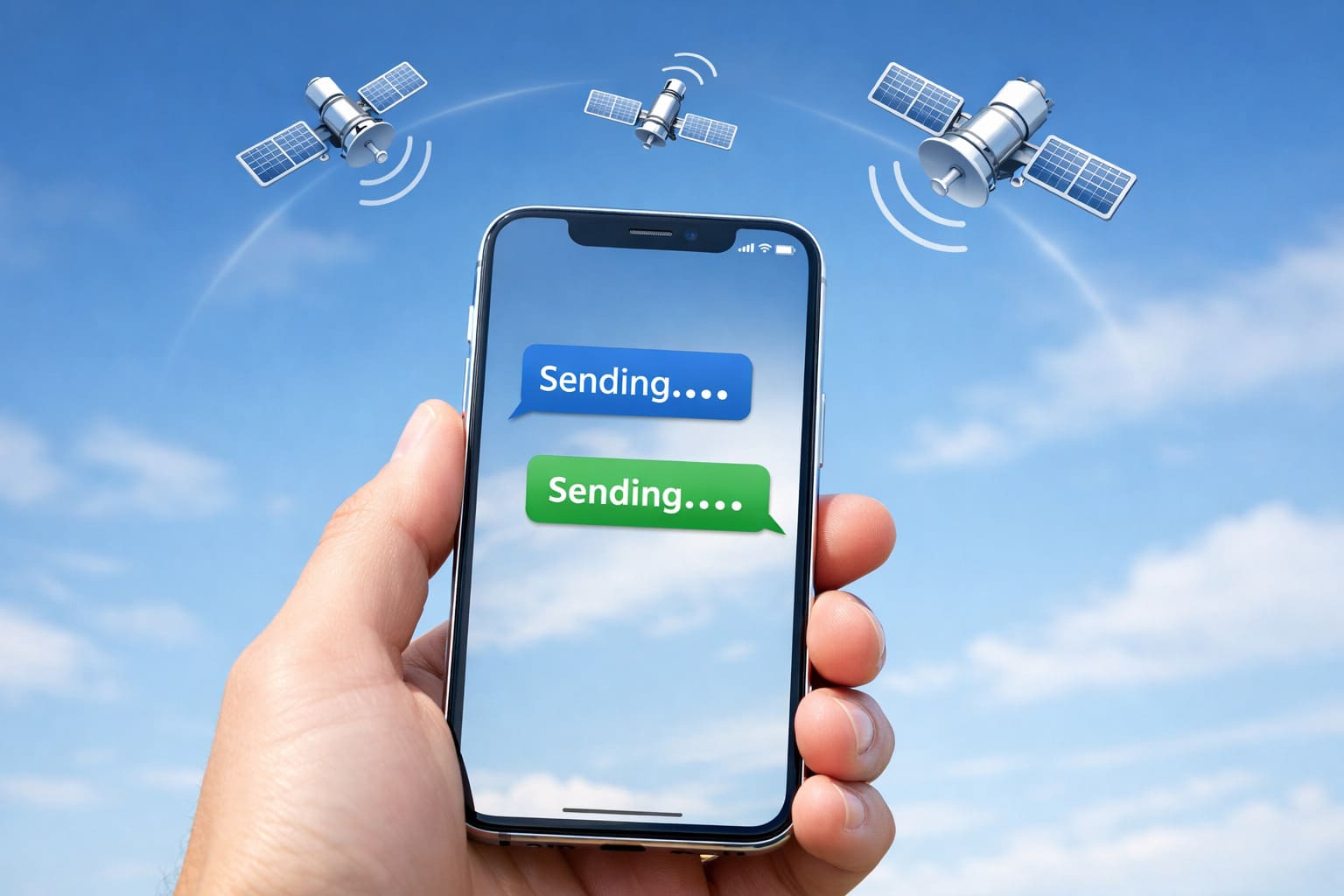
Apple’s satellite messaging feature on iPhone is drawing attention again, this time for how it handles iMessage and SMS when there is no cellular
or Wi-Fi signal. Users testing the feature in real situations have noticed that messages can wait and send once a satellite connection becomes available,
For more context, see our coverage of US-India Trade Deal Latest Updates.
but the behavior is not the same as a normal offline outbox.
Satellite messaging was introduced to help iPhone users stay connected in places where networks simply do not exist, such as remote areas, highways, or during emergencies.
On supported iPhone models, when there is no cellular or Wi-Fi signal, the device can connect directly to satellites.
For more context, see our coverage of Apple Becomes First $4 Trillion Company.
This allows basic messaging features to continue working by sending short text messages through space rather than phone towers.
How iPhone Satellite Messaging Works
Once the phone detects that normal networks are unavailable, it prompts the user to connect to a satellite by pointing the device toward the
sky. After a connection is established, messages can be sent and received.
For more context, see our coverage of Amazon Prime Day 2026 Deals.
This feature is part of Apple’s push to make iPhones usable even in extreme connectivity situations.
One point that often confuses users is message queueing. Many expect messages typed while offline to automatically send later when a connection becomes available.
What Happens to Messages When You’re Offline
That is not exactly how satellite messaging works today.
If you try to send an iMessage or SMS with no signal and without an active satellite connection, the message usually fails or waits
for user action. Messages are only sent once the phone successfully connects to a satellite. The system does not silently store messages in the
background and deliver them later without interaction.
This means users need to actively connect to a satellite for delivery to happen.
iMessage and SMS Behavior
When connected via satellite, both iMessage and SMS can work. If the recipient is using an iPhone, messages are delivered through iMessage.
If not, the system can fall back to SMS once the satellite link is active.
However, the experience is slower than normal texting. Messages may take longer to send, and users often need to remain still with a clear
view of the sky until delivery is complete.
Satellite messaging on the Apple iPhone is not meant to replace standard texting. It is a backup system designed for safety and basic communication when everything else fails.
What This Means for iPhone Users
There is currently no automatic offline queue that sends messages later without user involvement. Instead, the feature relies on manual satellite connections, clear positioning, and patience.
As Apple continues to improve satellite features in future iOS updates, users expect smoother handling of queued messages and fewer manual steps.
For now, knowing how the system behaves can prevent confusion when sending messages in no-signal areas.
Also read:
Where to Buy: Shopping for an Apple device? Browse the Latest Apple iPhone on Amazon – including the latest Pro and standard models with Prime delivery.
Sources and Further Reading
Learn more at TechCrunch.
Learn more at The Verge.
Learn more at Wired.
Related Articles

Trust Post Desk
A journalist and editor at TrustPost.org covering world and national news, technology updates and human-interest stories. They check every fact, interview sources in person or online, and aim to deliver clear, accurate reporting. Their work ranges from breaking news to in-depth features and daily newsletters. Outside the newsroom, they follow emerging trends and engage with readers on social media.