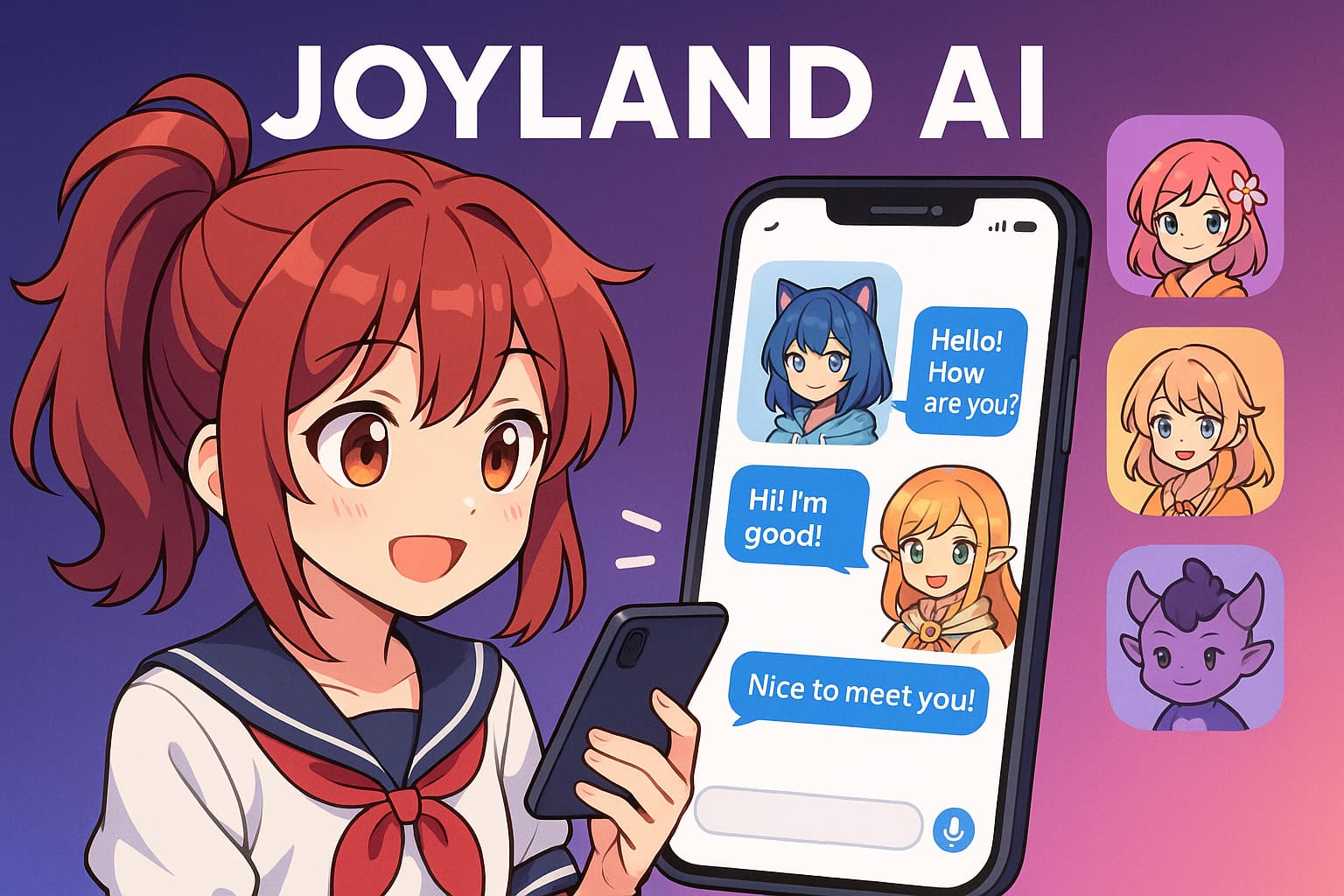
Joyland AI is a place where people can talk with made-up characters. These characters are created by users. Some are cute. Some are funny. Some are romantic. Some act like story heroes. Some act like best friends. Joyland gives a relaxed space to talk, imagine, and have fun with characters.
People like Joyland because it feels warm. It gives you a break from boring chat tools. You can shape your own character and talk with it whenever you want. You can also chat with characters made by other users. It feels like a friendly digital world where stories come alive.
This guide will give you clear info about Joyland AI. You will learn how it works, how to make your own character, how the system responds, how safe it is, how much it may cost, and when it makes sense to use it.
What is Joyland AI
Joyland AI is an online tool that lets you talk with AI characters. Think of it like a village filled with characters. Some characters act cute and sweet. Some act cool and bold. Some act silly. You can choose any of them and start talking.
People use Joyland to relax, enjoy stories, and share moments with these digital friends. You can also make your own character in minutes. You only need a name, a role, and a short story about who that character is. Joyland takes that info and builds a character with a unique voice.
It is not made for serious work. It is not a business tool. It is made for fun, comfort, stories, and creativity.
Why Joyland AI Became Popular
Joyland grew fast because it matches how younger users talk online. People love characters. People enjoy anime. People enjoy roleplay. People enjoy stories. Joyland mixes all these into one easy place.
Young users spend long hours on their phones. Joyland fits this pattern. You can chat with a character during a bus ride, a study break, or late at night when you feel lonely.
Another reason is the public feed. This feed shows characters made by others. People scroll through it like they scroll through short video apps. Every character feels like a new surprise.
Joyland gives people a safe escape from daily stress. Someone may not want to talk with real people every day. Joyland characters give a sweet break.
How Joyland AI Works
Joyland uses a simple system. You talk to a character. The system checks that character’s traits. Then it gives a reply that matches the traits.
Account setup
You create an account. Then you enter the main screen. You will see many characters created by the community.
Character profile
Each character has a profile. The profile has a name, traits, personality, and backstory. This profile guides the AI.
Reply engine
The reply engine looks at your message. Then it looks at the character profile. Then it mixes both and gives a reply in the character’s unique voice.
Memory
Some characters can remember older chats. This makes them feel more real and stable. You decide if you want memory active or not.
Story mode
Long story chats are possible. You can ask the character to play a scene. You can ask for a plot. You can ask for drama or humor. The character follows your lead.
Publishing
If you build a character, you can keep it private or share it with everyone.
How to Create a Joyland AI Character
You can make a character in a few steps. This part is super easy.
Step 1. Open the Create panel
You will see a simple form. You fill it with basic info.
Step 2. Pick a clear role
Pick a role that is easy to understand. A few ideas:
- A gentle friend
- A funny robot
- A brave knight
- A shy poet
- A kind teacher
A clear role helps the system know how the character should talk.
Step 3. Write a short backstory
Keep your backstory simple. You do not need a long story. Just write where the character comes from, how they act, and what mood they have.
Step 4. Add sample lines
Write two or three small examples of how the character talks. This teaches the system the tone.
Step 5. Choose memory
Turn memory on if you want the character to recall past chats. Turn it off if you want each chat to feel fresh.
Step 6. Test
Send five different types of messages. Give a funny one. Give a serious one. Give a short one. Give a long one. This helps you see if the tone is correct.
Step 7. Publish or keep private
You can keep the character for yourself or share it with the world.
Joyland AI Features in Detail
Users love Joyland because of its feature set. Here is a simple breakdown.
Character builder
This tool lets you shape a character. You control voice, mood, style, and memory. You do not need to be a tech expert.
Public feed
This is a feed full of characters created by users. You can scroll through it and try any character.
Story mode
Story mode lets you build longer scenes. You can create romance scenes, action scenes, fantasy scenes, or normal life scenes.
Mobile access
Joyland works well on phones. Many users talk with characters during breaks.
Creator tools
Creators can share their characters and get followers. Some creators become popular inside the app.
Joyland AI Pricing and Value
Joyland has free and paid plans.
Free plan
The free plan gives you:
- character creation
- basic chat
- access to public characters
- simple controls
The free plan is enough for light users.
Paid plan
Paid users get:
- more chat limits
- faster replies
- deeper memory
- better flow in long chats
Paid plans help if you talk a lot or want rich story scenes.
Is the paid plan worth it
It helps people who:
- chat daily
- enjoy long stories
- build many characters
- use Joyland for comfort chats
Others may stay free without any problem.
Is Joyland AI Safe
Safety is important for users. Joyland has rules to keep the space safe. Users also need to act smart.
Data use
Joyland may store chats for the memory feature. Turn memory off if you do not want that.
Age use
Some characters may have mature themes. Younger users should get guidance.
Sharing
Never share private info like your home, phone number, or real personal stories that you want to keep safe.
Public content
If you publish a character, others can see it. Make sure your character follows platform rules.
Use Joyland like a playground
Treat it like a space for fun and stories. Do not treat it like a doctor, bank, or lawyer. Keep your chats simple.
Privacy Risks to Consider
Joyland is fun, but you must stay aware.
Memory storage
Memory may save message patterns. Turn it off if you want a lighter footprint.
Emotional info
AI characters can feel friendly. Users might share heavy emotional info. Try not to go too deep with sensitive details.
Public characters
If you publish characters, other users can talk with them. Do not add personal details to your character backstory.
Why this matters
Joyland is a fun platform, but you still need simple care. Keep your info clean. Enjoy characters without giving them personal facts.
Real Use Cases for Joyland AI
People use Joyland for many reasons. Here are common examples.
Emotional chats
Some users talk with characters when they feel lonely. Characters act kind and patient.
Roleplay
Users love acting out scenes. Some like anime scenes. Some like fantasy. Some like school life. Some like drama.
Writing practice
Writers use Joyland to test characters, dialog, and tone. It helps them build story ideas.
Daily chats
Some users talk with fun characters as a small part of their day.
Creative ideas
Artists and creators explore new ideas with characters.
Who Should Use Joyland AI
Joyland fits:
- people who enjoy stories
- people who enjoy characters
- people who want warm chats
- people who like anime-style voices
- writers and creators
It is great for fun and imagination.
Who Should Avoid Joyland AI
Joyland may not fit:
- users who want strict privacy
- users who want serious tools
- users who want logic and task work
- users who need business features
- users who dislike story chats
Joyland is more like a digital playground than a work tool.
Joyland AI Limitations
Joyland has limits. Knowing these helps set good expectations.
- It is not made for work or study tasks
- It is not made for real-life advice
- Some characters may give silly replies
- Memory can feel odd for some users
- Long scenes may drift off-topic
These limits come from the playful nature of the platform.
Joyland AI vs Other AI Character Apps
Users often compare Joyland with other apps. Here is a simple view.
Joyland AI vs Character AI
Joyland feels more social because of its public feed. Character AI gives stronger personality shaping.
Joyland AI vs Replika
Joyland feels lighter and more story-based. Replika feels more like a long-term companion.
Joyland AI vs Chai
Joyland has stronger character building. Chai has quick chats with simple bots.
Joyland AI vs AI Dungeon
Joyland gives character chats. AI Dungeon gives open story play.
Which one should you pick
Pick Joyland if you love:
- simple creation tools
- fun roleplay
- story scenes
- soft emotional chats
How Joyland AI Performs in Long-Term Use
Users who stay for weeks or months report simple patterns.
Personality stability
Characters stay stable when you write good backstories and sample lines.
Memory over time
Memory may feel more natural as chats grow.
Creator growth
Some creators build followings by sharing unique characters.
Community feeling
Users enjoy trying new characters and sharing ideas.
Future Direction of Joyland AI
Joyland may grow in many ways.
Better tone controls
Future tools may let creators tune tone and mood with more accuracy.
Stronger character growth
Characters may learn smoother habits as weeks pass.
Better story tools
Joyland may add more tools for long stories.
More community features
More ways for creators to grow may appear over time.
Pros and Cons of Joyland AI
Pros
- easy to use
- fun for roleplay
- simple creator tools
- public feed for discovery
- warm tone
Cons
- not built for work
- memory may store more info
- some chats may drift
- not ideal for younger users without guidance
Conclusion
Joyland AI is a fun place to talk with digital characters. You can create your own characters or try thousands made by others. It works best for stories, roleplay, romance chats, comfort chats, and creative ideas. It is not a work tool. It is a playground for imagination. Use the free plan for light use. Try the paid plan if you want deeper chats.
Also read:

Trust Post Desk
A journalist and editor at TrustPost.org covering world and national news, technology updates and human-interest stories. They check every fact, interview sources in person or online, and aim to deliver clear, accurate reporting. Their work ranges from breaking news to in-depth features and daily newsletters. Outside the newsroom, they follow emerging trends and engage with readers on social media.