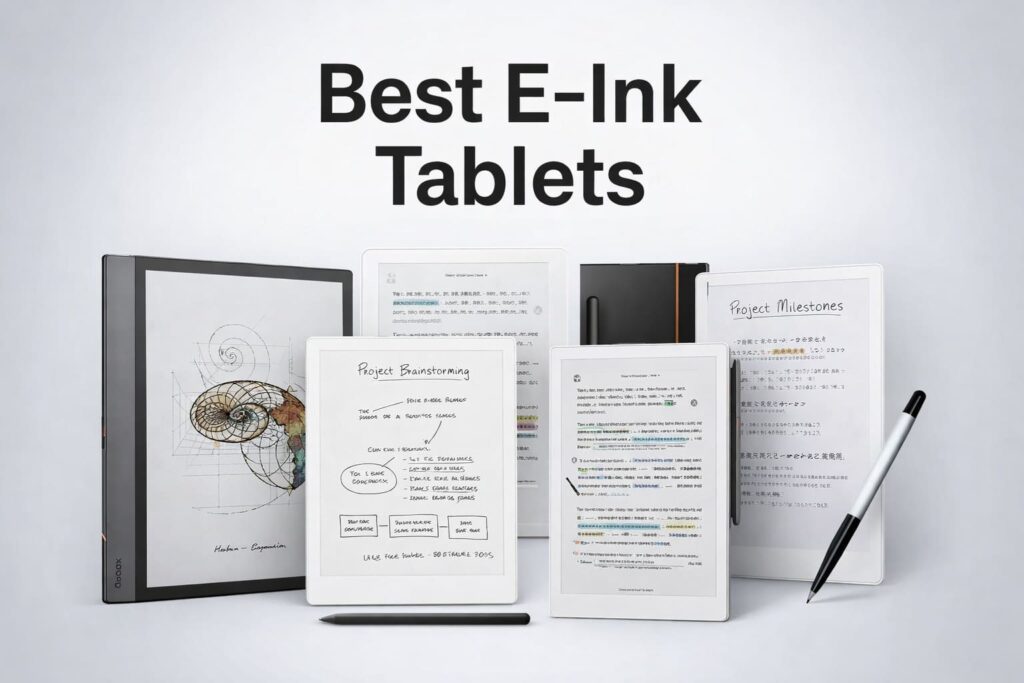
An E Ink tablet is a specialized device designed to mimic the appearance of real paper while providing the organizational benefits of a digital computer. Unlike standard glass-screen tablets that emit light directly into your eyes, these devices use “electronic ink” technology that reflects ambient light, making them significantly easier on the eyes for long-term reading and writing.
First-time searchers are often looking for a way to reduce eye strain, eliminate digital distractions, or replace stacks of physical notebooks with a single, searchable device. This guide explores the top-performing models currently available to help you find the right fit for your workflow.
Top 5 E Ink Tablets for Every User Intent
Because E Ink technology varies significantly between brands, the “best” tablet depends entirely on whether you prioritize professional note-taking, reading a massive library of books, or having the flexibility of a full operating system.
1. reMarkable Paper Pro: Best Overall for Writing
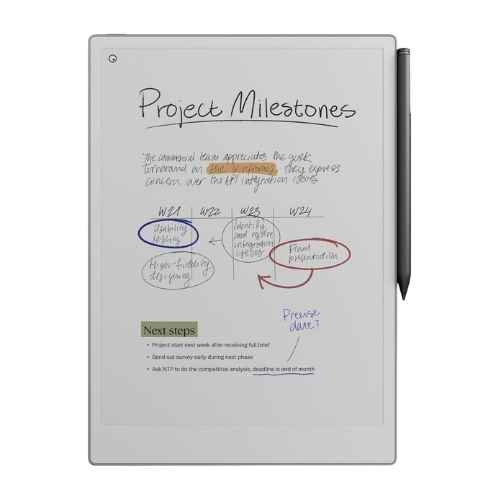
The reMarkable Paper Pro is the 2026 gold standard for tactile feedback. It features a larger 11.8-inch “Canvas Color” display that offers a subtle, paper-like color experience. It lacks a web browser or social media apps, ensuring a distraction-free environment for deep work.
Key Detail: The custom-textured surface provides a scratchy, “pencil-on-paper” feel that is unmatched by glass tablets.
2. Boox Note Air4 C: Best for Power Users
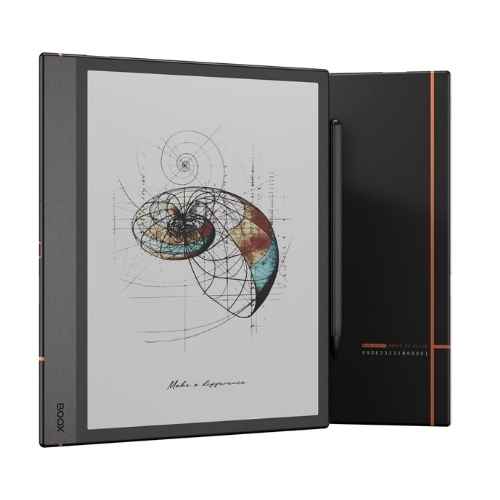
For those who need more than just a notebook, the Boox Note Air4 C runs on Android 13. This allows you to install apps from the Google Play Store, such as specialized work tools, Slack, or various reading apps. It features a high-performance Kaleido 3 color screen with an ultra-fast refresh rate.
Key Detail: It is the most versatile option for users who don’t want to be locked into a single ecosystem.
3. Kindle Scribe Colorsoft: Best for Avid Readers
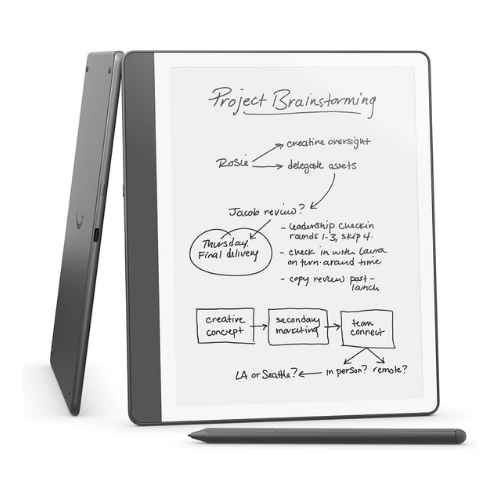
If your primary goal is reading with occasional handwritten notes, the Kindle Scribe Colorsoft is the logical choice. It offers seamless integration with the massive Kindle bookstore and introduces a “Colorsoft” oxide backplane that makes color highlights and book covers appear more vivid than previous models.
4. Supernote A6 X2 Nomad: Best for Portability
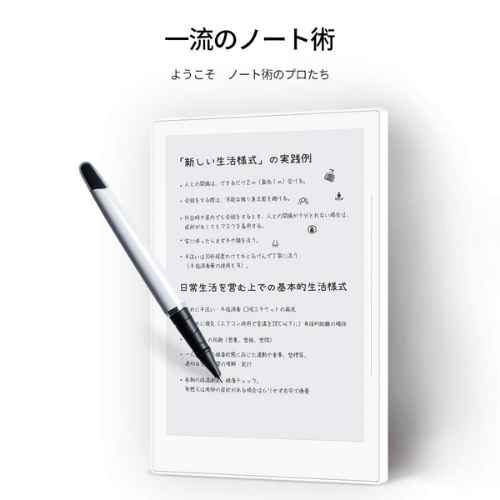
The Supernote Nomad is a compact 7.8-inch device that fits easily into a bag. It is highly regarded for its “FeelWrite” self-healing screen film, which provides a softer, “gel pen” sensation. It also features a modular design, allowing users to replace the battery or expand storage via microSD.
5. Kobo Libra Colour: Best for Outdoor Use
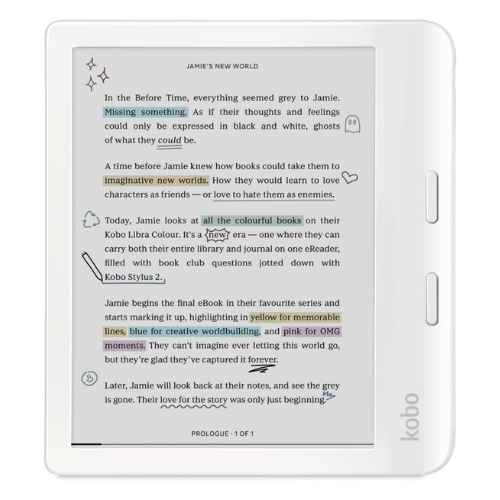
The Libra Colour is a compact 7-inch tablet that offers both a color display and full IPX8 waterproofing. This makes it the ideal companion for reading or light note-taking by the pool or at the beach. Its physical page-turn buttons make it a favorite for ergonomic, one-handed reading.
Comparison of 2026 Top E Ink Devices
Choosing a device requires looking at screen size, software flexibility, and whether you require a color or monochrome display.
| Feature | reMarkable Paper Pro | Boox Note Air4 C | Kindle Scribe Colorsoft | Supernote Nomad | Kobo Libra Colour |
| Primary Use | Professional Writing | Productivity/Apps | Reading & Notes | Portable Journal | Outdoor Reading |
| Display Size | 11.8″ | 10.3″ | 10.2″ | 7.8″ | 7″ |
| Operating System | Custom (Linux) | Android 13 | Kindle OS | Custom (Linux) | Kobo OS |
| Color Support | Yes (Canvas Color) | Yes (Kaleido 3) | Yes (Colorsoft) | No | Yes (Kaleido 3) |
| Waterproof | No | No | No | No | Yes (IPX8) |
Understanding the Hidden Costs: Subscription & Cloud
The “hidden” cost of ownership often lies in the cloud ecosystem. While some brands offer free, unlimited access, others require a monthly fee to unlock advanced features.
- reMarkable (Connect): Costs $2.99/month. Essential for syncing notes to your phone/PC if you don’t open them for 50+ days.
- Boox & Supernote: Generally Free. They allow you to sync with your existing Dropbox, Google Drive, or OneDrive accounts at no extra charge.
- Kindle Scribe: Free. Syncing your notebooks across the Kindle app is included in the purchase price.
Should You Choose a Color or Black-and-White Screen?
Recent advancements have introduced color E Ink, such as the technology found in the Paper Pro and various Boox models. While color is excellent for highlighting textbooks, reviewing PDFs with charts, or light sketching, it often comes with a trade-off in battery life and background “grayness” compared to the high-contrast white of monochrome screens.
Why monochrome remains popular:
- Higher Contrast: Text appears sharper against a whiter background.
- Battery Longevity: These devices often last weeks on a single charge.
- Lower Price: Black-and-white models are generally more affordable than their color counterparts.
Frequently Asked Questions
While many devices use Wacom-layer technology, they are not all cross-compatible. It is always safest to use the stylus designed for your specific brand to ensure pressure sensitivity and eraser functions work correctly.
Most modern E Ink tablets (like the Kindle Scribe or Boox Note Air) feature a “front light” which shines across the screen rather than into your eyes. Some minimalist models, like the reMarkable 2, do not have a light at all to keep the device as thin as possible.
Yes, most top-tier E Ink tablets include Optical Character Recognition (OCR), which allows the device to convert your handwriting into searchable text or export it as a typed document.
The reMarkable Paper Pro is widely considered the most realistic due to its display texture and ultra-low latency (12ms), which removes the “lag” between the pen and the digital ink.
Conclusion
The best E Ink tablets bridge the gap between the analog and digital worlds. If you want a pure, paper-like experience, the reMarkable 2 remains a top contender. If you need the functionality of a computer with an eye-friendly screen, the Boox series is the better investment. For the casual user who wants to read and jot down thoughts, the Kindle Scribe offers the best value. Regardless of your choice, transitioning to E Ink is an effective way to reclaim focus and reduce digital fatigue.
Also read:
- The Best Karaoke Machines
- Best iPhone 17e Cases to Buy Now
- Best Gaming Handhelds: The Ultimate Guide to Portable Consoles
- ZIEA One: The World’s First AI Desktop Calendar
- Steam Deck OLED vs ASUS ROG Ally X: Which Should You Buy?
- Wireless Apple CarPlay Adapter: Complete Guide to Going Wireless