Forgetting your phone number happens more often than people admit. New SIM, long break, or dual SIM confusion. If you are using MTN Ghana, there are quick ways to check your number without stress.
This guide shows all working methods to check your MTN number in Ghana, explained in plain language.
How to Check MTN Number in Ghana Using USSD Code
This is the fastest and most common method. It works on smartphones and button phones and does not need internet or airtime.
Steps:
- Open your phone dialer
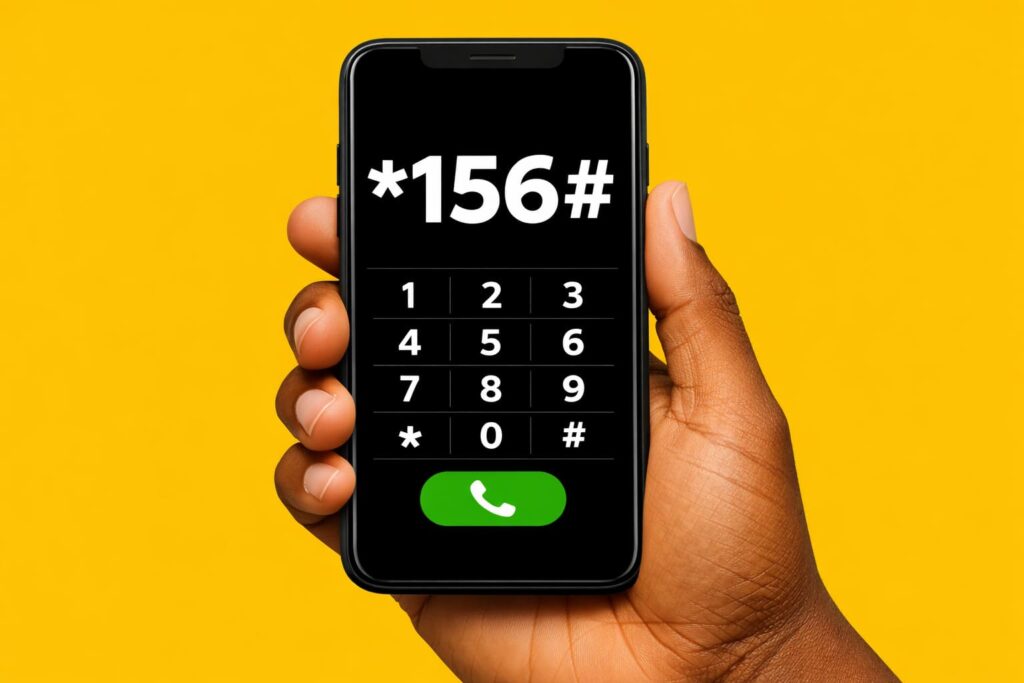
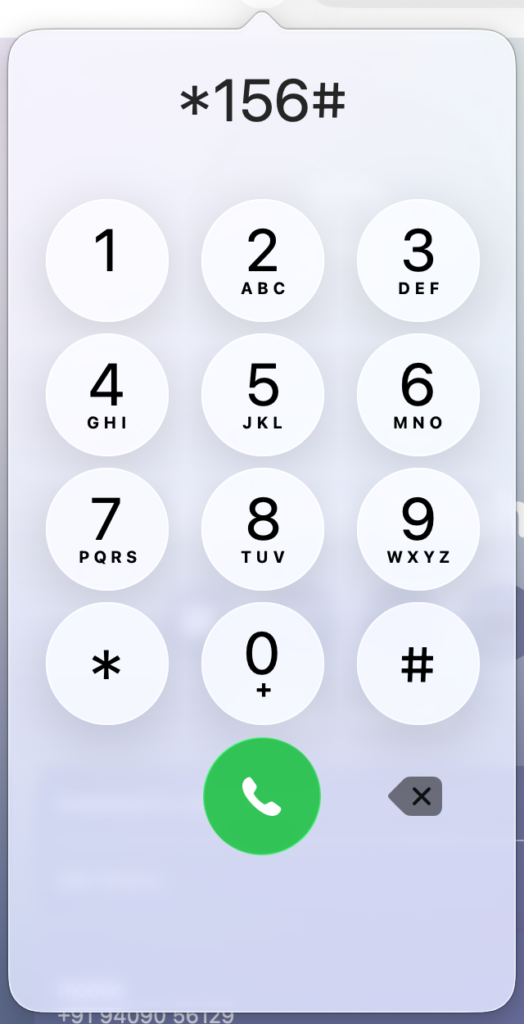
- Dial
*156# - Press the call button
- Select the option related to your number
- Your MTN number will appear on the screen
If the menu does not load, wait a few seconds and try again. Network traffic can sometimes slow USSD responses.
How to Know Your MTN Number by Calling Another Phone
This method is useful when the USSD code is not working or you want a quick manual check.
Steps:
- Make a call to a friend or family member
- Ask them to read out the number showing on their screen
- Save the number once confirmed
This method needs airtime and depends on the other person answering, but it remains a reliable backup.
Check Your MTN Number on the SIM Card Holder
If you still have your SIM card pack, your number may be printed on it.
Steps:
- Locate the original SIM card holder
- Check both sides carefully
- Look near the PIN, PUK, or barcode area
- Note down the printed phone number
This works best for new SIM cards. Keeping the SIM pack is helpful for future SIM replacement too.
Check MTN Number Through MTN Customer Care
When other methods fail, MTN customer care can help you retrieve your number.
Steps:
- Dial 100 from your MTN line
- Follow the voice prompts
- Speak to a customer care agent
- Request your phone number
You may be asked basic questions to confirm ownership of the SIM. This method can take a bit longer but works in most cases.
How to Check MTN Number Using the MyMTN App
If you use mobile data and have the app installed, this method is very convenient.
Steps:
- Open the MyMTN app
- Log in to your account
- Check the home screen or profile section
- Your MTN number will be displayed
If you are not logged in yet, the app may send a verification message to the same number.
Why Your MTN Number May Not Show Immediately
Sometimes the number may not appear due to temporary issues.
Common reasons include:
- Network delay
- Incomplete SIM registration
- Temporary system updates
Trying another method or restarting your phone usually solves this.
Best Way to Check MTN Number in Ghana
For most people, dialing *156# is the quickest option. Calling another phone works as a backup, and customer care is best for complicated cases.
Once you find your number, save it in your contacts so you do not have to repeat this process again.
Also read:
- 20 Festivals in Ghana That Still Shape Culture Today
- Nintendo Quietly Updated Donkey Kong Country Returns HD, and It Changes More Than You’d Expect
- What Is Cloud Security? Simple Guide for Beginners
- What Is MVR in Baseball and Why It Matters
- Where Is Dubai Really Located? The Geography Behind the Global City
- How to Remove Private Number on Android & iPhone (Show Caller ID)