Factory resetting a Samsung phone wipes all personal data, installed apps, and settings, returning it to the state it was in when it left the factory. Do this before selling your phone, when troubleshooting persistent software issues, or if you are locked out of the device.
What a Factory Reset Deletes
- All apps you installed and their data.
- Photos, videos, and files stored in internal storage (not SD card by default).
- Accounts, passwords, and settings.
- Text messages and call logs.
- Downloaded music, documents, and cached files.
Files on an external SD card are not erased unless you specifically choose to include them in the reset.
Before You Reset: Back Up Your Data
Go to Settings, then Accounts and backup, then Back up data. Back up to Samsung Cloud or Google Drive. Also manually transfer any photos not already backed up to Google Photos or Samsung Gallery cloud backup.
Method 1: Factory Reset from Settings
- Open Settings.
- Scroll down and tap General management.
- Tap Reset.
- Tap Factory data reset.
- Review the list of accounts and data that will be erased, then scroll to the bottom and tap Reset.
- Enter your PIN, password, or pattern if prompted.
- Tap Delete all to confirm.
- The phone will restart and begin the reset process. This takes 5-10 minutes.
Method 2: Factory Reset from Recovery Mode (Phone Won’t Boot)
- Power off the phone completely.
- Press and hold Volume Up + Power simultaneously until the Samsung logo appears, then release both.
- The Android Recovery menu appears. Use Volume buttons to navigate and the Power button to select.
- Navigate to Wipe data/factory reset and press Power to select.
- Select Factory reset and confirm.
- When complete, select Reboot system now.
After the Reset: Setting Up Again
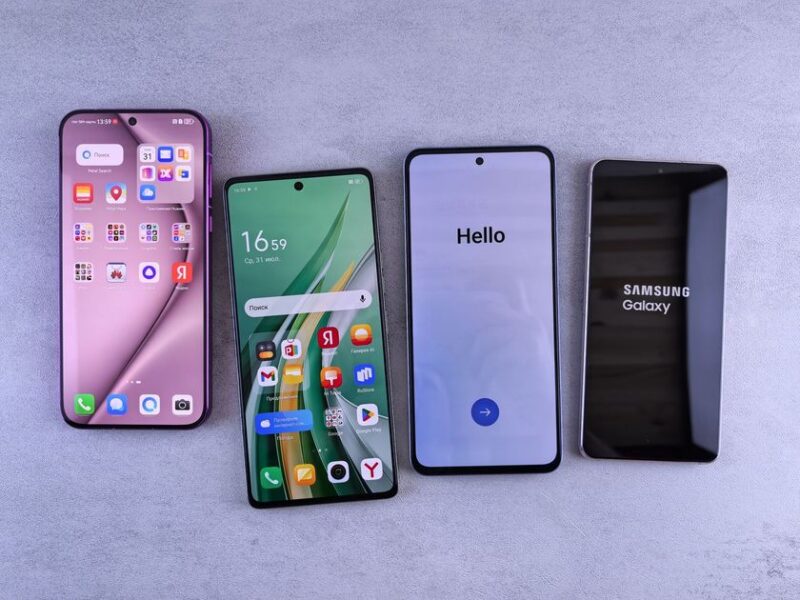
After the reset, the phone shows the initial setup screen. Sign in with your Google account and Samsung account to restore your backed-up apps and settings. Samsung Smart Switch can also restore a full backup if you created one before the reset.
Frequently Asked Questions
Will a factory reset remove Google account lock (FRP)?
No. Factory Reset Protection (FRP) is a security feature that requires you to sign in with the Google account that was on the phone before the reset. This cannot be bypassed through the settings reset and is designed to prevent theft.
Does factory reset remove viruses?
Yes. A factory reset removes all user-installed software including any malware. However, if malware has infected the system partition (extremely rare), it may survive. For most cases, a reset fully cleans the device.
How long does a Samsung factory reset take?
The reset itself takes 5-10 minutes. Re-downloading all your apps after signing back in may take 20-30 minutes depending on how many apps you had and your Wi-Fi speed.

Trust Post Desk
A journalist and editor at TrustPost.org covering world and national news, technology updates and human-interest stories. They check every fact, interview sources in person or online, and aim to deliver clear, accurate reporting. Their work ranges from breaking news to in-depth features and daily newsletters. Outside the newsroom, they follow emerging trends and engage with readers on social media.