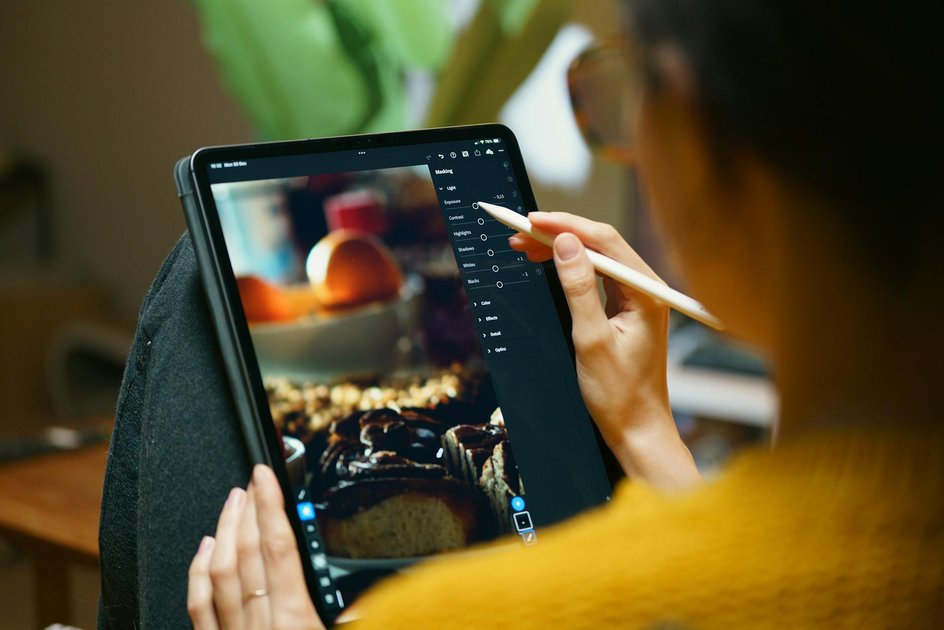
Apple’s iOS 27 introduces advanced AI-powered photo editing tools in the Photos app, enhancing user capabilities with features like Clean Up, Extend, and Reframe. These tools aim to simplify complex editing tasks directly on iPhones, Macs, and Vision Pro devices, eliminating the need for third-party apps. The update is expected to roll out later this year, offering users a more integrated and efficient photo editing experience.
iOS 27 Unveils Three New AI Photo Editing Tools in Apple Photos
Apple’s latest update to the Photos app in iOS 27 introduces three significant AI tools: Extend, Enhance, and Reframe. These tools represent a major leap in photo editing capabilities, allowing users to perform tasks that previously required sophisticated software. The Extend tool generates content beyond the photo’s edges, the Enhance tool improves color and lighting, and the Reframe tool corrects perspective issues. All these features operate on-device, ensuring user privacy and quick processing times.
Extend Feature Allows Users to Generate Content Beyond Photo Edges
The Extend tool in iOS 27 is designed to fill in areas around the original image, making it ideal for enhancing landscape and portrait photos. By generating AI content beyond the existing edges, users can expand the frame and create a more comprehensive image. This feature is particularly useful for photos where the subject is too close to the edge or when a wider view is desired. The tool uses on-device processing, ensuring that no photos are uploaded to external servers, which enhances privacy and speeds up the editing process.
Enhance Tool Transforms Automatic Adjustments in Photo Editing
The Enhance tool in iOS 27 replaces the older Auto Enhance feature with a more robust AI-driven system. It automatically adjusts color balance, exposure, and shadow recovery, providing a more polished look with a single tap. This tool is particularly beneficial for users looking to improve photos taken in challenging lighting conditions. By leveraging Apple’s proprietary datasets, the Enhance tool delivers natural-looking results that rival professional editing software, all while maintaining the original photo’s integrity.
Reframe Tool Corrects Perspective and Centering in Photos
The Reframe tool addresses common perspective issues without cropping the original image. It allows users to adjust the angle and zoom, correcting distortions such as converging lines in architectural photos. This tool also helps in repositioning subjects within the frame, ensuring that the composition is balanced and visually appealing. By using multi-touch gestures, users can easily select the desired angle and apply the changes, with all processing done on-device for immediate results.
Frequently Asked Questions
What devices are compatible with the new iOS 27 photo editing features?
All iPhones that support iOS 27, including iPhone 12 and later models, are compatible with the new photo editing features. These tools are also available on Macs and Vision Pro devices running the latest software updates.
How does the on-device processing work for these AI tools?
The AI tools in iOS 27 use on-device processing, meaning all computations are performed locally on the device. This approach ensures user privacy, as no photos are uploaded to external servers, and it also speeds up the editing process.
Can users revert changes made with the Extend, Enhance, and Reframe tools?
Yes, users can revert any changes made with these tools. The editing process is non-destructive, allowing users to undo edits or return to the original photo at any time.
Conclusion
The introduction of AI-driven editing tools in iOS 27 significantly enhances the user experience in photo editing, making advanced adjustments more accessible. By integrating these features directly into the Photos app, Apple provides users with powerful tools that simplify complex editing tasks, all while maintaining privacy and efficiency through on-device processing. This update not only improves the quality of photo edits but also aligns with Apple’s broader strategy of enhancing user privacy and device performance.

Trust Post Desk
A journalist and editor at TrustPost.org covering world and national news, technology updates and human-interest stories. They check every fact, interview sources in person or online, and aim to deliver clear, accurate reporting. Their work ranges from breaking news to in-depth features and daily newsletters. Outside the newsroom, they follow emerging trends and engage with readers on social media.