Mozilla’s llamafile project lets anyone run a local AI model from a single executable file.
No installation, no cloud subscription, and no data sharing required to get a model running.
What Is Llamafile and How Does Mozilla’s Local Model Work
Llamafile is an open-source project from Mozilla that packages a large language model into one file.
The single file is both the model weights and the inference runtime bundled together seamlessly.
It uses the llama.cpp inference engine combined with Cosmopolitan Libc for cross-platform compatibility.
Cosmopolitan Libc allows a single binary to run natively on Windows, Mac, Linux, and BSD systems.
You download one file, make it executable, and run it. There is nothing else to install.
The official llamafile GitHub repository has full documentation, model downloads, and contribution guidelines.
Mozilla created llamafile to lower the barrier for developers and non-technical users alike.
The project gained significant attention on Reddit and Hacker News when it launched in late 2023.
Since then, Mozilla has continued updating llamafile with newer model support and performance improvements.
The 2026 version supports newer model families that were not available at initial launch.
Which AI Models Llamafile Supports in Local Mode

Llamafile supports any model in the GGUF format, which is the most common local model format.
Llama 3, Mistral, Gemma, Phi-3, and Qwen are among the supported model families today.
Mozilla distributes pre-packaged llamafile binaries for popular models on its GitHub releases page.
Each release includes the model weights and runtime combined, so users just download and run it.
Smaller quantized models like 7B and 13B parameter versions run well on consumer laptop hardware.
See llamafile setup guide for a full walkthrough on picking the right model size for your hardware.
Larger 70B models need a GPU with at least 24GB of VRAM or significant system RAM.
Users on Apple Silicon Macs report excellent performance on 13B models thanks to unified memory.
Windows users with NVIDIA RTX 4080 or higher cards can run 34B models at reasonable speeds.
The choice of model size affects generation speed, so start small and scale up as needed.
Setting Up Llamafile for Local AI Model Inference

Download the llamafile binary for your chosen model from Mozilla’s GitHub releases page.
On Mac and Linux, run `chmod +x` on the file to make it executable before launching it.
On Windows, rename the file from `.llamafile` to `.exe` if your system does not auto-detect it.
Double-click or run the file from your terminal and the model will start within seconds.
A local web server launches automatically at localhost:8080 with a built-in chat interface.
how to run AI models locally has a detailed guide to running your first local model with llamafile step by step.
The web interface looks similar to ChatGPT, so existing AI users will find it instantly familiar.
You can also run llamafile in command-line only mode using the `–cli` flag at launch.
Temperature, context length, and other parameters are adjustable both from the web UI and flags.
No internet connection is required after the initial file download, making it fully offline-capable.
Llamafile OpenAI-Compatible API for Local Model Development

Llamafile exposes an OpenAI-compatible REST API at `localhost:8080/v1/chat/completions` by default.
Developers can point any OpenAI SDK-compatible code at the local server without changing the application.
This makes llamafile a drop-in local replacement for cloud API calls during development and testing.
You can set `base_url=http://localhost:8080/v1` in your code and skip the cloud entirely.
TrustPost has more on AI compute trends in 2026 and what the shift toward local and edge AI means for developers.
The API supports streaming responses, function calling, and multi-turn conversations out of the box.
LangChain, LlamaIndex, and other frameworks all work with llamafile via the compatible API endpoint.
Custom system prompts and temperature settings are all passed via the standard chat completions format.
Response quality depends on model size, but even small models handle most coding and writing tasks.
Teams use llamafile to run CI/CD pipelines that need LLM capabilities without cloud API costs.
Why Privacy Makes Llamafile a Local AI Model Worth Using
Every prompt you send to llamafile stays on your machine. Nothing leaves your local network.
Cloud AI services log conversations for model improvement unless users opt out explicitly.
Llamafile users working with sensitive documents, legal data, or medical records benefit most from this.
Enterprises with strict data residency requirements can use llamafile without violating compliance policies.
See recent AI announcements at WWDC for how Apple and others are also pushing AI capabilities to local hardware.
Mozilla’s mission around internet health and privacy aligns directly with llamafile’s no-cloud approach.
Healthcare workers, lawyers, and security researchers were among the earliest heavy users of llamafile.
No API keys, no rate limits, no monthly fees, and no usage tracking make it attractive.
The tradeoff is that local hardware is slower than cloud GPUs for large model inference tasks.
But for many everyday tasks, the speed is acceptable and the privacy benefit outweighs the cost.
Llamafile Performance Compared to Cloud AI APIs

A 7B llamafile model on a modern MacBook Pro M3 generates about 35-50 tokens per second.
Cloud APIs like OpenAI GPT-4 typically generate 50-100 tokens per second but serve many users.
For single-user tasks, local llamafile performance is competitive enough for most writing and coding work.
Larger models on consumer hardware generate 10-20 tokens per second, which feels slower but usable.
Users running llamafile on dedicated Linux boxes with a GPU report near-cloud-speed generation rates.
Context length is the main limitation, with most local models capped at 8K to 32K tokens.
Cloud models like Claude and GPT-4 offer up to 1M tokens, far beyond local hardware limits.
For tasks that fit within 8K tokens, llamafile delivers excellent quality at zero ongoing cost.
Benchmarks from the llamafile GitHub show strong performance on coding, summarization, and Q&A tasks.
The performance gap between cloud and local inference is narrowing as consumer hardware improves each year.
Mozilla’s Vision for Open Local AI Model Access
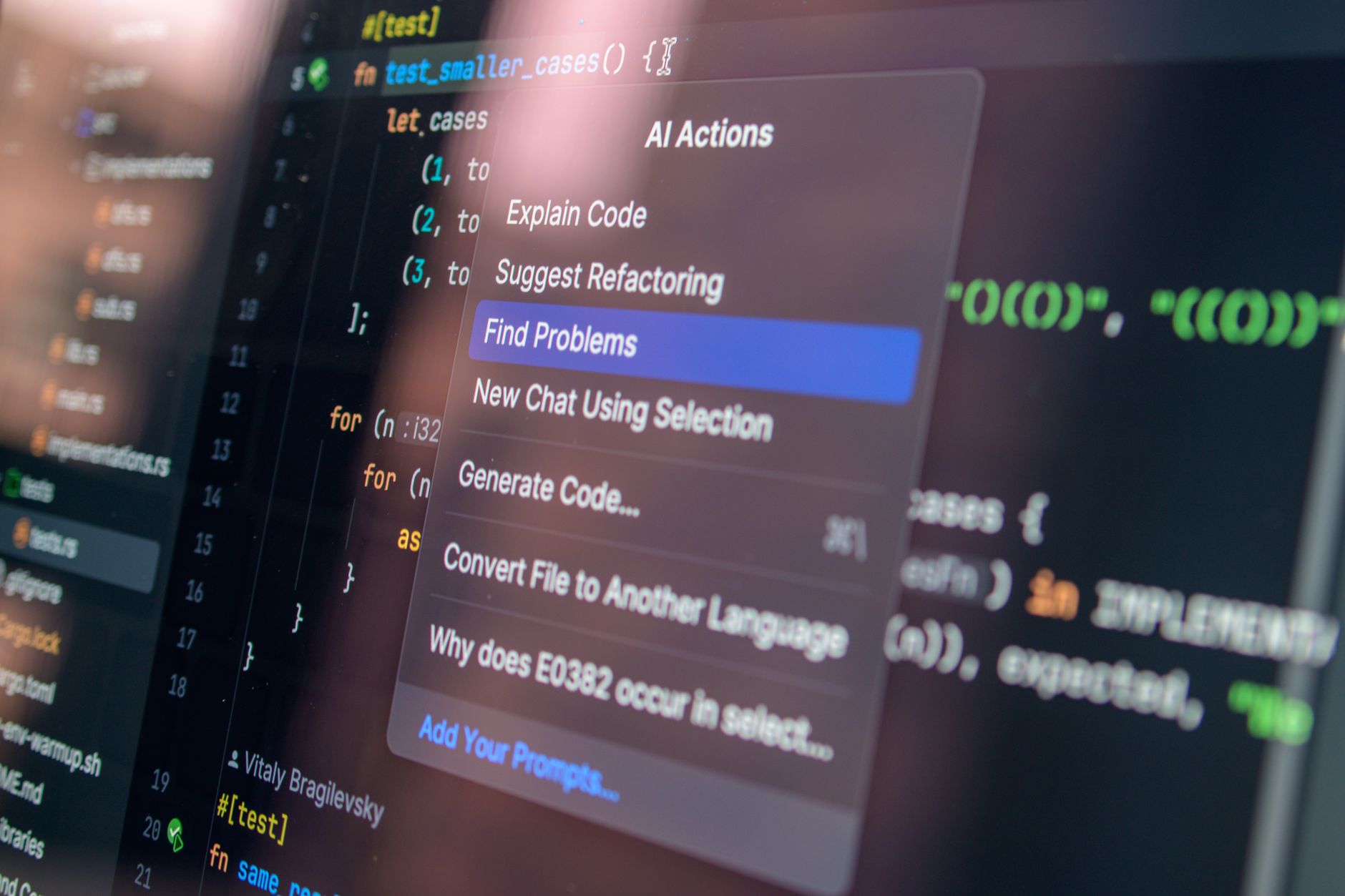
Mozilla views llamafile as part of a broader push for open, accessible, and privacy-respecting AI.
The Mozilla AI division has launched multiple open-source AI projects alongside llamafile since 2023.
Their goal is to ensure AI development does not become entirely controlled by a handful of companies.
Llamafile has over 20,000 GitHub stars and contributions from developers worldwide as of June 2026.
The community has extended llamafile with GPU acceleration, embedding support, and multi-model switching.
Mozilla releases new llamafile versions whenever a major new open-source model becomes available.
The project is funded by Mozilla’s non-profit foundation alongside its commercial Firefox revenue.
Competitors include Ollama and LM Studio, both of which also let users run local AI models.
Llamafile’s key differentiator is the single-file design that requires no installation or dependency management.
For anyone who wants local AI without friction, llamafile remains the fastest path to getting started.
Related Articles
SpaceX Signs $6.3 Billion AI Compute Deal With Reflection

Trust Post Desk
A journalist and editor at TrustPost.org covering world and national news, technology updates and human-interest stories. They check every fact, interview sources in person or online, and aim to deliver clear, accurate reporting. Their work ranges from breaking news to in-depth features and daily newsletters. Outside the newsroom, they follow emerging trends and engage with readers on social media.