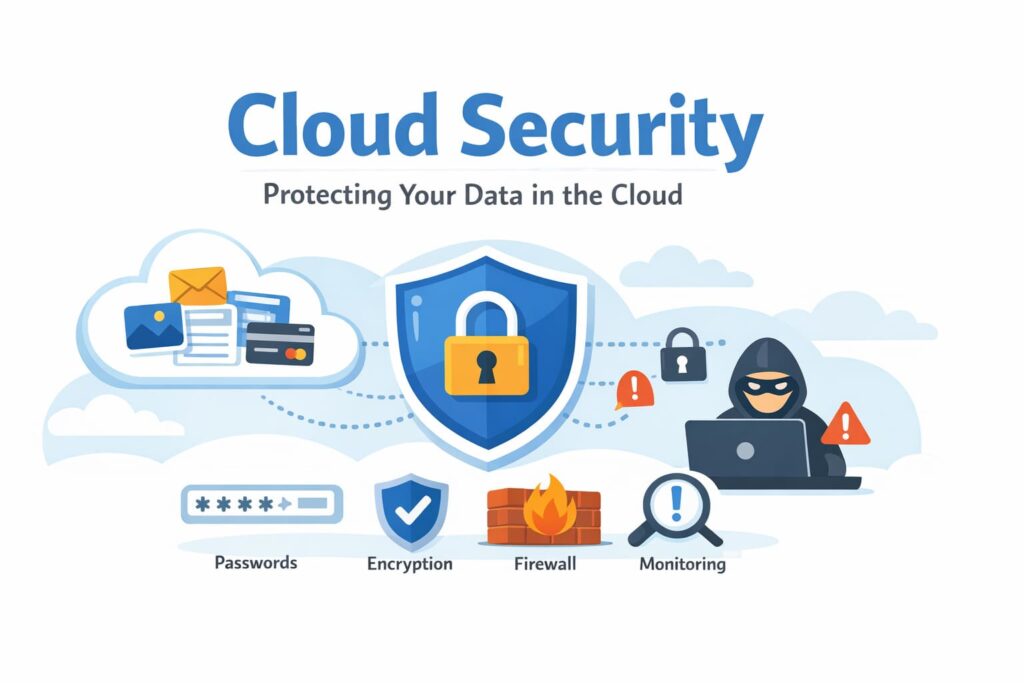
Cloud apps run our work, store our files, and power modern businesses. From email and online storage to payments and project tools, almost everything lives in the cloud now.
But where there is data, there is risk.
That’s why cloud security exists.
Cloud security is what keeps your files safe, your apps protected, and your private data out of the wrong hands. Without it, a single weak password or data leak can cause serious damage.
In this guide, you’ll learn what cloud security is, how it works, and why it matters for both businesses and everyday users. Simple words. Real examples. No tech confusion.
What Is Cloud Security?
Cloud security is the way companies protect data, apps, and systems that are stored on online servers instead of on personal computers or office machines.
When you save files on Google Drive, run a website on a cloud server, or use online tools like email and payment apps, all that data lives on the cloud. Cloud security keeps that data safe from hackers, leaks, and unauthorized access.
Think of it like a digital security system.
It uses passwords, encryption, firewalls, and access controls to lock your data and allow only trusted users inside.
Example: Your photos on Google Drive or your files on Dropbox are protected using cloud security. Only you and the people you allow can see or edit them. That protection is cloud security at work.
Why Cloud Security Matters?
Data theft is common. Online attacks happen every day. Hackers look for weak passwords, open access, and unprotected systems. One small mistake can lead to a big data leak.
When data is stolen, the damage is serious. Businesses lose money. Customers lose trust. Private files can end up in the wrong hands.
Cloud makes work fast and simple. Teams can access files from anywhere. Apps run without heavy hardware. Everything stays online and connected.
But convenience without protection is risky.
Cloud security puts a safety lock on your data. It blocks unwanted access, watches for threats, and keeps your systems running without trouble.
Cloud makes work easy. Security keeps it safe.
How Cloud Security Works?
Cloud security works like a digital lock system for your online data. Just like a home has locks, cameras, and alarms, cloud platforms use multiple layers of protection to keep intruders out.
Here’s how it works.
Data encryption
Your data is locked using a secret code. Even if someone steals it, they cannot read it without the key.
Login protection
You need a username, password, and often a one-time code sent to your phone. This stops strangers from signing in.
Firewalls
These act like security guards. They block suspicious traffic before it reaches your system.
Access control
Only approved people can see or edit certain files. Everyone else is kept out.
Monitoring
The system watches activity all the time. If something strange happens, it sends alerts right away.
What Does Cloud Security Protect?
Cloud security protects everything you store and run online. It keeps your personal and business data safe from theft, leaks, and misuse.
Here’s what it protects.
Files and documents
Your reports, photos, backups, and work files stored in the cloud stay private and protected.
Customer data
Names, phone numbers, emails, and personal details are kept safe from hackers.
Business apps
Online tools like CRM, accounting software, and project apps are guarded from break-ins.
Emails
Your messages and attachments are protected from spying and tampering.
Payment info
Bank details, card numbers, and transaction data are secured using strong protection systems.
Cloud security acts like a shield around all your online assets, keeping your data in the right hands.
Common Cloud Security Threats
Cloud systems are safe, but attackers are always trying new tricks. Most problems start with small mistakes that turn into big security gaps.
Here are the main threats you should know about.
Hacking
Hackers try to break into cloud accounts and servers by guessing passwords, using stolen login details, or abusing weak security settings. Once inside, they can steal data, lock files for ransom, or even shut down services.
Phishing
Phishing attacks use fake emails, messages, or login pages that look real. They trick users into entering their passwords or clicking harmful links. One wrong click can give attackers full access to a cloud account.
Data leaks
Data leaks happen when files are shared by mistake or left open to the public. This is common when storage settings are misconfigured. Private documents, customer records, and business data can become visible to anyone online.
Weak passwords
Short or reused passwords make it easy for attackers to break in using automated tools. Many cloud breaches happen simply because someone used “123456” or reused an old password from another site.
Insider misuse
Employees or partners with access to cloud systems can sometimes misuse data. This can be accidental, like sharing files with the wrong person, or intentional, like stealing company data.
Most cloud security problems come from small gaps in protection. Fixing these early saves a lot of trouble later.
Types of Cloud Security
Cloud security is made up of several layers that work together to protect your systems and data.
Here are the main types you should know.
Network security
This protects the connection between users and cloud servers. It blocks unwanted traffic, stops attacks, and keeps hackers from reaching your systems.
Data security
This keeps your files and information private. It uses encryption and secure storage so only approved users can read or edit data.
App security
This protects cloud-based apps from bugs, hacks, and misuse. It checks for weak points and blocks harmful activity.
Identity and access control
This decides who can log in and what they can see. It uses passwords, two-step login, and permission rules to keep strangers out.
Backup and recovery
This keeps copies of your data in case something goes wrong. If files are deleted, damaged, or attacked, you can restore them quickly.
Cloud Security for Businesses vs Individuals
Cloud security matters for everyone, but the level of protection is very different for businesses and personal users.
Business data
Businesses store customer records, payment details, employee data, and company secrets in the cloud. A single leak can hurt sales, brand trust, and daily operations.
Personal data
Individuals usually store photos, emails, documents, and backups. The risk is lower than a business breach, but privacy loss and identity theft are still real threats.
Legal rules
Businesses must follow data protection laws and security standards. If they fail, they can face fines and legal trouble. Personal users are not bound by these rules.
Risk level
Business accounts are bigger targets because they hold valuable data and money. Personal accounts are attacked too, but usually on a smaller scale.
For businesses, cloud security is a must-have. For individuals, it is still a smart habit that protects privacy and peace of mind.
Best Cloud Security Tips
You don’t need to be a tech expert to stay safe on the cloud. A few smart habits can block most attacks.
Use strong passwords
Create long passwords with letters, numbers, and symbols. Never reuse the same password on different sites.
Turn on two-step login
This adds a second check, like a code sent to your phone. Even if someone steals your password, they still can’t log in.
Limit access
Only give cloud access to people who really need it. Remove old users and unused accounts.
Update apps
Keep your cloud apps and devices updated. Updates fix security gaps that hackers try to abuse.
Back up data
Keep copies of your files in another location. If something goes wrong, you won’t lose your data.
These simple steps go a long way in keeping your cloud data safe.
FAQs
In most cases, yes. Cloud providers use strong security systems, full-time monitoring, and regular updates. Personal computers and office servers often lack this level of protection.
Yes, but most attacks succeed because of weak passwords, phishing, or wrong settings. The cloud itself is safe. Human mistakes create the risk.
Yes, when used correctly. With proper access control, encryption, and backups, cloud platforms are trusted by banks, hospitals, and large companies.
Human error. Weak passwords, fake emails, and open access cause most cloud security problems.
Conclusion
Cloud is now a part of everyday life, from personal storage to business operations. It makes work faster, easier, and more flexible. But without proper protection, even the best cloud system can become a risk.
Cloud security keeps your data private, blocks online threats, and protects your digital assets from loss and misuse. With a few smart habits and the right settings, the cloud can stay both powerful and safe.
Also read:
- How to Delete Reddit History on Phone and PC (Step-by-Step Guide)
- Best Local SEO Companies in 2026
- How to Check Your MTN Number in Ghana (All Working Methods)