You only notice it when someone asks. Maybe you’re filling a form, sharing details, or trying to register for something online. Suddenly, you realize you don’t actually know your own Glo phone number.
This happens to many Glo users in Nigeria, especially with new SIM cards or data-only lines. The good part is that checking your Glo number is simple once you know the right steps. Whether you’re using a smartphone or a small button phone, there are easy ways to find your number without stress.
Why Many Glo Users Don’t Know Their Phone Number
Most people no longer memorize phone numbers. Phones save contacts automatically, and messaging apps reduce the need to dial numbers manually. Because of this, it’s easy to forget your own number, especially in these situations:
- You recently bought a new Glo SIM
- You use more than one SIM card
- The SIM is mainly for internet or business
- The SIM pack with the printed number is lost
Once the SIM pack is gone, checking your number depends on network codes or phone settings.
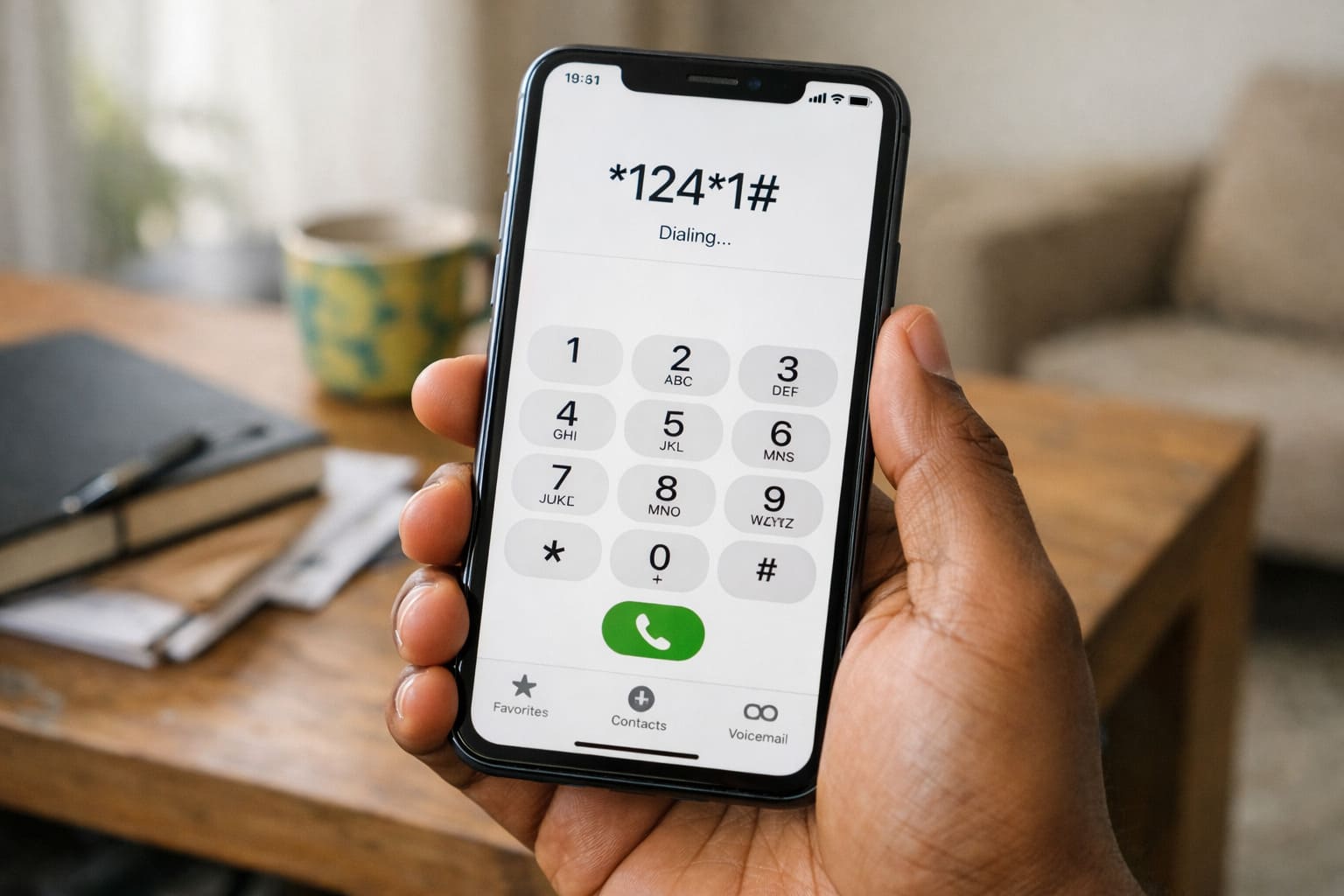
How to Check Your Glo Number Using USSD Code
This is the fastest and most reliable method for most Glo users in Nigeria. It works on smartphones and basic phones and usually does not require airtime.
Steps to follow:
- Open your phone dialer
- Dial
*124*1# - Press the call button
- Wait a few seconds for your number to appear
If the code does not respond immediately, wait briefly and try again. Network delays can sometimes affect USSD responses.
Check Your Glo Number Using the “My Number” Menu
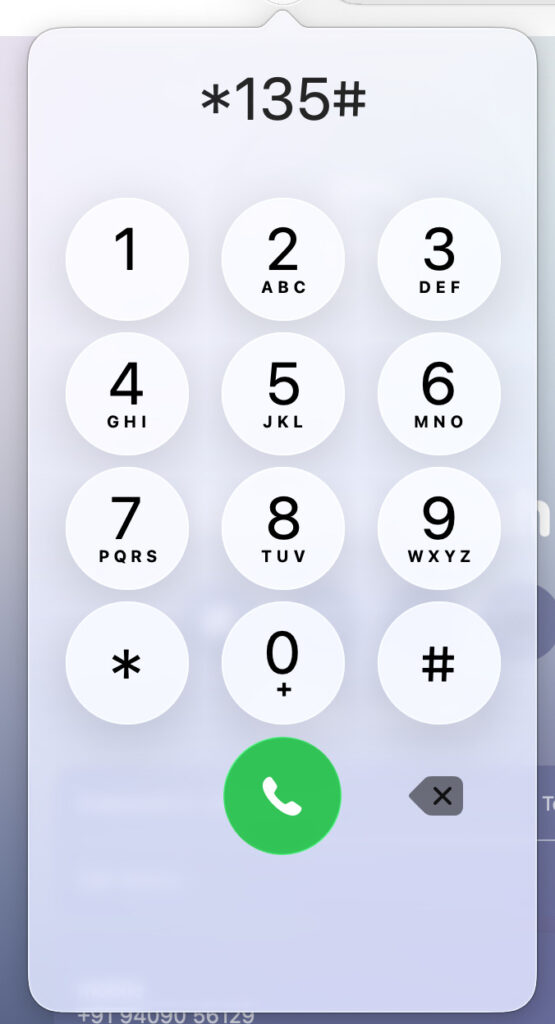
Some Glo SIM cards support a menu-based option that shows your number.
How to use it:
- Dial
*135# - Wait for the menu to load
- Select My Number or any account-related option
- Your Glo number will display on the screen
This option may not work on every SIM, but it’s useful when the main USSD code doesn’t respond.
How to Know Your Glo Number by Calling Another Phone
This is one of the oldest methods, and it still works perfectly if you have airtime.
What to do:
- Call a friend, family member, or nearby phone
- Ask them to read the number showing on their screen
- Save the number in your contacts immediately
This method is simple, but it requires airtime and someone available to answer the call.
Check Your Glo Number Through Phone Settings
Some phones store the SIM number inside system settings. This depends on your device model and software.
On Android phones:
- Open Settings
- Go to About phone or SIM cards & mobile networks
- Select your Glo SIM
- Look for Phone number
On iPhones:
- Open Settings
- Tap Phone
- Check My Number
If the number shows as “Unknown” or blank, use a USSD method instead.
Check Your Glo Number Using the MyGlo App
If you already have the MyGlo app installed and your SIM is logged in, this is another easy option.
Steps:
- Open the MyGlo app
- Go to your account or profile section
- Your Glo phone number appears at the top
This method requires mobile data and prior login, so it may not work for new SIMs.
Contact Glo Customer Care for Your Number
If none of the above methods work, Glo customer care can help.
Steps:
- Dial 121 from your Glo line
- Follow the voice prompts
- Speak with a customer care agent
- Request your phone number
You may be asked simple questions to confirm that the SIM belongs to you.
What to Do If Your Glo Number Still Doesn’t Show
If your number does not appear after trying all methods, the issue may be related to SIM activation or registration.
Try these quick fixes:
- Restart your phone and retry the USSD codes
- Remove the SIM and insert it into another phone
- Check if the SIM is properly registered
- Visit a Glo service center if the problem continues
Best and Fastest Way to Check Your Glo Number
For most users in Nigeria, dialing *124*1# is the easiest and fastest method. Calling another phone is a good backup, while customer care should be used only if other options fail.
Once you find your number, save it in your contacts to avoid future issues.
Frequently Asked Questions About Checking Glo Number
You can check your Glo number without airtime by dialing *124*1#. This USSD code works on most Glo SIMs and does not require credit.
The most reliable Glo code is *124*1#. Your number should appear on the screen after dialing it.
Your Glo number may not show due to network delay, SIM registration issues, or phone software problems. Restart your phone and try again, or contact Glo customer care.
You can check your Glo number using the MyGlo app if you are already logged in. The number usually appears in your account profile.
Dial 121 from your Glo line to contact customer care and request your phone number.
Also read:

Trust Post Desk
A journalist and editor at TrustPost.org covering world and national news, technology updates and human-interest stories. They check every fact, interview sources in person or online, and aim to deliver clear, accurate reporting. Their work ranges from breaking news to in-depth features and daily newsletters. Outside the newsroom, they follow emerging trends and engage with readers on social media.