
The best time blocking apps turn your calendar into a structured daily plan by assigning every task a dedicated time slot.
Unlike open to-do lists, time blocking forces you to decide exactly when each task happens, reducing decision fatigue across your day.
What Is Time Blocking?
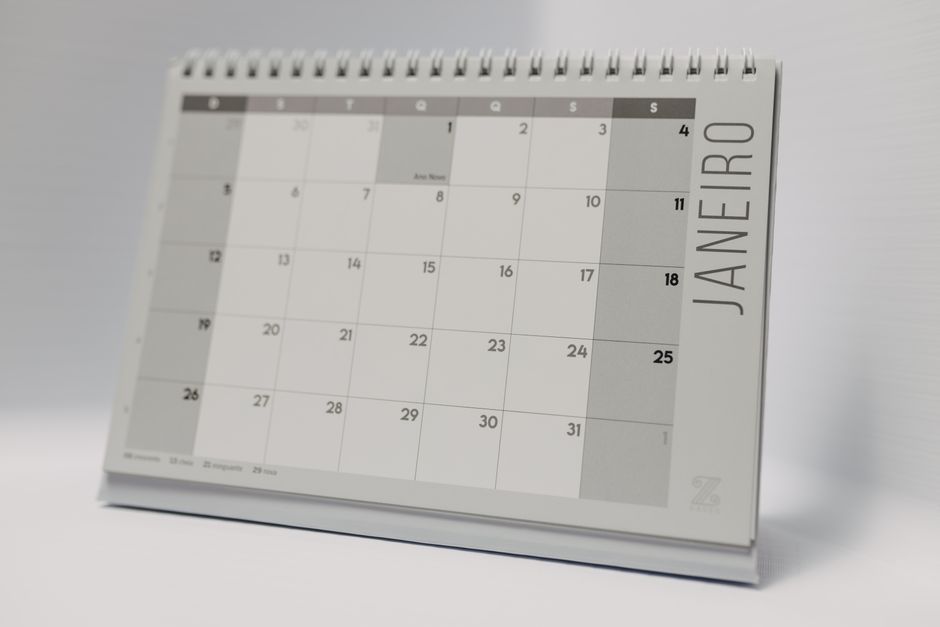
Time blocking is a scheduling method where you assign specific tasks to fixed time slots on your calendar rather than a to-do list.
Each calendar block represents a commitment to work on one task or category during that specific window, with nothing else allowed in.
The method is used by executives, researchers, and high-output professionals who need long stretches of protected, uninterrupted deep work.
As Zapier’s time blocking guide explains, time blocking removes the anxiety of an endless task list by making your daily plan visible and concrete.
How to Start Time Blocking Your Day

Start by listing every task and commitment you have for the week, including meetings, project work, admin tasks, and personal errands.
Estimate how long each task will realistically take, then place each item into a slot on your calendar before the week starts.
Leave buffer blocks between tasks to absorb overruns and unexpected requests so your whole schedule does not collapse from one delay.
As Toggl’s time blocking overview advises, avoid scheduling every minute: three to five focused blocks per day works better than packing the calendar solid.
Reclaim.ai: Best AI-Powered Time Blocking App

Reclaim.ai uses AI to automatically schedule your tasks around existing calendar events, filling open slots based on your stated priorities.
It protects your schedule by rescheduling tasks when new meetings appear, keeping your deep work blocks intact wherever possible.
Teams that rely on best AI coding tools use Reclaim.ai to protect uninterrupted coding windows before meetings can fragment their schedule.
Reclaim integrates with Google Calendar, Slack, Asana, Todoist, and Linear, pulling tasks from your existing tools into the scheduler.
Sunsama: Best Designed Time Blocking App

Sunsama is widely considered the best-designed time blocking app, with a minimal interface that guides you through a structured morning ritual.
Each morning you review yesterday’s work, pull in tasks from connected tools, and drag them into time blocks on your calendar.
Sunsama pulls tasks from Asana, Todoist, Jira, GitHub, and Notion, letting you plan your day directly from your existing project lists.
An end-of-day review prompts you to reflect on what you finished and roll unfinished tasks forward to tomorrow’s plan automatically.
Motion: Best Time Blocking App for Automatic Scheduling
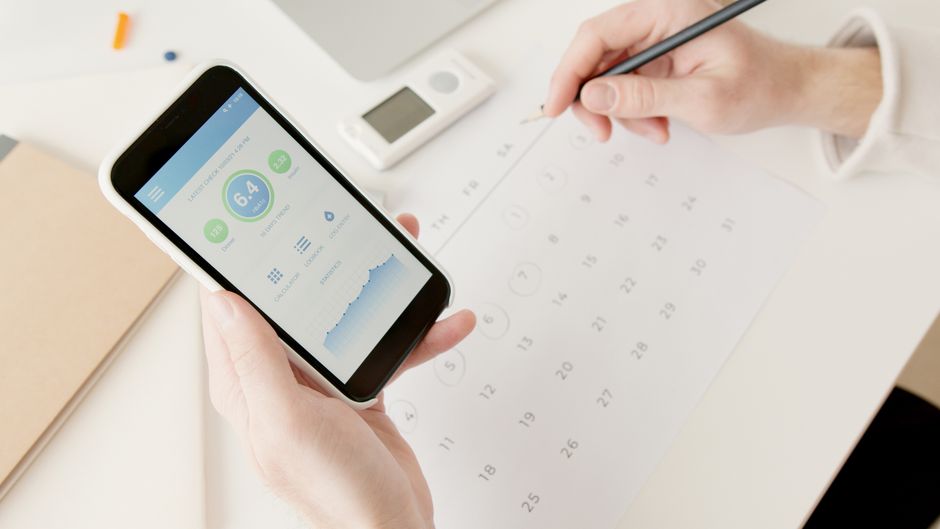
Motion automatically builds your entire daily schedule by balancing meetings, deadlines, and task priorities using an AI scheduling engine.
Unlike manual time blocking, you do not drag tasks into slots yourself: you give Motion a list and it fills your day intelligently.
When a meeting is added or a task runs long, Motion reshuffles your remaining tasks automatically to reflect the new reality.
As Todoist’s time blocking method notes, Motion works best for people with many competing tasks who would otherwise spend hours managing their own calendar.
Google Calendar: Best Free Time Blocking App
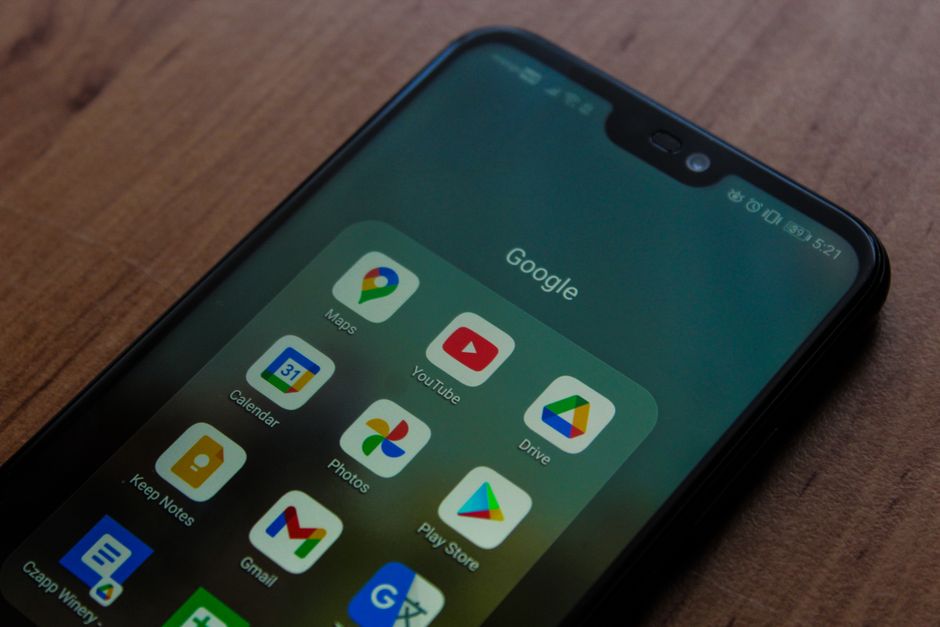
Google Calendar is the best free option for time blocking, letting you create color-coded event blocks and drag them to reschedule.
Use different colors for deep work, admin, meetings, and personal time so you can read your entire day structure at a single glance.
It lacks automatic rescheduling and task lists, but its zero cost and simplicity make it the default starting point for new time blockers.
Workers navigating tech layoffs often start with Google Calendar to take back control of their job search and freelance schedule.
Clockwise: Best Time Blocking App for Teams

Clockwise protects focus time for entire teams by analyzing meeting patterns across your organization and automatically consolidating them.
It moves meetings to create uninterrupted deep work blocks across your team, reducing the fragmentation that kills group productivity.
Clockwise integrates with Google Calendar and Slack, sending smart notifications when a good focus window opens up in your day.
For remote teams across time zones, Clockwise is especially useful for finding shared meeting windows without sacrificing deep work time.
Related Articles

Trust Post Desk
A journalist and editor at TrustPost.org covering world and national news, technology updates and human-interest stories. They check every fact, interview sources in person or online, and aim to deliver clear, accurate reporting. Their work ranges from breaking news to in-depth features and daily newsletters. Outside the newsroom, they follow emerging trends and engage with readers on social media.