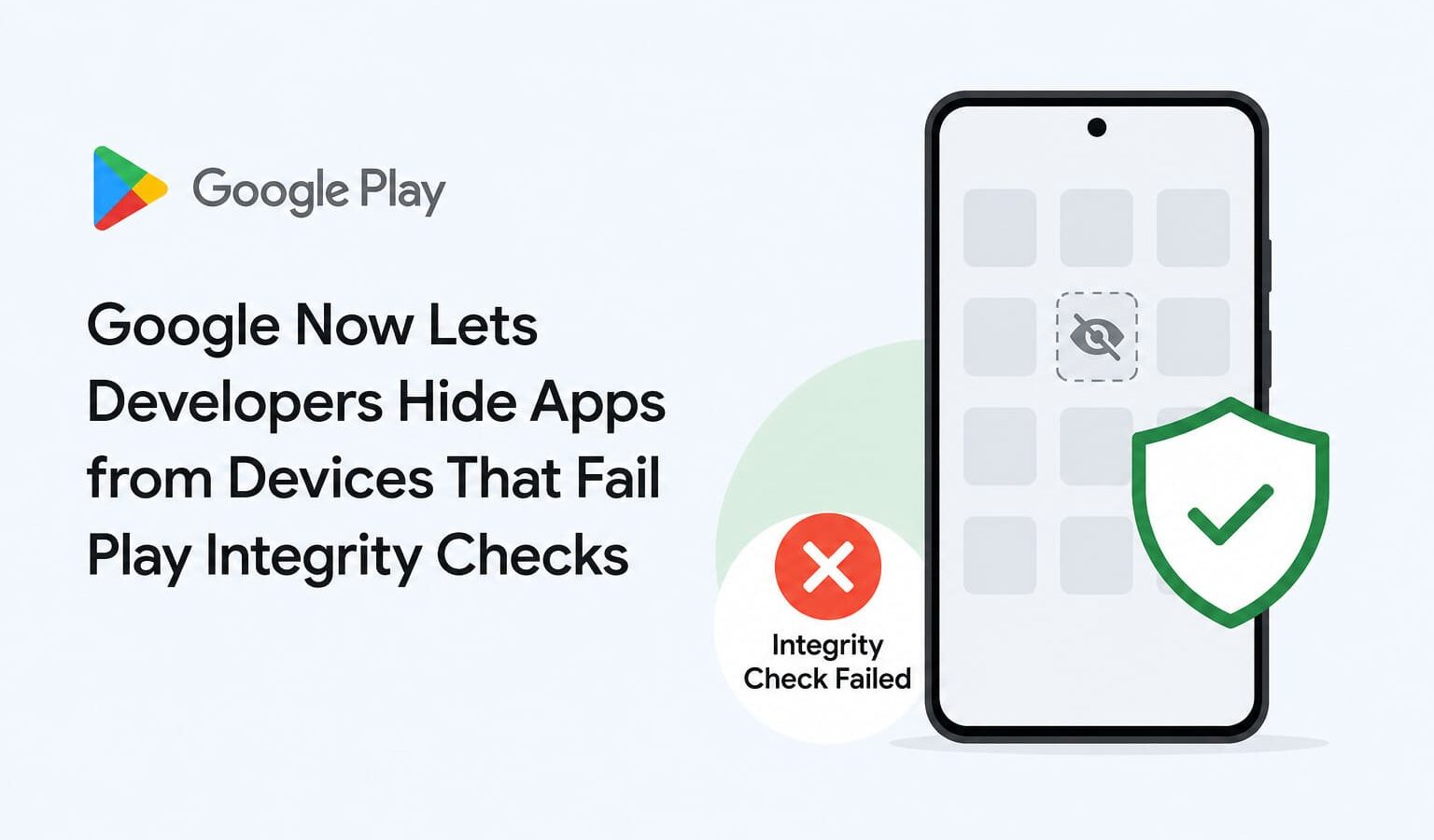
Google has given Android app developers a new power — they can now hide their apps from the Play Store for users whose devices fail Play Integrity checks.
What Does This Mean?
If your phone is rooted, has an unlocked bootloader, or runs a custom ROM, you may simply not see certain apps on the Play Store at all. No error, no explanation — the app just won’t appear.
Previously, apps could only block you from using them if your device seemed untrustworthy. Now they can block you from even finding them.
How Does It Work?
Developers can now turn on integrity checks for their Play Store listing. Devices that fail these checks won’t even see the app listed. Options range from basic checks all the way to strong integrity checks — each one stricter than the last.
The best part for developers? This doesn’t even require them to write any extra code in their app. The Play Store itself checks the device and decides whether to show the listing or not.
Who Gets Affected?
Anyone on a:
- Rooted Android phone
- Custom ROM or unofficial Android build
- Device with an unlocked bootloader
- Emulator or uncertified device
Users on such devices are now seeing messages like “This app won’t work for your device” — or the app simply doesn’t show up in search at all.
Why Is Google Doing This?
Apps using Play Integrity features already see 80% less unauthorized usage compared to apps that don’t use it. Banks, payment apps, and games with anti-cheat systems are the biggest fans of this feature.
The Bottom Line
Great news for security. Tough news for power users. If you run a modified Android device, your Play Store experience is about to get noticeably smaller.
To check whether your device currently passes Google’s integrity checks, you can use the official Play Integrity API Checker on Google Play.
Also read:

Trust Post Desk
A journalist and editor at TrustPost.org covering world and national news, technology updates and human-interest stories. They check every fact, interview sources in person or online, and aim to deliver clear, accurate reporting. Their work ranges from breaking news to in-depth features and daily newsletters. Outside the newsroom, they follow emerging trends and engage with readers on social media.