Roblox works on Chromebooks through the Google Play Store Android app. Whether you can install and play it on a school Chromebook depends on your school’s policy – some schools allow the Play Store, others block it entirely. Here is what works and what to try.
Method 1: Install Roblox from the Google Play Store
This is the official and most reliable way to play Roblox on a Chromebook.
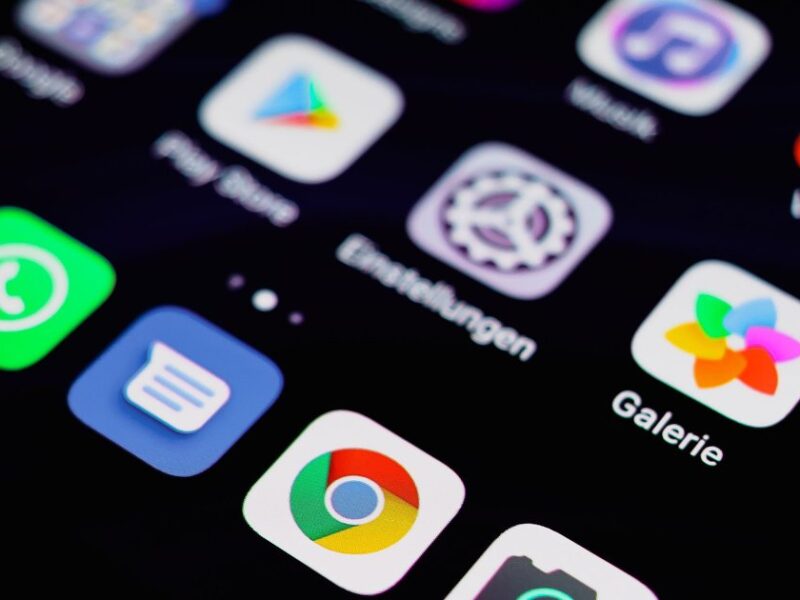
- Click the Launcher (circle key) and search for Play Store.
- Open the Play Store and search for Roblox.
- Click Install.
- Once installed, open Roblox and sign in to your account.
- The Android version of Roblox runs well on most modern Chromebooks.
If the Play Store is not available, your school has likely disabled it. You cannot install Android apps without administrator approval on a managed Chromebook.
Method 2: Play Roblox in the Browser
Roblox has a browser-based player that works on Chromebooks without installing the Android app:
- Go to roblox.com in Chrome.
- Sign in and click any game to play.
- A prompt will ask to install the Roblox launcher. On Chromebook, choose to play in the browser instead if this option appears.
Browser performance varies. Some games work smoothly; more graphically intensive experiences may lag.
Why Roblox May Be Blocked on a School Chromebook
School Chromebooks are managed by the school’s IT department using Google Workspace for Education. Administrators can block specific websites, disable the Play Store, and prevent installation of any apps not on an approved list. If Roblox is blocked, the school’s policy prevents it – there is no technical workaround that bypasses management controls on a fully managed device.
Improving Roblox Performance on Chromebook
- Close all other apps and browser tabs before launching Roblox.
- Connect to Wi-Fi (Roblox requires a stable internet connection).
- Lower in-game graphics settings to improve frame rate on lower-end Chromebooks.
- Make sure Chrome OS and the Roblox app are both up to date.
Chromebook Models That Work Best for Roblox
Roblox runs on most Chromebooks made after 2019. For the best experience, a Chromebook with at least 4GB of RAM and an Intel or AMD processor performs better than models with MediaTek or older ARM chips. Chromebook Plus models (released 2023 and later) meet higher performance standards and run Roblox well.
Frequently Asked Questions
Can I play Roblox on a school Chromebook at home?
School-managed Chromebooks apply the same restrictions whether you are at school or at home. Management policies follow the device, not the location. If Roblox is blocked at school, it is blocked at home too on the same device.
Does Roblox work offline on Chromebook?
No. Roblox requires an internet connection for all gameplay. There is no offline mode.
Is the Chromebook Roblox experience the same as on a PC?
The Android app version of Roblox has slightly different controls and some features compared to the PC client. Keyboard and mouse controls work once you configure them in the app settings, but the PC client generally offers smoother performance and better graphics settings.

Trust Post Desk
A journalist and editor at TrustPost.org covering world and national news, technology updates and human-interest stories. They check every fact, interview sources in person or online, and aim to deliver clear, accurate reporting. Their work ranges from breaking news to in-depth features and daily newsletters. Outside the newsroom, they follow emerging trends and engage with readers on social media.