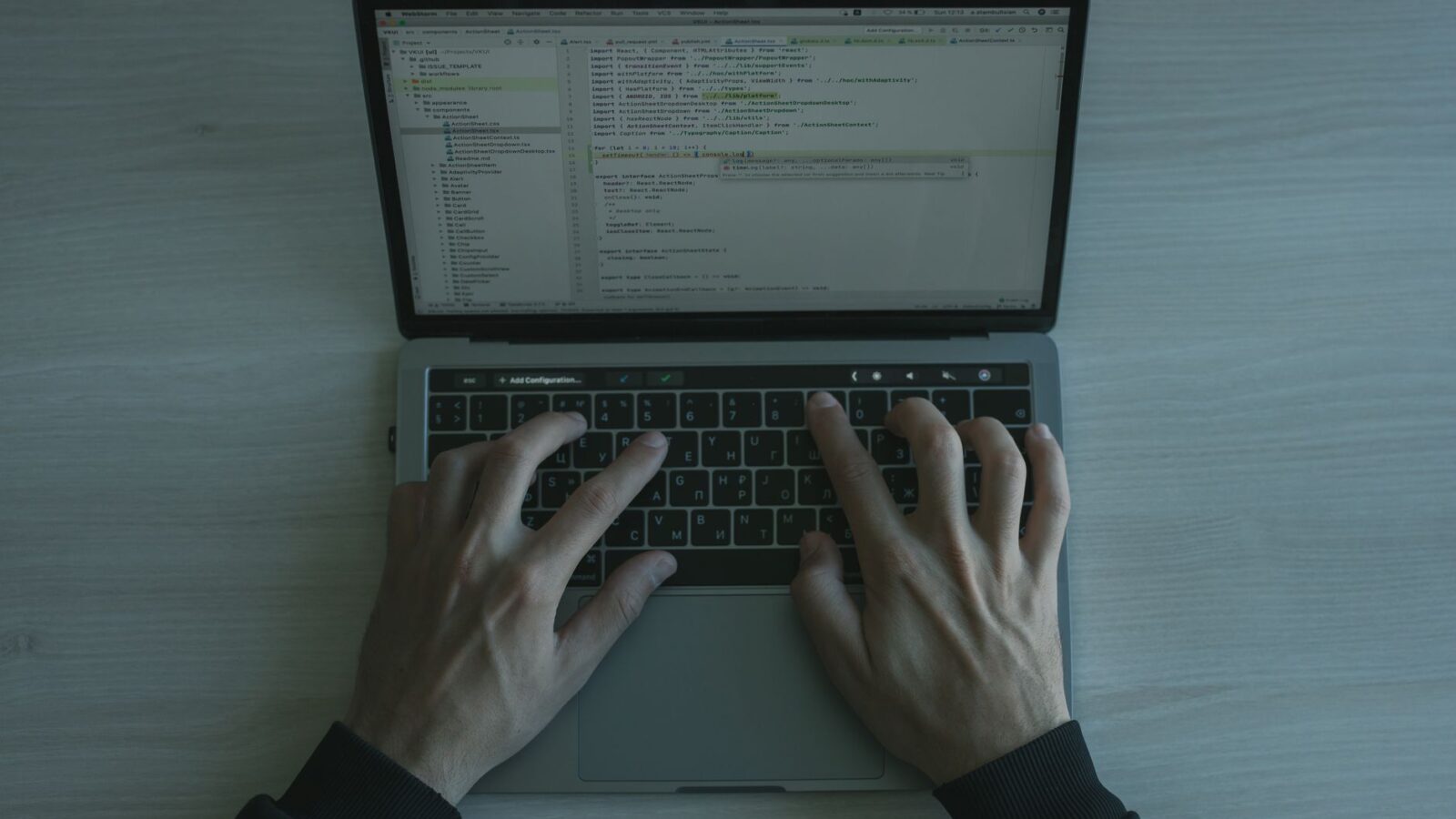
Claude is one of the best AI assistants for coding, and beginners can start writing real code with it in minutes.
You do not need coding experience to use Claude for programming tasks. Simply describe what you want in plain English.
This guide walks absolute beginners through using Claude for writing, debugging, explaining, and learning code step by step.
Why Claude Is an Excellent Coding Assistant for Beginners
Claude’s coding ability stands out because it explains what it writes, not just generating code but teaching you along the way.
Many beginners struggle not just to write code but to understand what the code does and why it works a certain way.
Claude addresses this by offering clear explanations alongside every block of code it generates for you in any language.
You can ask follow-up questions like ‘what does this line do?’ or ‘why did you use a list instead of a dictionary?’
Claude supports every major programming language including Python, JavaScript, TypeScript, Java, Go, Ruby, C++, Rust, and SQL.
Its context window can hold up to one million tokens, meaning it can review your entire codebase in a single conversation.
Claude never judges your skill level. It answers beginner questions with the same care and detail it gives to expert queries.
Research from 2026 shows developers using AI assistants like Claude ship code up to 55 percent faster than those working solo.
For beginners, that speed boost is even more pronounced because Claude eliminates hours spent searching documentation and debugging alone.
Claude also catches common beginner mistakes like missing semicolons, incorrect indentation, undefined variables, and logic errors.
Unlike a search engine that returns links, Claude reads your exact code, understands your specific problem, and gives targeted fixes.
This targeted help is what makes Claude so valuable: it responds to your actual situation rather than a general description of it.
You can see how Claude compares to other tools in our Claude Code vs GitHub Copilot comparison.
Whether you are building a web app, writing a script, or learning your first language, Claude is ready to help from day one.
Getting Started: Setting Up Claude for Coding Tasks
Getting started with Claude for coding requires nothing more than a Claude account and a clear description of what you want to build.
Sign up for a free Claude account at claude.ai. The free plan allows coding assistance, though paid plans offer longer context windows.
Once logged in, start a new conversation and tell Claude what you are trying to build using simple, everyday language.
You do not need to use technical jargon. Saying ‘I want a Python script that reads a CSV and emails a summary’ works perfectly.
Claude understands natural language descriptions and translates them into working code, asking clarifying questions when it needs more detail.
For best results, create a Claude Project dedicated to your coding work and upload relevant files like existing code or specs.
With your project set up, you can instruct Claude to always use a specific language, framework, or coding style throughout all chats.
You might write an instruction like: ‘I am a Python beginner. Always explain each code block and suggest improvements I can learn from.’
This instruction turns Claude into a personalized coding tutor that adapts every response to your exact skill level and goals.
If you are using Claude Code, the CLI tool, install it via npm with ‘npm install -g @anthropic-ai/claude-code’ in your terminal.
See the Claude Code documentation for full setup instructions and how to authenticate your account.
Claude Code works directly in your terminal, reads your files, runs commands, and iterates on code until the task is complete.
For web-based coding without any installation, the standard claude.ai interface is all you need to start writing and reviewing code.
Either way, the key is to describe what you want clearly and let Claude handle the technical implementation details for you.
Writing Your First Code With Claude: A Step-by-Step Walkthrough
The best way to learn Claude for coding is to start with a small, achievable project that solves a real problem for you.
Begin with something like: ‘Write a Python script that opens a text file, counts the word frequency, and prints the top ten words.’
Claude will generate complete, runnable code with a brief explanation of how each part works and what you need to run it.
Copy the code into your editor, run it, and observe the results. If something is wrong, paste the error back to Claude.
Tell Claude exactly what error you see. Paste the full error message. Claude will diagnose and fix the issue immediately.
If the output is not quite right, describe the difference: ‘The output shows file paths but I only want filenames without the path.’
Claude will update the code accordingly. This back-and-forth iteration is how real software development works, even for professionals.
As you iterate, ask Claude to explain any parts you do not understand. Learning happens in the conversation, not just from the code.
Once your script works, ask Claude to add features incrementally. Adding one feature at a time keeps the scope manageable for beginners.
You might next ask Claude to save the word frequency results to a CSV file, then later to add a command-line argument for the filename.
Each iteration teaches you a new concept: file handling, data structures, CSV writing, command-line arguments, and more.
After a few sessions like this, you will have built a real, useful tool while absorbing programming concepts naturally along the way.
Save every working version before making changes. Ask Claude to help you write a README file explaining what your script does.
Documentation is a professional habit worth building from the start. Claude makes it easy by drafting clear docs on demand.
Debugging Code With Claude: Finding and Fixing Errors Fast
Debugging is where beginners often get stuck the longest, but Claude makes the process dramatically faster and far less frustrating.
When your code throws an error, paste the full error message and the relevant code into Claude without trying to guess the cause.
Claude reads the stack trace, identifies the root cause, explains what went wrong in plain language, and provides a corrected version.
Common beginner errors like ‘NameError: name x is not defined’ or ‘IndentationError’ are trivial for Claude to diagnose and fix.
For logical errors where code runs but produces wrong results, describe the expected versus actual output and share the full code.
Claude can trace through your code logic step by step, identifying where the computation diverges from your intended behavior.
Ask Claude to add print statements or logging to help you see what values your variables hold at each stage of execution.
Once you find the bug, ask Claude to explain why it happened so you recognize and avoid the same mistake in future code.
For intermittent bugs that only appear sometimes, describe the conditions under which the bug appears. Claude will help you reproduce it.
Claude can also help you write automated tests so bugs do not creep back in after you fix them or add new features.
Testing is one of the most important professional coding habits, and Claude makes it accessible to beginners by generating test code.
Ask Claude: ‘Write unit tests for this function using pytest.’ You will get a complete test file ready to run immediately.
Our article on how Claude compares to ChatGPT for coding explores which model handles debugging tasks best.
With Claude’s help, debugging transforms from a dreaded chore into an educational exercise that steadily improves your coding intuition.
Refactoring and Improving Your Code With Claude
Once your code works, refactoring it makes it cleaner, faster, and easier to maintain, and Claude excels at guiding this process.
Paste your working code and ask Claude: ‘How can I make this more readable and efficient without changing what it does?’
Claude will suggest improvements like removing duplicate logic, replacing verbose loops with list comprehensions, and naming variables better.
Refactoring suggestions come with explanations, so you learn best practices and understand the reasoning behind each recommended change.
Ask Claude to apply the refactoring suggestions one at a time so you can review and understand each change before accepting it.
This incremental approach is safer than applying all changes at once, and it gives you a clearer view of what each improvement does.
Claude can also optimize code for performance. Tell it: ‘This script processes 100,000 records. How can I make it run faster?’
It will suggest techniques like vectorization with NumPy, avoiding repeated database queries, using generators, or adding caching.
For web applications, Claude can audit your code for security vulnerabilities like SQL injection, XSS, and unvalidated user inputs.
Security reviews catch dangerous mistakes early. Getting Claude to check your code before it goes live is a professional habit.
Ask Claude to add type hints to your Python code or JSDoc comments to your JavaScript for better readability and IDE support.
You can ask Claude to convert a script written in one style into a class-based structure or break a large file into smaller modules.
Each refactoring session teaches you design principles that experienced developers use every day in production codebases worldwide.
Over weeks of refactoring practice with Claude, beginners build the code quality habits that distinguish amateur code from professional work.
Learning to Code Faster Using Claude as Your AI Tutor
Claude is not just a code generator. Used intentionally, it becomes a highly effective personal tutor for beginners learning to code.
Ask Claude to explain any concept from first principles: ‘What is recursion and when would I use it over a regular loop?’
Claude’s explanations are patient, thorough, and adapted to your level. It uses analogies and examples to make abstract ideas concrete.
Request worked examples: ‘Show me three different ways to loop through a list in Python with pros and cons of each approach.’
This comparative approach builds a mental map of the language faster than reading a textbook or watching passive video tutorials.
Ask Claude to quiz you: ‘Give me a beginner Python problem to solve. Then review my solution and tell me how to improve it.’
Interactive exercises with immediate feedback dramatically accelerate learning compared to reading static documentation or tutorials.
Use Claude to decode code you find online. Paste any code snippet and ask: ‘What does this do and how does it work?’
Being able to read unfamiliar code is an essential developer skill, and Claude can help you develop it from the very beginning.
As you progress, ask Claude to introduce you to new topics: ‘I understand functions. What should I learn about Python next?’
Claude will suggest a logical learning path tailored to your current level and your stated goals, creating a personalized curriculum.
Keep a learning log in your Claude Project: ask Claude to summarize what you covered each session and what you should revisit.
Check the Claude beginner usage guide for additional strategies on structuring your AI-assisted learning sessions.
With consistent practice and Claude as your coding tutor, most beginners can write functional Python scripts within their first week.
Related Articles

Trust Post Desk
A journalist and editor at TrustPost.org covering world and national news, technology updates and human-interest stories. They check every fact, interview sources in person or online, and aim to deliver clear, accurate reporting. Their work ranges from breaking news to in-depth features and daily newsletters. Outside the newsroom, they follow emerging trends and engage with readers on social media.