
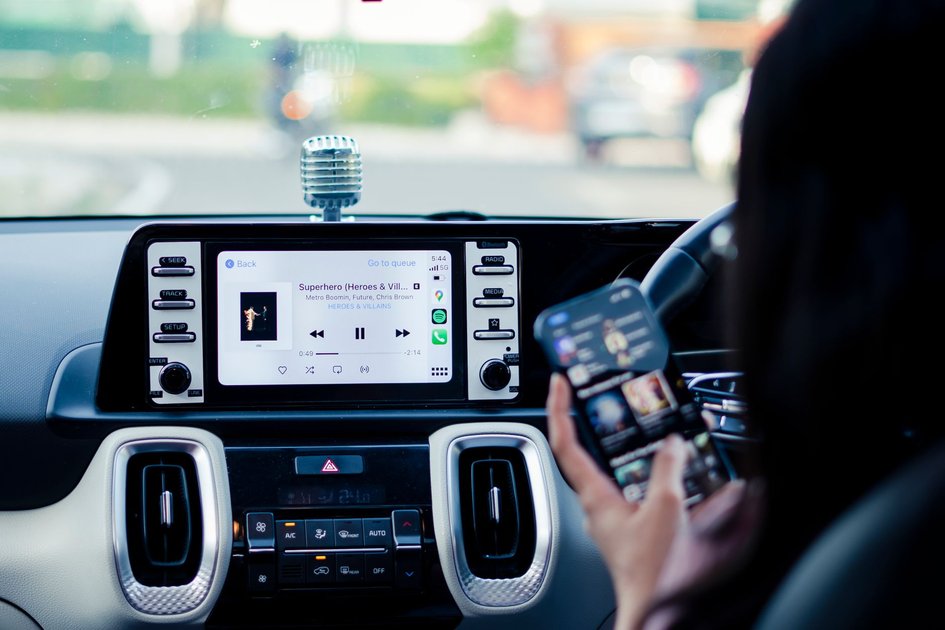
If you have tried to open YouTube on your iPhone and have it display on your car’s CarPlay screen, you have likely found that it does not work. This is not a bug or a setup error – it is deliberate. Understanding why it does not work (and what you can do instead) will save you a lot of troubleshooting time.
Why YouTube Does Not Work on CarPlay
Apple’s CarPlay guidelines prohibit video streaming apps from displaying video content on the CarPlay screen while the car is in motion. This is a driver safety requirement imposed by Apple, not a choice made by YouTube. The restriction applies to all video streaming apps including Netflix, Disney+, and YouTube – none of them can play video through CarPlay.
Audio-only apps like Spotify, Apple Music, and podcast apps are permitted on CarPlay because they do not require the driver’s eyes to be on a screen.
What You Can Do: YouTube Music on CarPlay
YouTube Music – the separate music streaming app – does support CarPlay because it is primarily an audio experience. If you have a YouTube Premium subscription (which includes YouTube Music Premium), you can:
- Install the YouTube Music app on your iPhone from the App Store.
- Connect your iPhone to your car via USB or Bluetooth.
- YouTube Music will appear in your CarPlay interface.
- Browse playlists, albums, and radio stations from the CarPlay screen.
Listening to YouTube Audio Through CarPlay
While YouTube video does not play on the CarPlay screen, the audio from YouTube videos playing on your iPhone will still come through your car’s speakers when connected via Bluetooth or AUX. The video plays on your phone’s screen (ideally face-down or placed where you cannot see it while driving) while the audio plays through the car.
This approach works for listening to podcasts, long-form interviews, and music on YouTube while driving, without needing CarPlay video support.
Using YouTube on Your Car’s Infotainment Screen Directly
Some newer vehicles have integrated Android Auto with a full web browser, or have built-in YouTube apps in their infotainment systems (Tesla, for example, has a browser with YouTube access when the car is parked). Check your car’s manual or settings to see if your infotainment system has any direct YouTube integration outside of CarPlay.
Third-Party Workarounds
Several third-party apps claim to enable YouTube video on CarPlay by routing it through a different app interface. These workarounds may violate Apple’s developer guidelines and can be removed from the App Store without notice. They also carry safety risks. We recommend against using them.
What to Do If YouTube Music Is Not Appearing on CarPlay
If YouTube Music is installed but not appearing in CarPlay:
- On your iPhone, go to Settings, then General, then CarPlay.
- Select your car from the list.
- Tap Customize and make sure YouTube Music is in the ‘Included Apps’ section.
- If it is not there, tap the green plus icon next to it to add it.
Frequently Asked Questions
Will Apple ever allow YouTube video on CarPlay?
Apple has introduced limited video CarPlay support for parked vehicles in newer CarPlay versions, but this requires vehicle manufacturer integration and is not available through the standard CarPlay app ecosystem that YouTube uses.
Can YouTube be used on CarPlay for passengers?
Not through CarPlay. Rear-seat entertainment systems in some vehicles can display content independently of CarPlay, but this requires hardware built into the vehicle rather than being a CarPlay feature.
Related Articles

Get the TrustPost briefing
The stories that matter, in your inbox. No spam, unsubscribe anytime.
Newsletter signup will be available soon.
Related stories
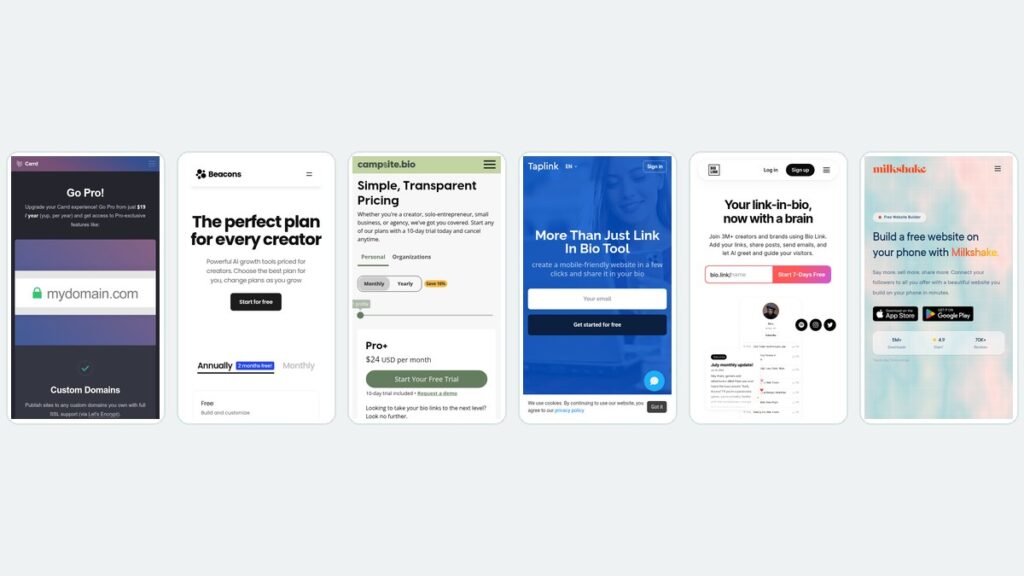
Linktree Alternatives: What 6 Tools Cost Over Three Years
Monthly pricing hides the real number. Six Linktree alternatives compared on three-year cost, with every rate read from the vendor’s own pricing page.

Best Graphic Design Software: Free and Paid Tools Compared
Compare the best graphic design software of 2026, from free tools like Affinity and GIMP to paid apps such as Photoshop, with current US prices.

Best Digital Signage Software: 8 Platforms Compared on Price and Features
Compare the best digital signage software in 2026. Verified per-screen pricing for Yodeck, OptiSigns, ScreenCloud, Rise Vision, Xibo and more.