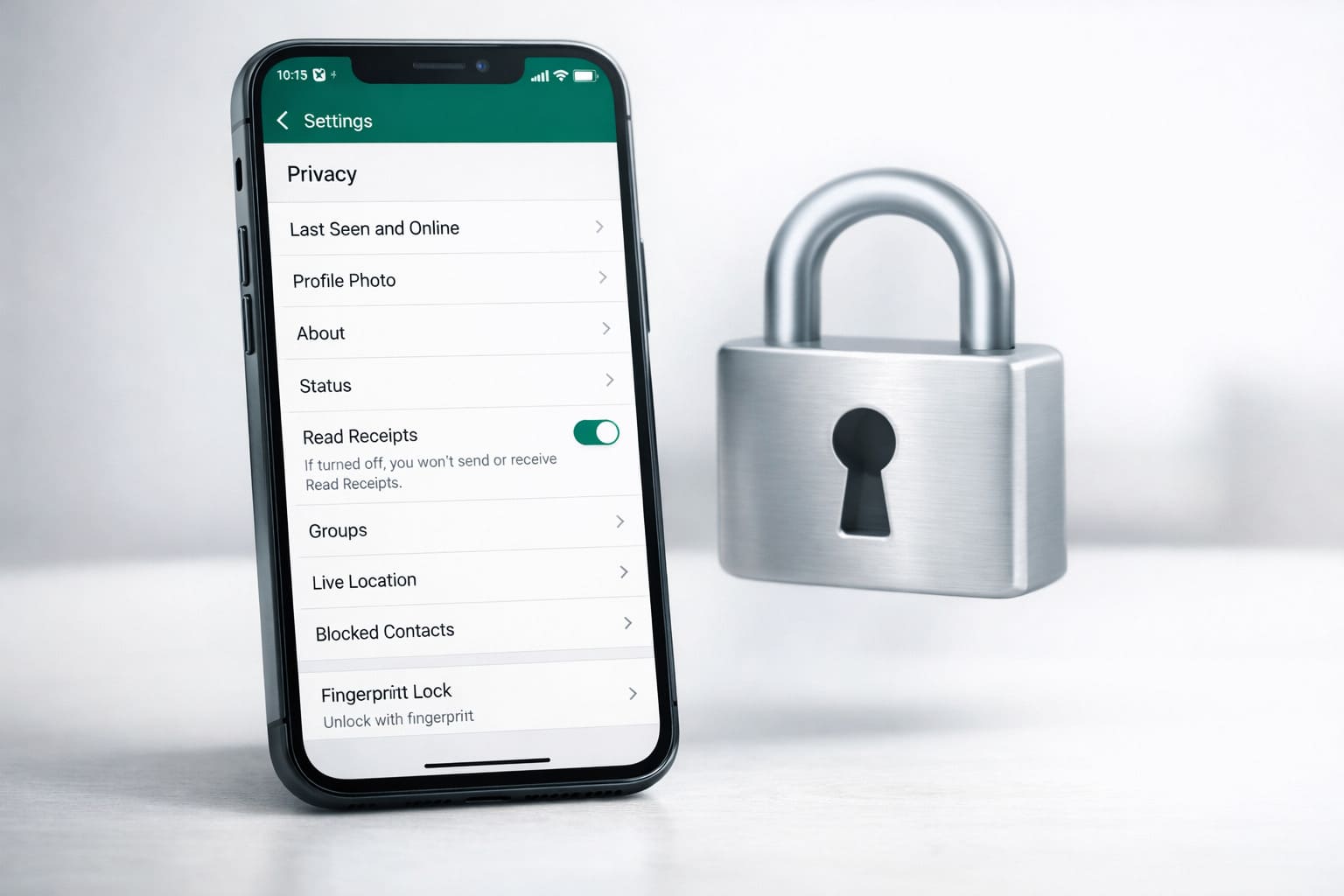
WhatsApp has just launched a powerful new feature called Strict Account Settings designed to give users an extra layer of protection against cyber threats
and unwanted interactions. This new security option is especially useful for people who believe they could be targeted by sophisticated attacks — like journalists,
For more context, see our coverage of Quantum Computing 2026 Where We Are.
public figures, or anyone dealing with sensitive information.
The feature recently began rolling out globally in phases and can be enabled from within the app’s Privacy settings under an “Advanced” section.
Strict Account Settings is a lockdown-style security mode that restricts various parts of your WhatsApp experience to make it harder for strangers, bots, or
For more context, see our coverage of Nasdaq Surges on Iran Peace Deal and Apple Intel News.
attackers to contact you or view personal information. When turned on, this setting automatically applies the most restrictive privacy options available on WhatsApp.
What Are Strict Account Settings?
Here’s how it strengthens your account:
This makes it harder for attackers to exploit common entry points or gather useful information about your account.
For more context, see our coverage of Meta 6500 Person AI Unit.
WhatsApp itself says this mode is especially helpful for users who may be at higher risk of sophisticated cyberattacks — for example:
Who Should Use It?
For most regular users, WhatsApp’s default protections (including end-to-end encryption) are strong and usually sufficient. But turning on Strict Account Settings gives “extreme safeguards” on top of WhatsApp’s standard security.
Turning on this feature is simple, but must be done from your primary phone device (it cannot be activated from WhatsApp Web or desktop).
Here’s how to do it:
How to Enable Strict Account Settings
Once activated, your settings will switch to the most restrictive options designed for maximum security.
WhatsApp continues to strengthen its security after years of focusing on end-to-end encryption, which already protects chats from being read by anyone other than
the people in the conversation. But some threats today — like spyware or targeted hacking campaigns — require even stronger protections, which is where
Strict Account Settings comes in.
This new layer of defense puts WhatsApp alongside other major tech companies that offer enhanced security options, such as Apple’s Lockdown Mode and Google’s Advanced Protection mode.
What You Should Know Before Turning It On
Strict Account Settings is one of WhatsApp’s most comprehensive security measures yet. It’s not for everyone, but it’s a valuable tool for people who
need extra protection against sophisticated cyber threats. If your communication privacy matters a lot, this feature gives you another way to stay safer while
using WhatsApp.
Also read:
Sources and Further Reading
Learn more at TechCrunch.
Learn more at The Verge.
Learn more at Wired.
Related Articles

Trust Post Desk
A journalist and editor at TrustPost.org covering world and national news, technology updates and human-interest stories. They check every fact, interview sources in person or online, and aim to deliver clear, accurate reporting. Their work ranges from breaking news to in-depth features and daily newsletters. Outside the newsroom, they follow emerging trends and engage with readers on social media.