
A Discord IP resolver is supposed to reveal another user’s IP address from their Discord account or ID. The honest answer, and the one that saves you time and money, is that it cannot be done. Discord routes every text, voice, and video connection through its own servers, so one user never connects directly to another and there is no IP to resolve. The tools and websites selling this as a service are scams, data-harvesting pages, or malware, and several are open trolls that return a fake result and tell you as much.
Most people searching for a Discord IP resolver fall into one of two groups: someone worried that a stranger has threatened to find their IP and location, or someone hoping to unmask an anonymous account. This guide is written mainly for the first group, because the reassuring news is that Discord is built specifically to stop this. It also explains the one real way an IP can leak, which has nothing to do with Discord itself, and what to do if someone claims to have yours.
| The claim | The reality |
|---|---|
| “Enter a Discord ID and get the IP” | Impossible. Discord never shares a user’s IP with other users. |
| “Resolvers sniff voice-chat packets” | Voice traffic is relayed by Discord’s servers, so you only ever see Discord’s IP. |
| “Paid resolver services actually work” | They take payment or data and return fabricated or public-guess results. |
| “An IP reveals someone’s home address” | It reveals an approximate city and the ISP, not a street address. |
| “There is no way an IP can leak” | It can, but only if you click a malicious link outside Discord. |
Why a Discord IP Resolver Cannot Work
The reason is architectural, and Discord states it plainly. In its engineering write-up on handling millions of concurrent voice users, the company explains that routing all traffic through Discord’s servers “ensures that your IP address is never leaked whether you use text, voice, or video, preventing anyone from finding out your IP address and launching a DDoS attack against you.”
Many older apps used peer-to-peer voice, where two people connect directly and each can see the other’s IP. Discord deliberately does not. When you talk in a voice channel, your audio travels to a Discord voice server and then out to the other person, so the only address anyone on the far end can observe is Discord’s own. There is no direct line between two users for a resolver to inspect.
That single design choice makes the entire category of “enter an ID, receive an IP” tools impossible. A Discord user ID is a public number that identifies an account; it contains no network information and cannot be reversed into a location. Any site promising to convert one into the other is describing something that does not exist.
What Those Resolver Sites and Services Really Are
If the technology cannot work, the pages advertising it must be doing something else. In practice they fall into a few predictable buckets:
- Trolls. Some resolver sites take your input, show a spinning “analyzing packets” animation, then return a fake IP and a message telling you that you have been pranked. They exist to mock the search.
- Scams. Others ask for payment, a “verification” survey, or your own Discord login before revealing the supposed result. You pay or hand over credentials and receive nothing real.
- Malware droppers. A “resolver tool” offered as a download is a classic delivery method for info-stealers that harvest your saved passwords, tokens, and card details.
- Credential phishing. Pages that ask you to “log in with Discord to check a user” are harvesting your account, which is far more valuable to them than any stranger’s IP.
The irony is sharp. People chasing someone else’s IP through these tools are the ones who end up compromised, because the only account credentials or payment details changing hands are their own. Treating every “resolver” as a trap aimed at you, rather than a weapon aimed at someone else, is the correct mental model.
The One Real Way an IP Leaks, and Why It Is Not Discord
There is a genuine technique that gets confused with Discord resolving, and understanding it is what actually keeps you safe. It is the IP grabber, and it does not touch Discord’s systems at all. Security firm ESET describes an IP grabber as “usually a link that, upon clicking, records your IP address and stores it.”
The mechanism is ordinary web tracking, not hacking. Anyone can create a link that logs the address of whoever opens it, then disguise it with a URL shortener and send it in a chat. If the target clicks, the logging page records the connection. The important point is that the leak happens on the outside web page, not inside Discord, and it only happens because someone was persuaded to click. Discord never handed anything over.
This is why the same defensive habit defeats it every time: do not click unfamiliar links, especially shortened ones sent by strangers or arriving with a sense of urgency. That is a specific case of the broader caution in our guide to protecting your privacy online, and it is the single most effective thing you can do here.
What an IP Address Actually Reveals About You
Even in the worst case, where someone does obtain your IP through a grabber link, the fear usually outruns the reality. An IP address is not a home address. What it exposes is far less precise than the threats imply:
- Approximate location: typically your city or region, and often just the location of your internet provider’s equipment, which can be miles away
- Your ISP: the name of your internet service provider
- Connection type: roughly whether you are on home broadband, mobile data, or a business network
What it does not reveal is your name, your street address, your exact house, or anything inside your accounts. Most home connections also use a dynamic IP that the provider rotates, so restarting your router often assigns you a new one and makes any logged address stale. When a stranger pastes back a city and an ISP as if it were a threat, they are showing you the ordinary limit of what an IP gives, not a map to your door.
Two real risks remain and are worth naming honestly. An exposed IP can be used to aim a denial-of-service attack that knocks your connection offline temporarily, and it can be combined with information you have posted elsewhere to narrow down who you are. Both are reasons to keep it private, not reasons to panic about someone appearing at your house from a Discord chat.
What to Do If Someone Claims to Have Your IP
Threats like “I have your IP and I know where you live” are overwhelmingly intimidation, and they rely on you not knowing how little that claim means. Work through these steps rather than engaging:
- Do not reply or negotiate. A reaction is the payoff the person is fishing for, and engaging invites escalation.
- Screenshot the messages. Capture the threat, the username, and the user ID before anything is deleted, in case you need to report it.
- Block and report the user in Discord. Blocking cuts contact, and reporting the account to Discord’s Trust and Safety team flags conduct that breaks its rules.
- Restart your router to change your IP. If your ISP assigns dynamic addresses, powering the router off for a few minutes usually pulls a fresh one and voids anything they logged.
- Escalate real threats offline. If a message names your actual address, threatens violence, or targets a minor, contact local law enforcement and keep your screenshots.
If the harassment is happening inside a specific server, a well-moderated community can remove the offender quickly. Tools like the bots covered in our Carl-bot Discord guide give moderators one-command bans and logging, which is why active servers are far safer places than unmoderated ones.
How to Keep Your IP and Account Private on Discord
Because Discord already hides your IP by design, protecting yourself is mostly about not undoing that protection and about securing the account itself:
- Never click unknown links, particularly shortened ones or “click to see who viewed your profile” bait, which is how grabber pages capture a connection
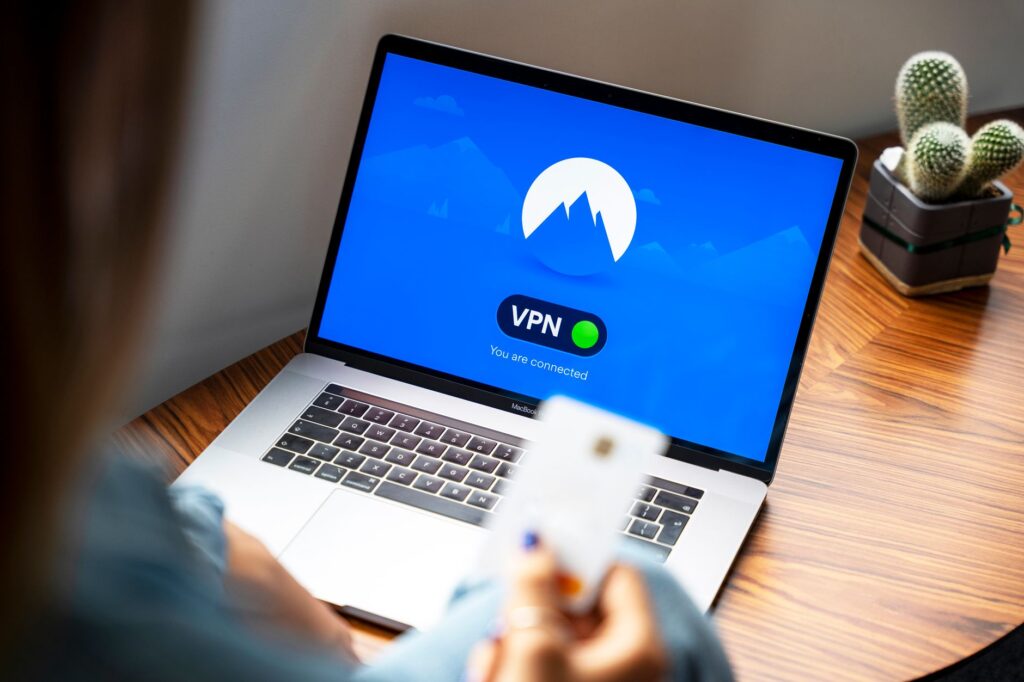
- Use a VPN if you want an extra layer, since it routes your traffic through another server and masks your real address even from a grabber link
- Turn on two-factor authentication, so a stolen password alone cannot take your account
- Keep direct messages restricted in Privacy and Safety settings, so strangers in shared servers cannot message you unprompted
- Never download “tools” for resolving, spoofing, or nuking, which are the most common disguises for account-stealing malware
Account security matters more than IP anxiety, because a hijacked Discord account exposes your messages, servers, and friends in a way a leaked city never could. A unique passphrase from our guide to creating a strong password, paired with two-factor authentication, closes the door that the resolver scams are really trying to open. The same layered thinking in cloud security best practices applies to any account you care about.
Frequently Asked Questions
Can someone really get my IP from Discord?
Not through Discord itself. Discord routes all text, voice, and video through its own servers, so other users only ever see Discord’s IP, not yours, and the company states this outright. The only way your IP leaks in connection with Discord is if you click a malicious link that logs it outside the app, which is a web-tracking trick rather than anything Discord exposes.
Do Discord IP resolver websites actually work?
No. Because Discord never shares user IPs, there is nothing for these sites to resolve. In reality they are trolls that return a fake result, scams that take payment or survey data for nothing, or malware and phishing pages designed to compromise the person using them. Entering your details into one puts you at risk, not your target.
Is it illegal to find someone’s IP address?
Simply seeing an IP address is generally not itself a crime, but using one to harass, threaten, launch a denial-of-service attack, or locate and intimidate a person can be, and doing so also violates Discord’s Community Guidelines and can get your account permanently banned. Deliberately trying to unmask and target another user is the behavior that turns curiosity into a punishable act.
Does a VPN stop Discord IP grabbers?
Yes, against grabber links. A VPN routes your traffic through its own servers and shows that server’s address instead of yours, so a link that logs your connection records the VPN, not your real IP. You do not strictly need one for Discord, since Discord already hides your address, but it is a sensible extra layer if you are being targeted or use public Wi-Fi.
Someone sent me my own IP. What should I do?
Stay calm, because an IP shows an approximate city and your ISP, not your home address. Do not engage, screenshot the messages, block and report the account, and restart your router to pull a fresh IP if your provider uses dynamic addressing. If the person names your real address or makes a credible threat, save the evidence and contact local law enforcement.
Related Articles

Get the TrustPost briefing
The stories that matter, in your inbox. No spam, unsubscribe anytime.
Newsletter signup will be available soon.
Related stories
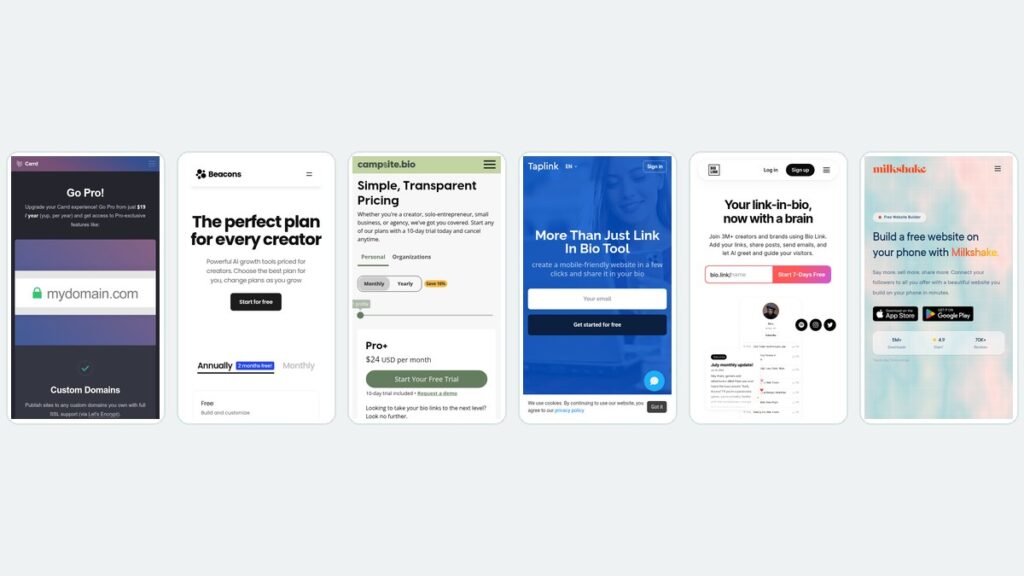
Linktree Alternatives: What 6 Tools Cost Over Three Years
Monthly pricing hides the real number. Six Linktree alternatives compared on three-year cost, with every rate read from the vendor’s own pricing page.

Best Graphic Design Software: Free and Paid Tools Compared
Compare the best graphic design software of 2026, from free tools like Affinity and GIMP to paid apps such as Photoshop, with current US prices.

Best Digital Signage Software: 8 Platforms Compared on Price and Features
Compare the best digital signage software in 2026. Verified per-screen pricing for Yodeck, OptiSigns, ScreenCloud, Rise Vision, Xibo and more.