
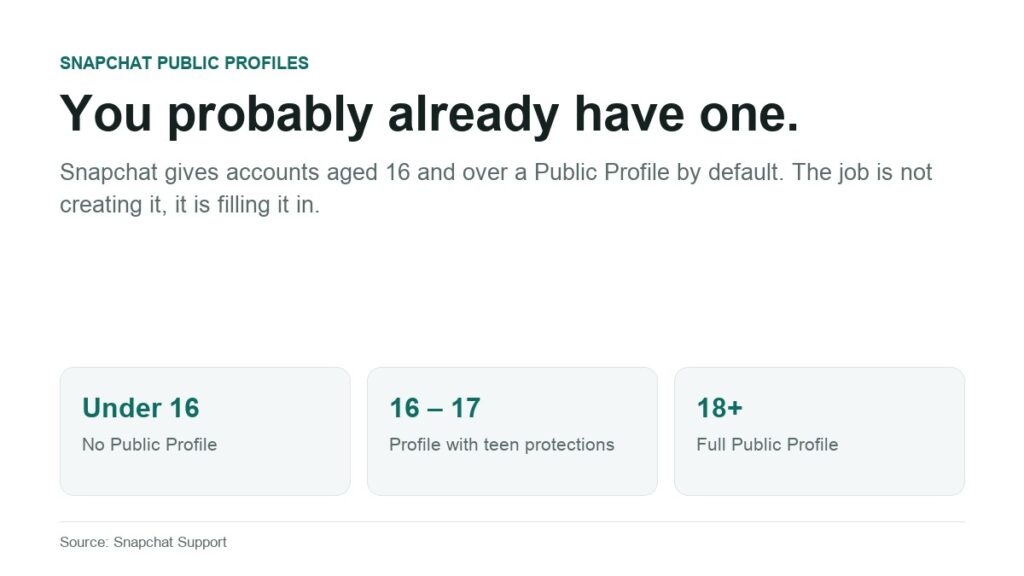
The useful way to approach a Snapchat Public Profile is backwards: start with what a stranger sees, then work inwards to the settings that decide it. Because the thing almost nobody realises is that the profile already exists. Snapchat creates one for every account aged 16 and over by default, and maintains a help page specifically for people who discover one they never made.
That changes the job from creating something to auditing something. This walks through what is visible from the outside, what you control, who does not get a profile at all, and the extra restrictions Snapchat applies to 16 and 17 year olds. Every detail comes from Snapchat’s own support documentation, read on 17 September 2026.
What a Stranger Actually Sees
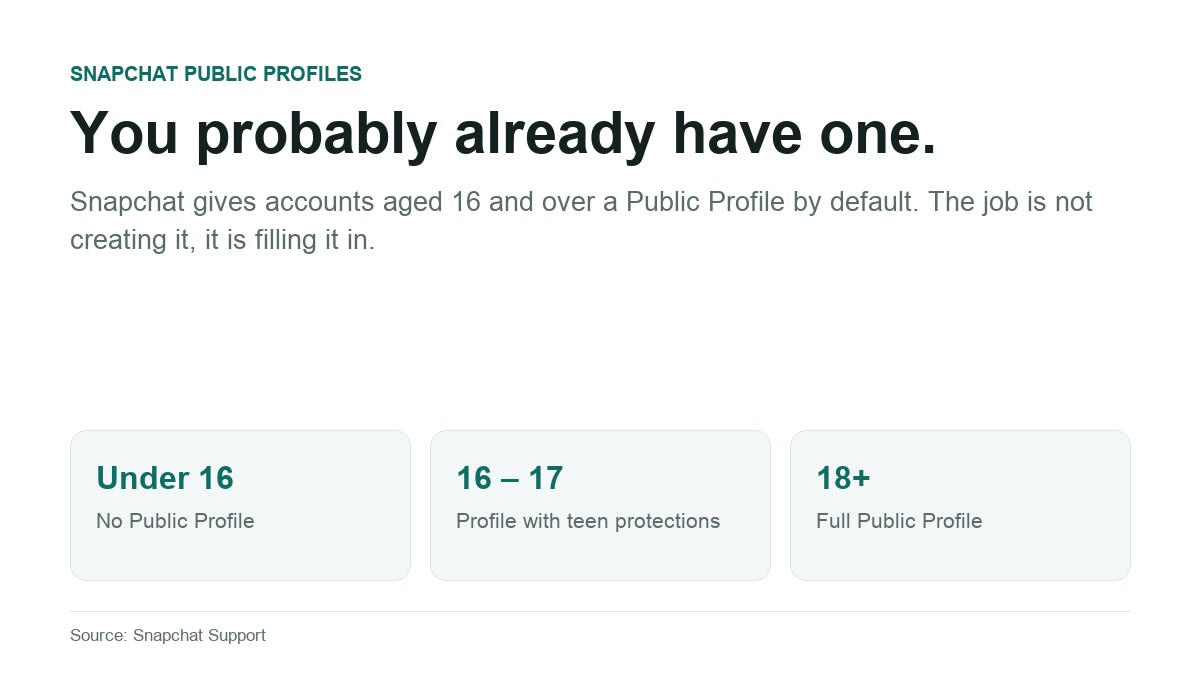
Snapchat’s Public Profile help page draws one clean line. Your personal profile is visible only to friends. A Public Profile is visible to anyone on Snapchat. Those are two different pages, and the second one exists whether or not you have opened it.
On that public page a stranger can find a profile photo, a background photo, a bio, a location if you added one, plus any Stories and Lenses you published publicly. They can subscribe to you, and they can see your subscriber count. What they cannot see is anything you sent privately, because Snapchat states that creating a Public Profile does not change any existing contact or Story privacy settings.
The public Story is also kept separate from My Story by design, so the audience you post to as a creator and the audience you post to as a friend do not merge unless you deliberately post to both. That separation is the single most important thing to understand, and an article for people who find a profile they never made suggests plenty of people never get that far.
The Audit: Four Fields You Control
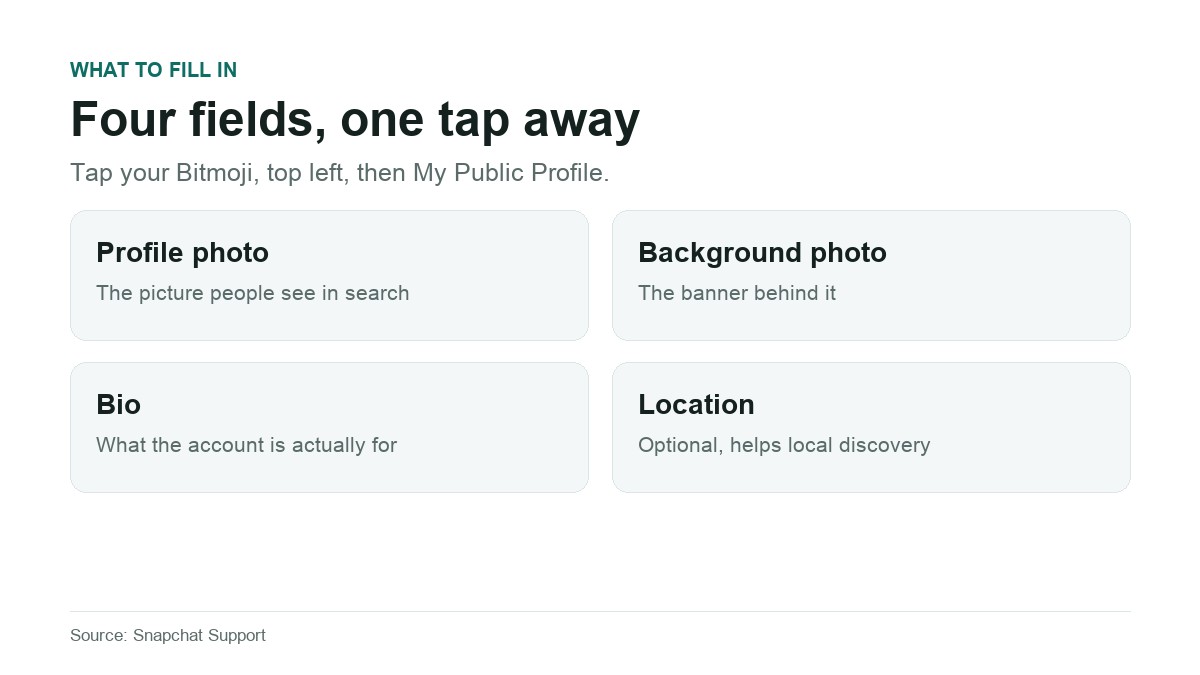
Open it by tapping your Bitmoji in the top left of the Snapchat screen and selecting My Public Profile. Snapchat names four things to fill in, and each one is a decision about how discoverable you want to be.
- Profile photo. The face of the account to people who are not friends. Leaving it empty does not make you private, it makes you look abandoned.
- Background photo. The banner behind it, and the largest area on the page. It is the only space big enough for a message rather than a picture.
- Bio. Written for someone with no context, because that is who reads a public page.
- Location. Optional free text. Add it if what you do is local, leave it blank if the account is personal. It is not live location and has nothing to do with Snap Map.
An empty Public Profile is effectively inert. A filled-in one is a public page. Both states are legitimate, and the point of the audit is to make it a choice rather than an accident.
What the Page Can and Cannot Do
According to the feature breakdown Snapchat publishes, a standard Public Profile supports a photo, bio, description, location, Stories and Lenses, lets people subscribe, shows a subscriber count, gives you insights on public Stories, Lenses and audience, keeps a public Story separate from My Story, and allows public Story replies and quoting.
Five things sit behind a Creator Account instead: a website link, a public email address, a category for the profile, a Chat button, subscriber Story notifications, and the ability to assign roles to other people. Snapchat states outright that a standard Public Profile cannot select a category, which is usually the first restriction people bump into.
For Creator features, Snapchat’s stated requirements are a Public Profile, active posting to Stories and Spotlight, and a grown audience. No subscriber threshold is published, so there is no number to aim at, only consistency. Anyone thinking about this commercially should read it the way they would read any platform discovery change: the rules are the platform’s to change.
Who Does Not Get a Public Profile
Snapchat gives exactly two reasons, and there is no third.
- Being under the minimum age. The stated minimum is 16, and Snapchat notes that laws in your country or region may set a different minimum, so in some places it is higher.
- Past Community Guidelines violations. Snapchat says an account that has previously broken the Community Guidelines may not be able to have one.
There is a destructive detail attached to the age rule worth knowing before anyone edits their date of birth for an unrelated reason. Snapchat states that if your birthday indicated 16 or older when you saved public content and you later change it to under 16, your Public Profile and all of its content will be deleted. That is published as a consequence, not as a removal method.
Extra Protections for 16 and 17 Year Olds
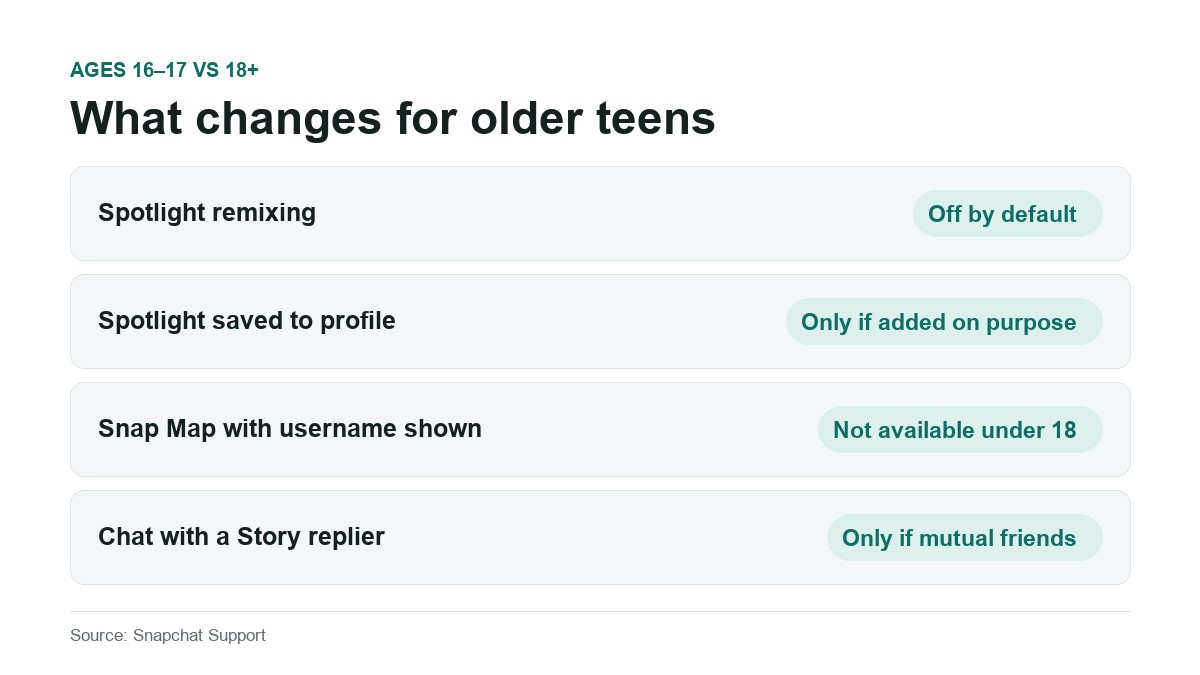
Older teens get a public content page with restrictions applied automatically, and Snapchat describes the rules for 16 and 17 year olds as operating with the highest privacy settings by default. Four differences against an adult account are specified:
| Behaviour | Ages 16 to 17 | Ages 18 and over |
|---|---|---|
| Spotlight remixing | Off by default | Available |
| Spotlight Snaps saved to the Public Profile | Only when added deliberately | Saved by default |
| Posting to Snap Map with username or profile shown | Not available | Available |
| Chat with someone who replies to a Story | Only if mutually accepted friends | Standard chat rules |
Within those limits older teens can still add a profile photo, cover photo and bio, save Snaps to the public page, post to Spotlight with their username shown, post a public Story, view and quote Story replies and comments, and read analytics on their public Stories and Spotlights. Story replies can be switched off at any time.
For a parent, the practical summary is that a 16 year old on Snapchat has a public page by default, with remixing and Snap Map attribution disabled and chat gated behind mutual friendship. Whether that is enough is a judgement call, and it is a more specific one than most coverage of teen social media manages.
Three Terms That Are Not Interchangeable
Public Profile, Professional Account and Business Profile get used as synonyms online. Snapchat keeps them separate:
- Public Profile. The default one, from age 16, no application needed.
- Professional Account. Snapchat calls it a version of your Public Profile available to some Snapchatters, with a Creator or Business type. Limited to ages 18 and over, and described as a newer feature not yet available to everyone.
- Business Profile. Snapchat does not create these. Businesses build and manage them through Ads Manager, minimum age 18. Snapchat’s own guidance is that if you have never opened Ads Manager, your Public Profile is probably not a Business Profile.
- Snap Star. Separate again, with account engagement, authenticity, content quality and notability listed among the factors, and no guaranteed route in.
If you find Snapchat’s layers of status confusing, you are not alone. The same instinct that produced the Snapchat Planets system runs through the profile tiers: a lot of named states, not much published about how you move between them.
Frequently Asked Questions
How do I make a Public Profile on Snapchat?
For most accounts there is nothing to make. Snapchat gives a Public Profile by default to accounts aged 16 and over. Tap your Bitmoji in the top left, choose My Public Profile, and add a profile photo, background photo, bio and location. There is no approval step.
Can strangers see my Snaps because I have a Public Profile?
Only the ones you post publicly. Snapchat states that creating a Public Profile does not change any existing contact or Story privacy settings, and the public Story is held separately from My Story so the two audiences do not mix by accident.
Why is there no Public Profile option on my account?
Two reasons exist in Snapchat’s documentation. Either you are under the minimum age, which is 16 unless local law sets it higher, or the account has violated Community Guidelines in the past. Neither has a workaround.
Is a Public Profile safe for a 16 year old?
Snapchat applies protections automatically: Spotlight remixing off by default, Spotlight Snaps not saved to the profile unless added on purpose, no Snap Map posting with a username or profile attached under 18, and no chat with a Story replier unless the two are mutual friends. Story replies can also be turned off entirely. Whether that is sufficient is a family decision, but the specifics are public.
Can I delete my Public Profile?
Snapchat frames it as something you have and choose whether to use, rather than something with an off switch. Leaving it blank and not posting publicly is the practical equivalent. The only documented route to outright deletion is an age change to under 16, which destroys the content along with it.
Related Articles

Get the TrustPost briefing
The stories that matter, in your inbox. No spam, unsubscribe anytime.
Newsletter signup will be available soon.
Related stories
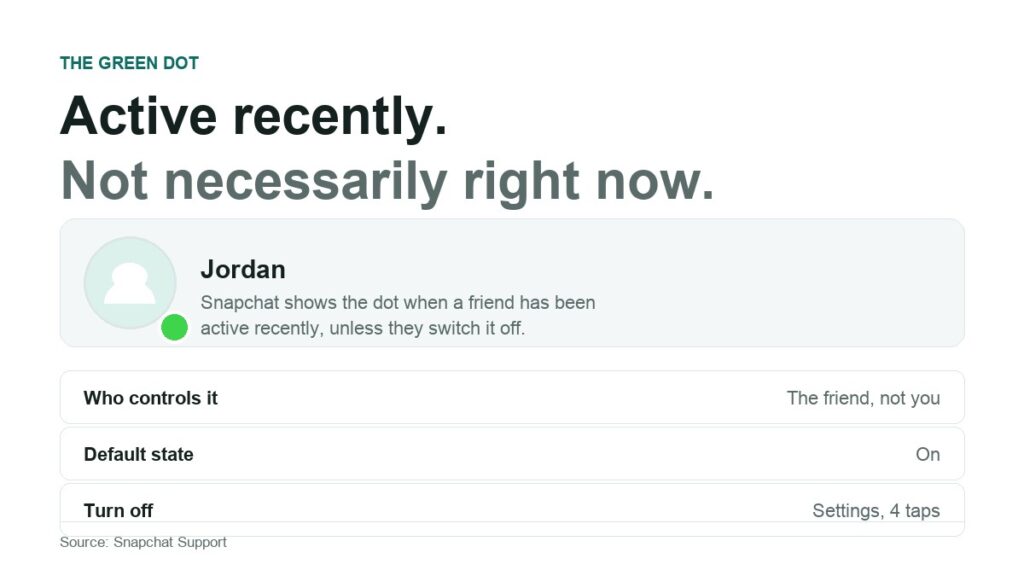
What Does the Green Dot Mean on Snapchat?
Eight common claims about Snapchat’s green dot, each checked against what Snapchat actually documents. What it reports, how to turn it off, and what turning it off does not hide.
Your Instagram Posts Can Now Rank on Google: Here’s How to Take Advantage
For years, there was a wall between Instagram and the rest of the internet. You could pour hours into a post, and none of it would ever show up when someone searched…
How Much Do YouTubers Make Per View. Full Breakdown and Clear Numbers
People often think YouTube pays one fixed amount for every view. That sounds simple, but the real system works in a different way. Every view has different value based on the topic…