
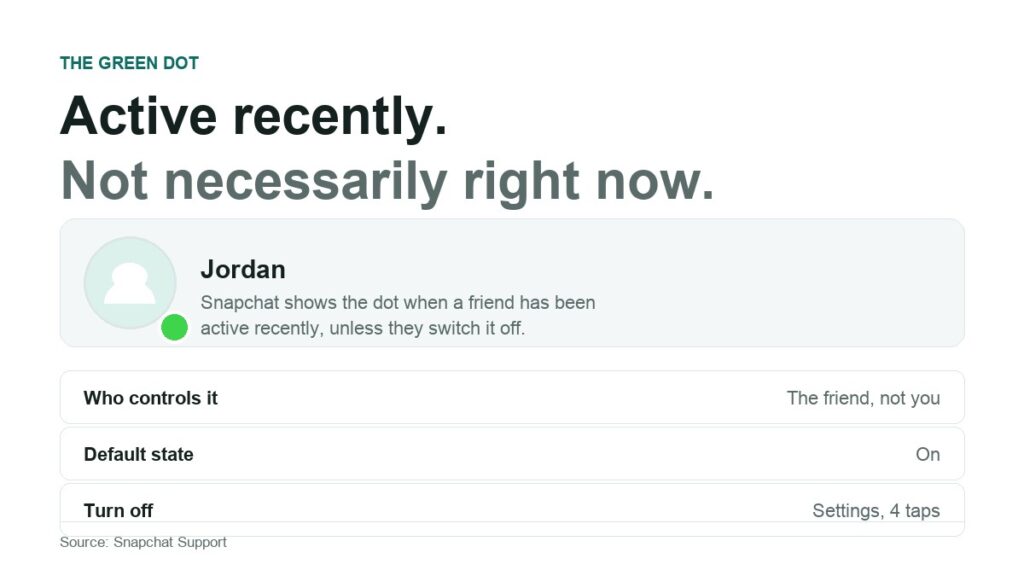
Snapchat calls it the Activity Indicator. Everyone else calls it the green dot, and most of what is said about it online is wrong in a specific and checkable way. This works through the claims one at a time and marks each against what Snapchat actually documents.
The short version, before the detail: the dot means a friend has been active on Snapchat recently, it is on by default, the person it belongs to can switch it off, and Snapchat has never published how long recently lasts.
The Seven Claims, Scored
| Common claim | Verdict |
|---|---|
| The dot means they are online right now | False. Snapchat says active recently |
| The dot lasts about five minutes | Not something Snapchat publishes |
| A dot after I message means they read it | False. Notifications count as activity |
| The dot is per conversation | False. It belongs to the avatar |
| You can hide it from one person | False. It is one account-wide toggle |
| No dot means they blocked me | Almost never. Four ordinary causes come first |
| Turning it off makes you invisible | False. Read receipts are a separate system |
The rest of this article takes each one in turn, with the relevant line from Snapchat’s support documentation attached.
Claim 1: The Green Dot Means Someone Is Online Right Now
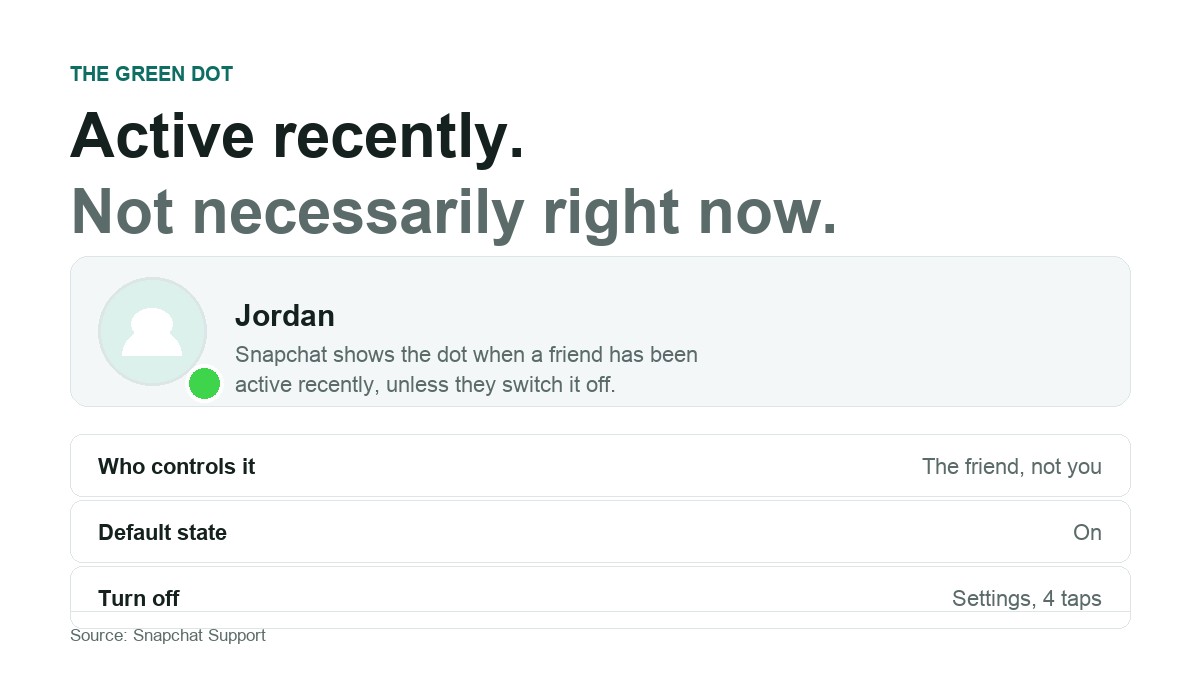
False. The whole of Snapchat’s documented definition fits in one sentence. On Snapchat’s help page for the green dot, the dot shows up on a friend’s avatar to indicate that they have been active on Snapchat recently, and it will show up unless they disable it.
Active recently is not online now, and the gap between the two is where the trouble starts. A lit dot is consistent with someone who opened the app forty seconds ago and put the phone in a drawer. Snapchat makes no claim about live presence and never has.
Claim 2: The Dot Lasts Five Minutes
Unverifiable, and not something Snapchat says. The support page uses the word recently and gives no number. No official Snapchat documentation anywhere states a duration.
Every specific figure circulating online traces back to someone timing it on their own phone. Those observations are not worthless, but they are not policy, and behaviour of this kind can differ by device, connection quality and app version. The honest answer is that the window is undisclosed.
It is also probably undisclosed on purpose. Publish a number and the dot becomes a stopwatch on your friends, which is a considerably more intrusive feature than the one that shipped, and it would lock Snapchat into behaviour it may want to tune.
Claim 3: If the Dot Appears After I Message, They Read It and Ignored Me
False, and this is the most damaging misreading of the lot. Your message generates a notification. Tapping a notification counts as activity. The dot lights up because the app was opened, which tells you nothing about whether your message was read.
Read state has its own separate system. the chat screen icons report it precisely, grouped into six states: sent, received, opened, viewed, screenshot and replay, with distinct icons for a Snap without audio, a Snap with audio and a Chat. If the question is whether something landed, that is the thing to look at, and the dot is a distraction.
Two grey icons are worth learning because both get read as a snub. One can appear simply because the other person has not accepted your friend request yet, depending on their privacy settings. The other means a Snap or Chat is pending and may have expired.
Claim 4: The Dot Is Different in Each Conversation
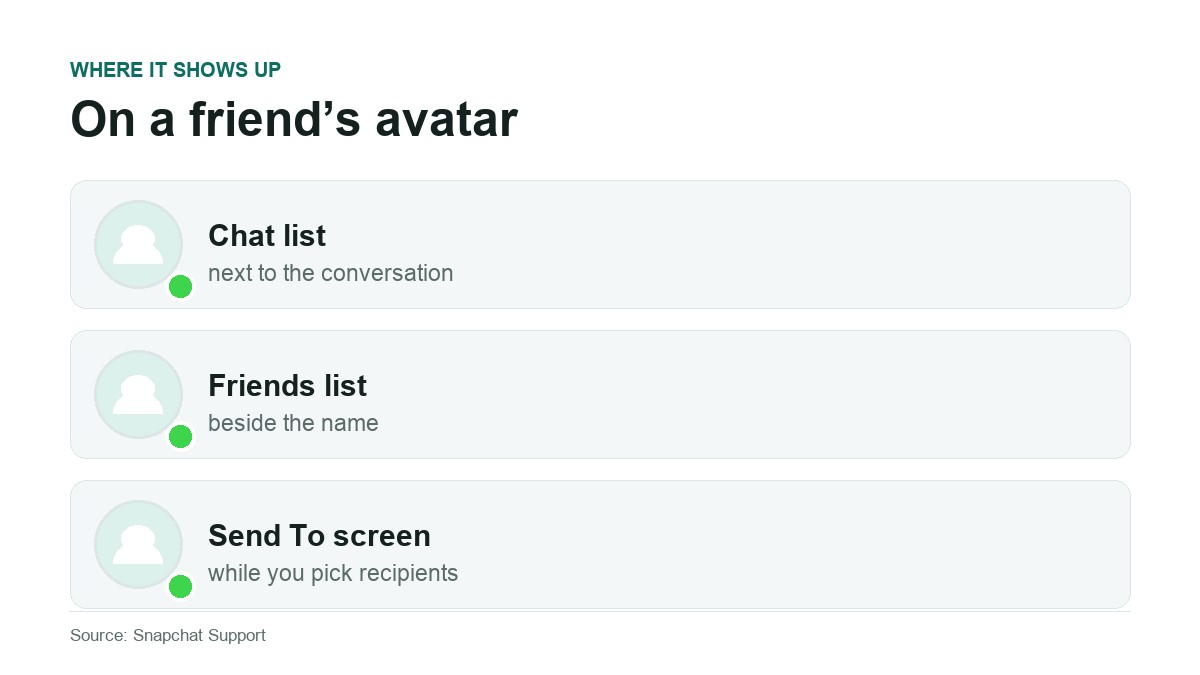
False. The indicator attaches to the avatar, which means it attaches to the person. The same dot appears everywhere that avatar is drawn, and every friend sees it simultaneously. There is no per-conversation version of it.
In practice you will meet it in three places:
- The Chat list, beside each conversation.
- Your friends list, next to the name.
- The Send To screen, while choosing recipients for a Snap.
Claim 5: You Can Hide Your Dot From One Person
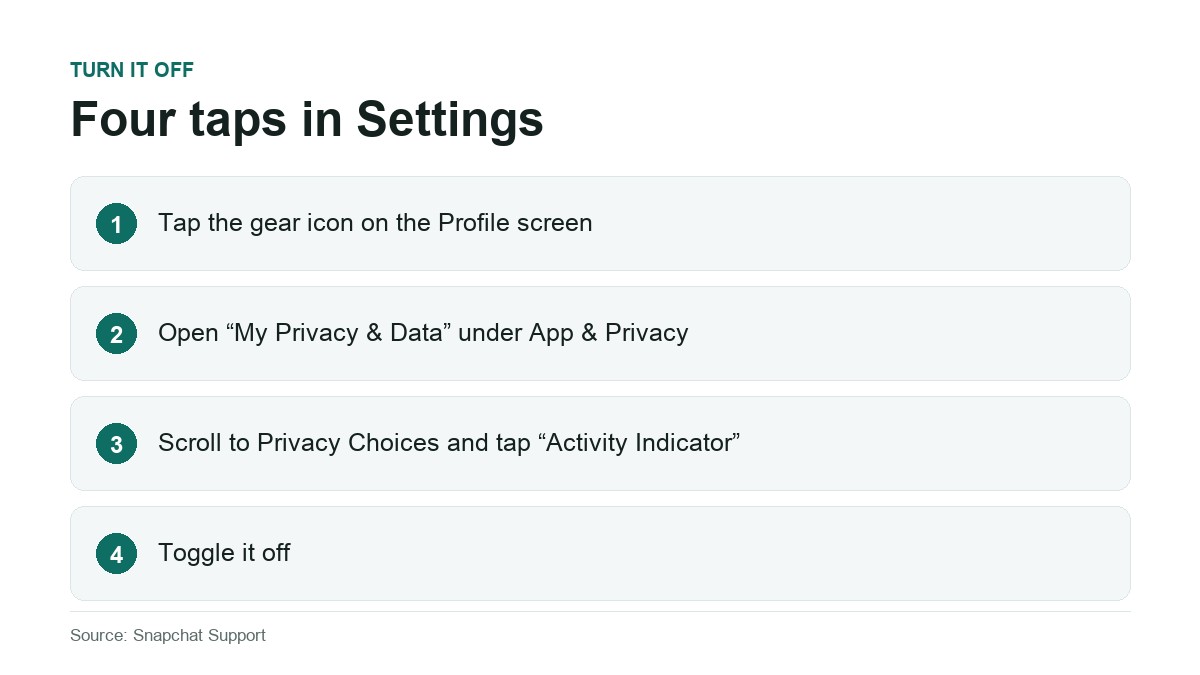
False. The Activity Indicator is a single account-wide toggle. It is on for everyone who can see your avatar or off for everyone, with no per-friend control. Snapchat documents the path:
- Tap the gear icon on the Profile screen to open Settings.
- Scroll to the App and Privacy section and tap My Privacy and Data.
- Scroll to the Privacy Choices section and tap Activity Indicator.
- Toggle it off.
Switching it off stops you broadcasting and does nothing to what you receive, so your friends’ dots keep showing to you. Snapchat sends no notification when you change it, though anyone who was watching your dot will eventually notice it has gone quiet.
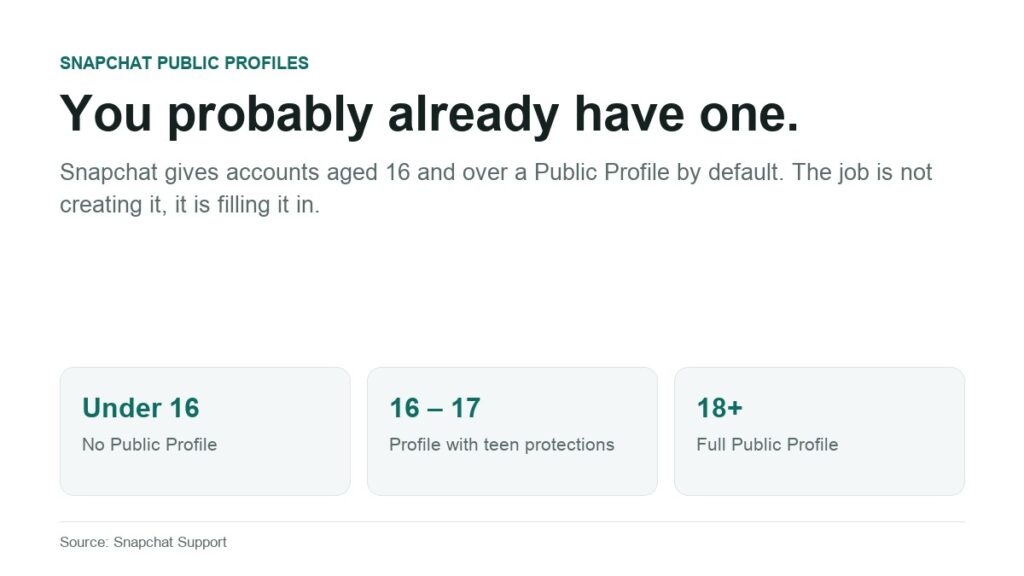
It is a small setting, and a good prompt to read the rest of that menu once rather than living with whatever the defaults were on install. The same reasoning applies to your Snapchat Public Profile, which exists on every account aged 16 and over, and to the wider habits in our guide to protecting your privacy online.
Claim 6: No Dot Means They Blocked Me
Almost never true. Run through the ordinary explanations first, because one of them is nearly always the answer.
- They turned the Activity Indicator off. It is a normal privacy setting and plenty of people switch it off as soon as they learn it exists.
- Their activity aged out of the undisclosed window, which happens with no action from anyone.
- They are not a friend of yours. The indicator appears on friends’ avatars, so an account you have not added will never show one.
- Your app is showing stale state. Pull to refresh the Chat list, or close and reopen Snapchat.
Blocking produces its own separate and more visible effects. An absent dot on its own is evidence of nothing.
Claim 7: The Green Dot Is the Same as Snapchat’s Other Signals
False, and they are worth telling apart. Snapchat runs several indicator systems that look superficially similar and measure completely different things.
- Chat screen icons. Delivery and read state for individual messages. Covered above, and documented by Snapchat under the chat screen icons.
- Friend Emojis. The small emoji beside a name describe relationship history, including streaks and mutual best friends. Nothing to do with activity.
- Snap Map. A friend’s Bitmoji on the map is location sharing with its own settings. The green dot carries no location data of any kind.
- Typing indicators. Snapchat signals separately when someone is composing a reply. The dot says nothing about whether anyone is writing to you.
Claim 8: Turning the Dot Off Makes You Invisible on Snapchat
False, and worth understanding before you rely on it. The Activity Indicator governs one narrow signal: whether your recent app use is broadcast to friends. Everything else Snapchat reports about you carries on unchanged.
- The chat icons still show that you opened a Snap or a Chat, and still show a screenshot if you take one.
- Streaks continue, and Friend Emojis continue to reflect your messaging patterns.
- Snap Map continues to share your location if you have it switched on, because it is governed separately.
- Story view lists still show that you watched someone’s Story.
So the toggle is a way of removing ambient presence, not a privacy mode. If your aim is to stop a particular person knowing what you are doing, the Activity Indicator is one of five settings that matter, and probably not the most important of them.
Frequently Asked Questions
What does the green dot mean on Snapchat?
That a friend has been active on the app recently, in Snapchat’s own words. It appears by default on accounts that have not disabled it, and it makes no claim about whether the person is on their phone at this moment.
How do I turn off the green dot on Snapchat?
Open Settings from the gear icon on your Profile screen, tap My Privacy and Data under App and Privacy, scroll to Privacy Choices, tap Activity Indicator, and toggle it off. It applies to your account as a whole and cannot be set per friend.
Does turning off the green dot stop people seeing when I open their Snap?
No, and this is the limit of the setting. The chat screen icons still report opened, viewed and screenshot state for individual messages. What you remove is ambient presence, not read receipts.
Why does my friend have a green dot when they are asleep?
Because the dot reports recent activity within an undisclosed window rather than current presence, and because background app behaviour can register as activity on a phone that has just reconnected. It is not a reliable indicator of what anyone is doing.
Can I see the green dot on someone who is not my friend?
No. Snapchat describes the indicator as appearing on friends’ avatars. An account you have not added will not show one, which is also a common and undramatic reason people think a dot has disappeared.
Related Articles

Get the TrustPost briefing
The stories that matter, in your inbox. No spam, unsubscribe anytime.
Newsletter signup will be available soon.
Related stories
How to Make a Public Profile on Snapchat
Snapchat creates a Public Profile for every account aged 16 and over. A privacy audit of what strangers can see, what you control, and the extra rules for 16 and 17 year olds.

Your Instagram Posts Can Now Rank on Google: Here’s How to Take Advantage
For years, there was a wall between Instagram and the rest of the internet. You could pour hours into a post, and none of it would ever show up when someone searched…

How Much Do YouTubers Make Per View. Full Breakdown and Clear Numbers
People often think YouTube pays one fixed amount for every view. That sounds simple, but the real system works in a different way. Every view has different value based on the topic…